PYKO-out: Professional IP audio endpoint
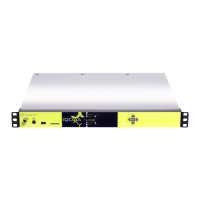
- Gateway TCP client : in this mode, PYKO-out establishes the TCP link with another PYKO
configured in server mode, and sends the serial data to the unicast or multicast address defined
in « IP address » and to the TCP port defined in « Connection port ».
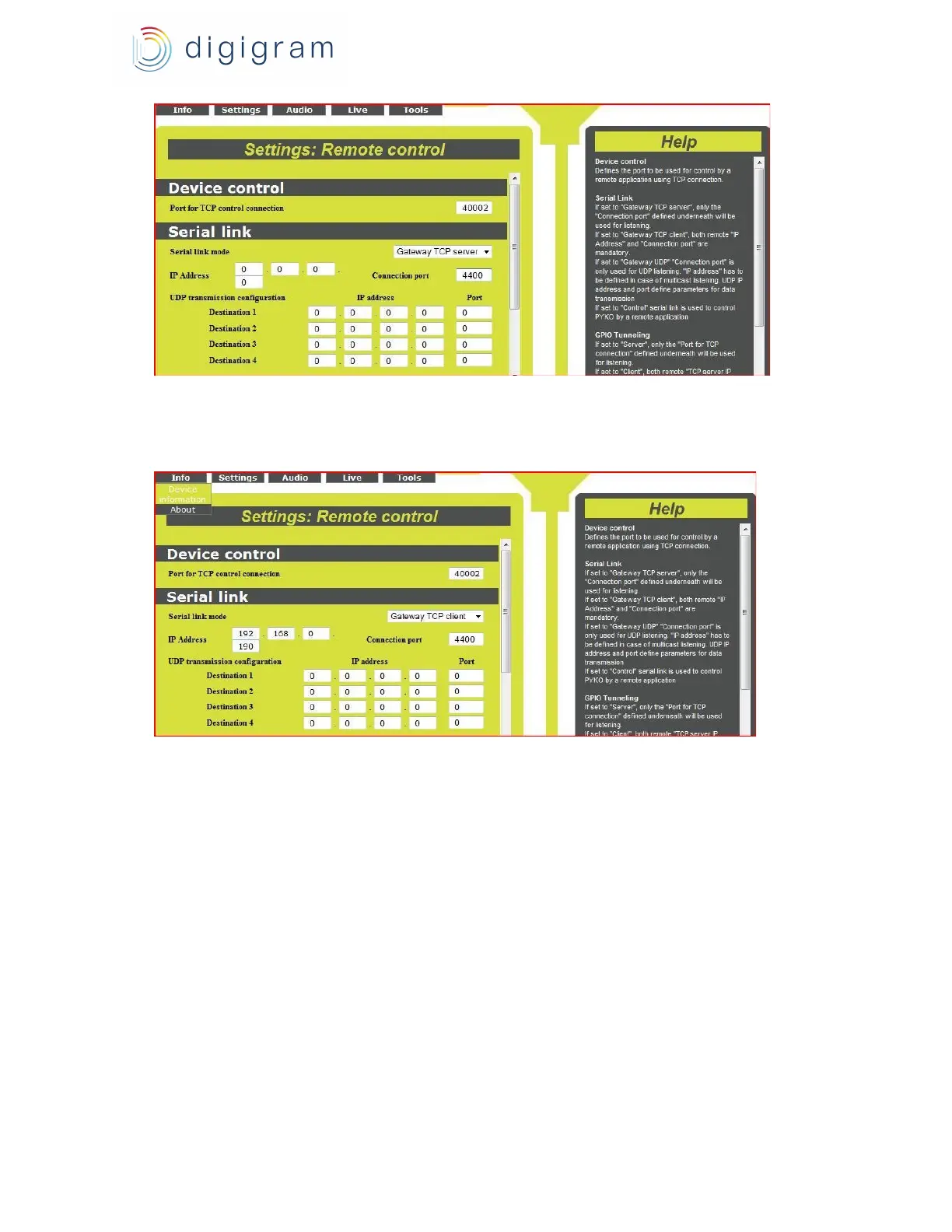
To enable the UDP mode, select « Gateway UDP » for parameter «Serial link mode ».
PYKO-out listens to the serial data it receives on the UDP port defined in « Connection port ».
The parameter « IP address » must then be filled in case serial data are sent to a multicast
address.
PYKO-out can send serial data in UDP mode towards maximum 4 destinations. These
destinations are couples of « IP address / UDP port » defined in parameters « Destination 1 » to
« Destination 4 » in section « UDP transmission configuration ».
15


 To Next Page