PYKO-out: Professional IP audio endpoint
6.14. Using PYKO-out with Audio Manager
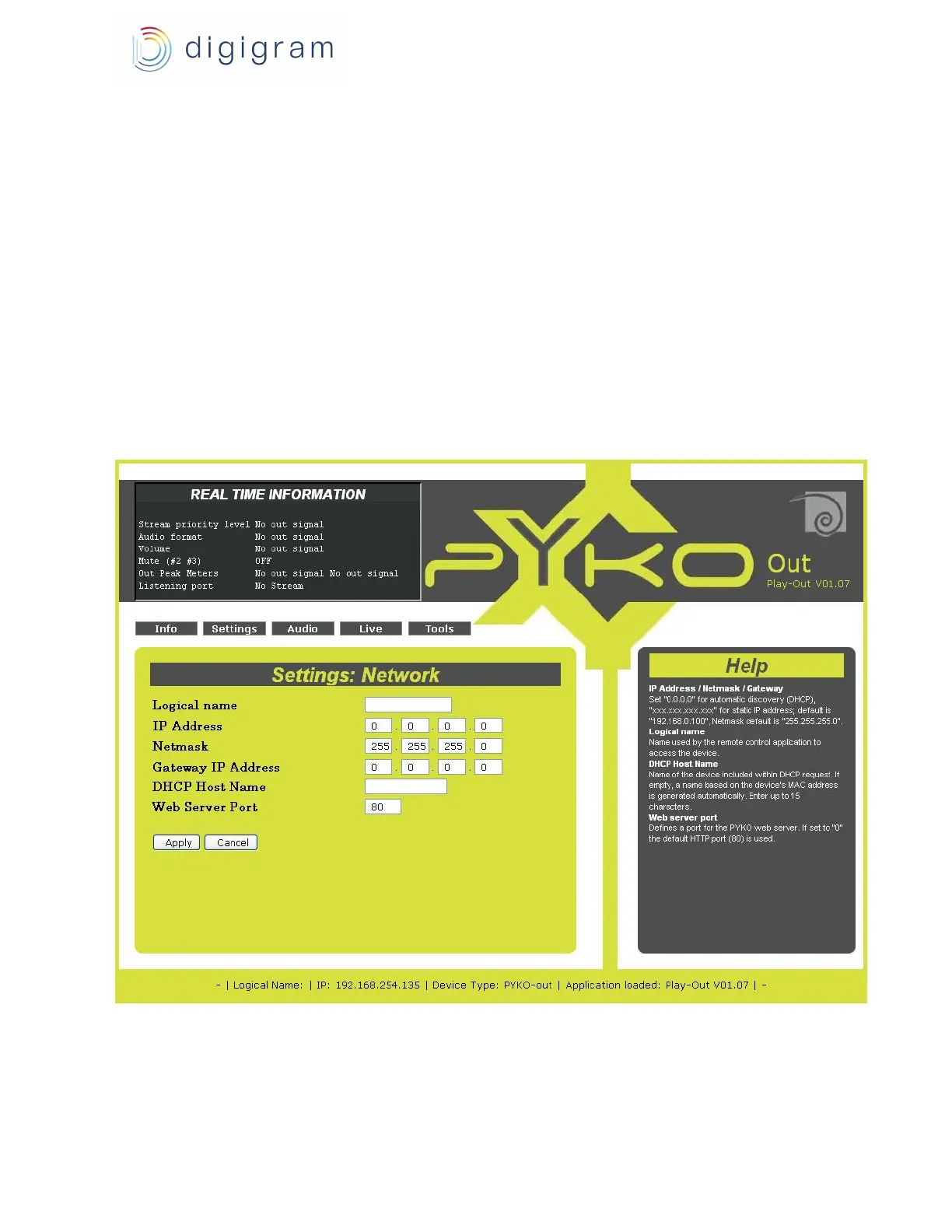
If you use your PYKOs with Audio Manager, you will first have to either assign an IP address through
the web pages or turn the DHCP on (Audio Manager will then automatically assign an IP address).
Audio Manager Server will detect this address and allow the Audio Manager Client to configure it.
To be detected by Audio Manager, the TCP control port has to be set to “40002”, the UDP listening port
to “40004”. These are also the values defined in the factory configuration.
You may decide that Audio Manager is to control PYKO-out only in part. In this case, use the PYKO-out
html pages to configure the device accordingly (cf. on-line help of the pages).
For more details on managing PYKO through Audio Manager, please refer to its on line help.
6.15. PYKO-out in ‘stand-alone’ mode
You can now access the embedded html pages that will allow you to configure the device.
22


 To Next Page