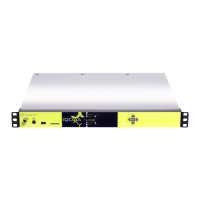
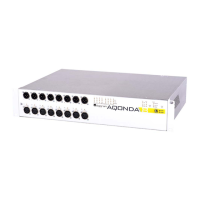
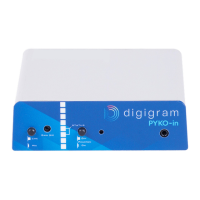
PYKO-out: Professional IP audio endpoint
GPIO tunneling mode configuration
GPIO tunneling consists in transmitting GPI statuses of a PYKO to the GPOs of another PYKO.
Its configuration can be done from section « GPIO tunneling ».
PYKO-out can receive distant GPI statuses, or transmit its GPI statuses.
To receive distant GPIs statuses, select option « Server » from parameter « Tunneling mode »,
and select the listening TCP port from parameter « Port for TCP connection ».
To send GPI statuses, select option « Client » from parameter « Tunneling mode », and select
the destination IP address and TCP port from parameters « TCP server IP Address if client
mode » and « Port for TCP connection ».
Click on Apply to confirm the parameters.
6.9. Configuration of decoding priority levels
The sources PYKO-out can decode are :
○ an RTP IP audio stream. Supported audio formats are PCM, mp3, AAC-LC or G711.
○ HTTP IP audio stream (shoutcast or Icecast) in mp3 .
○ M3u playlists with mp3 sound files, stored on the USB memory stick.
PYKO-out can decode these sources according to 3 priority levels (priority1 being the highest
priority, and priority 3 being the lowest). At any time, PYKO-out decode the highest priority which
source is present. This allows the following :
- getting automatic backup in case a source is lost (typically an IP stream).
- automatic switching to a high priority message while decoding a medium priority (background
music for instance).
The configuration consists in declaring a source for each necessary priority level.
Rdaio broadcasting example:
- Priority 1 = RTP stream
- Priority 2= HTTP stream (fir st backup is an internet radio)
- Priority 3= USB Playslit (second backup in case no stream is received)
Go to menu « Audio », and select the priority level to configure.
Priority level 1: Stream priority #1
16


 To Next Page