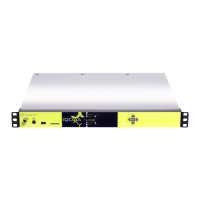
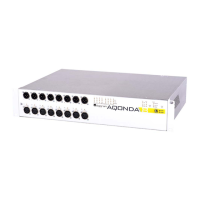
PYKO-out: Professional IP audio endpoint
update before updating the next component or unplug the power supply to reboot the device’ in
the message, and then click on the ‘Reboot’ button to apply the uploaded firmware.
Firmware are available from Digigram WEB site. Firmware update procedure is as follows.
● Go to <Tools>, <Update>.
● Click on « Browse » to select the firmware file you have downloaded from Digigram WEB
site.
● Click on ‘Upload’.
● Once the message ‘… successfully loaded’ is displayed, click on the link ‘Click on update
before updating the next component or unplug the power supply to reboot the device’,
● Click on ‘Reboot’, or disconnect and reconnect the PYKO power supply.
Note that a firmware update stops the audio activity of PYKO, and restarts PYKO.
21


 To Next Page