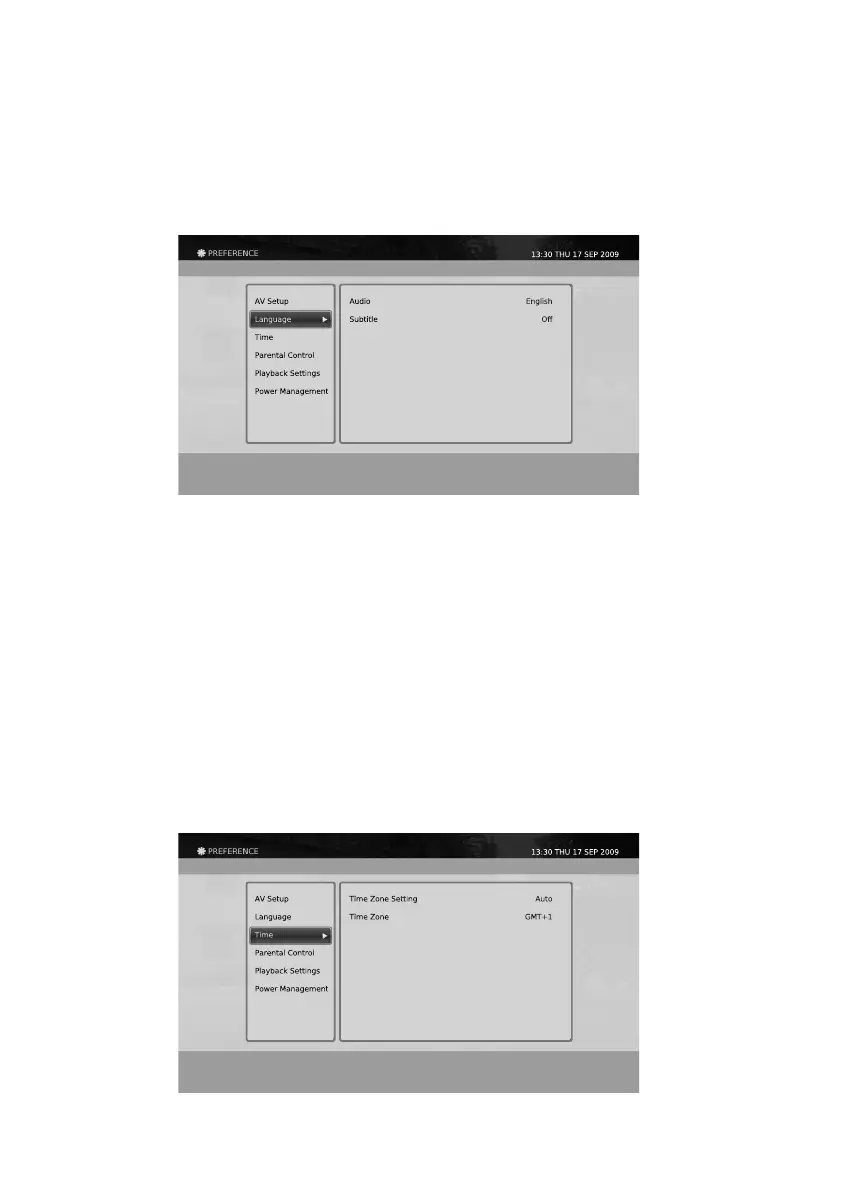
The current time can be congured using this menu.
Time
The language settings for audio and subtitle can be congured using this menu.
Language
Selection: English, Welsh, Gaelic
This function is only valid if the source supports multi-language service.
Selection: Off, English, Welsh, Gaelic
This function is only valid if the source supports subtitle service
1. Press the MENU button.
2. Select Preferences using the
◀/▶/▲/▼
button and press the OK button.
3. Select Language using the
▲/▼
button and press the OK button.
Audio
Subtitle
Selection: Range of 0 to 250ms
Also by using the P+/P- key, the sync value can be adjusted by 10ms.
The Lip Sync Adjustment can only be adjusted through the range of 0 to 250ms and only be affected on the
SPDIF audio output.
Lip Sync Adjustment
40



 To Next Page