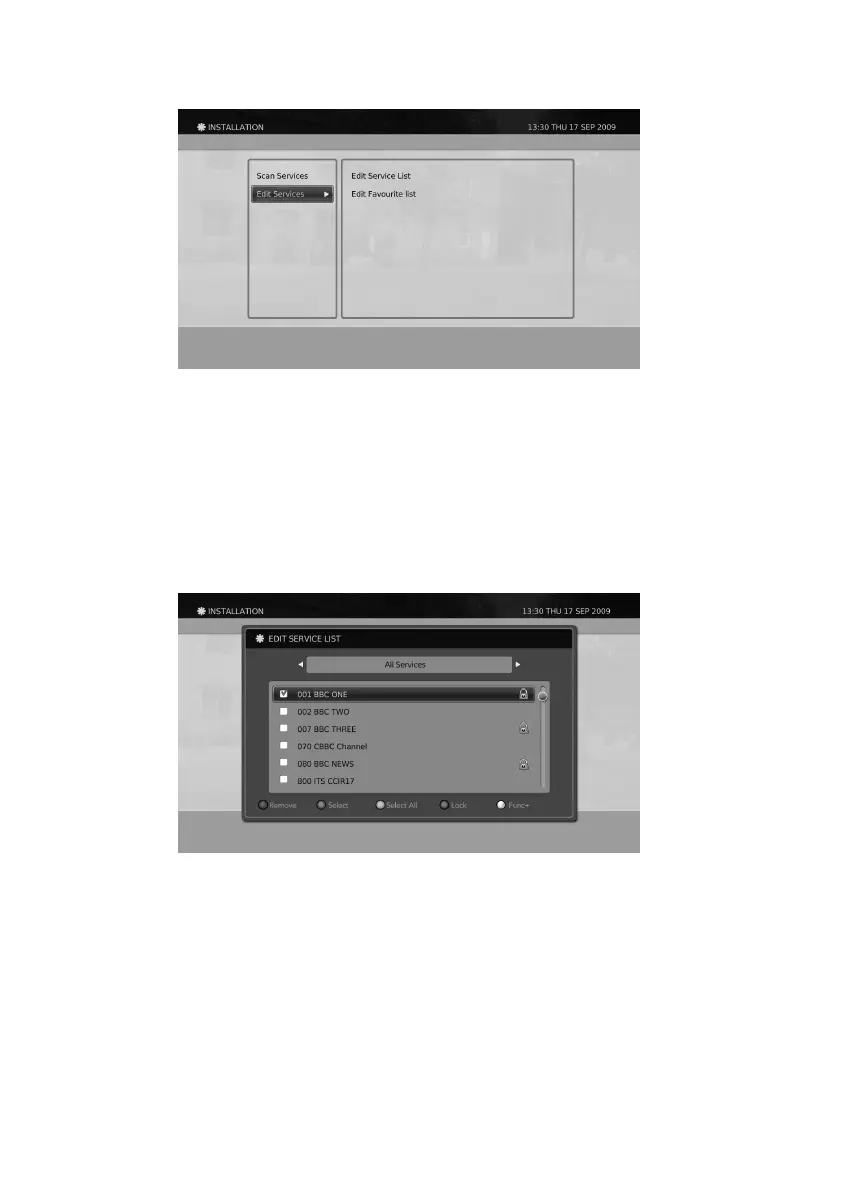
Edit Service List
1. Select Edit Service List using the
▲/▼
button and press the OK button.
2. Insert the PIN number.
3. Select a service using the
▲/▼
button or the GREEN button and press the OK button.
You can select more than one service. Press the OK button or the GREEN button again to unselect the
selected service.
4. Press the YELLOW button to select all services. Press the YELLOW button again to unselect all selected
services.
The functions for the Colour Buttons on the remote control while navigating the EDIT SERVICE LIST is as below.
General Information
Edit Services
You can edit service list and favourite list by using this menu.
1. Press the MENU button.
2. Select INSTALLATION using the
▲/▼
button and press the OK button.
3. Select Edit Service List using the
▲/▼
button and press the OK button
46


 To Next Page