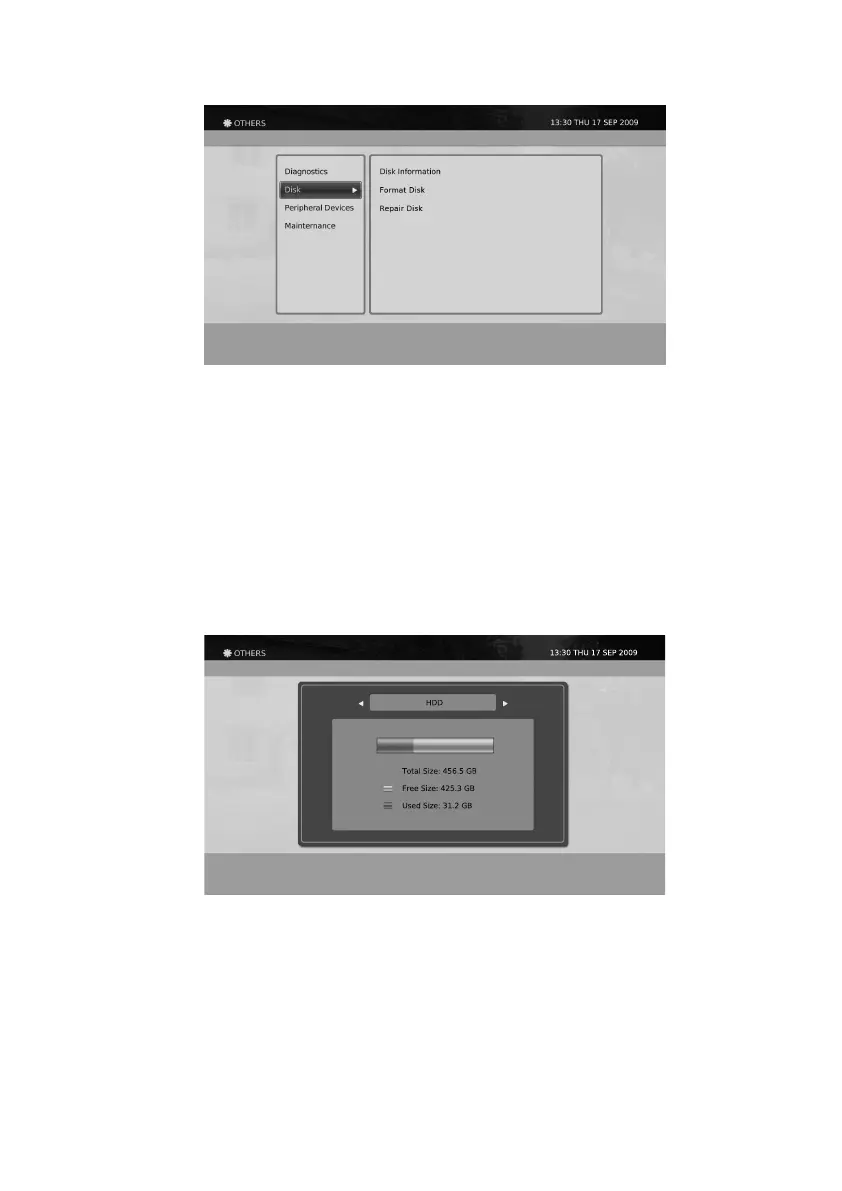
You can view the information of the Hard Disk Drive using this menu.
Disk Information
Disk
Your product supports basic operation for your disk such as viewing disk information or formatting your disk.
1. Press the Menu button.
2. Select Others using
◀/▶/▲/▼
button and press the OK button.
3. Select Diagnostics using the ▲/▼ button and press the OK button.
51
You can format your internal Hard Disk Drive using this menu. When using this menu, you will be asked for
the PIN number. The default PIN is 0000. Also you will be asked again for conrmation after entering the PIN
number.
Format Disk


 To Next Page