Note:
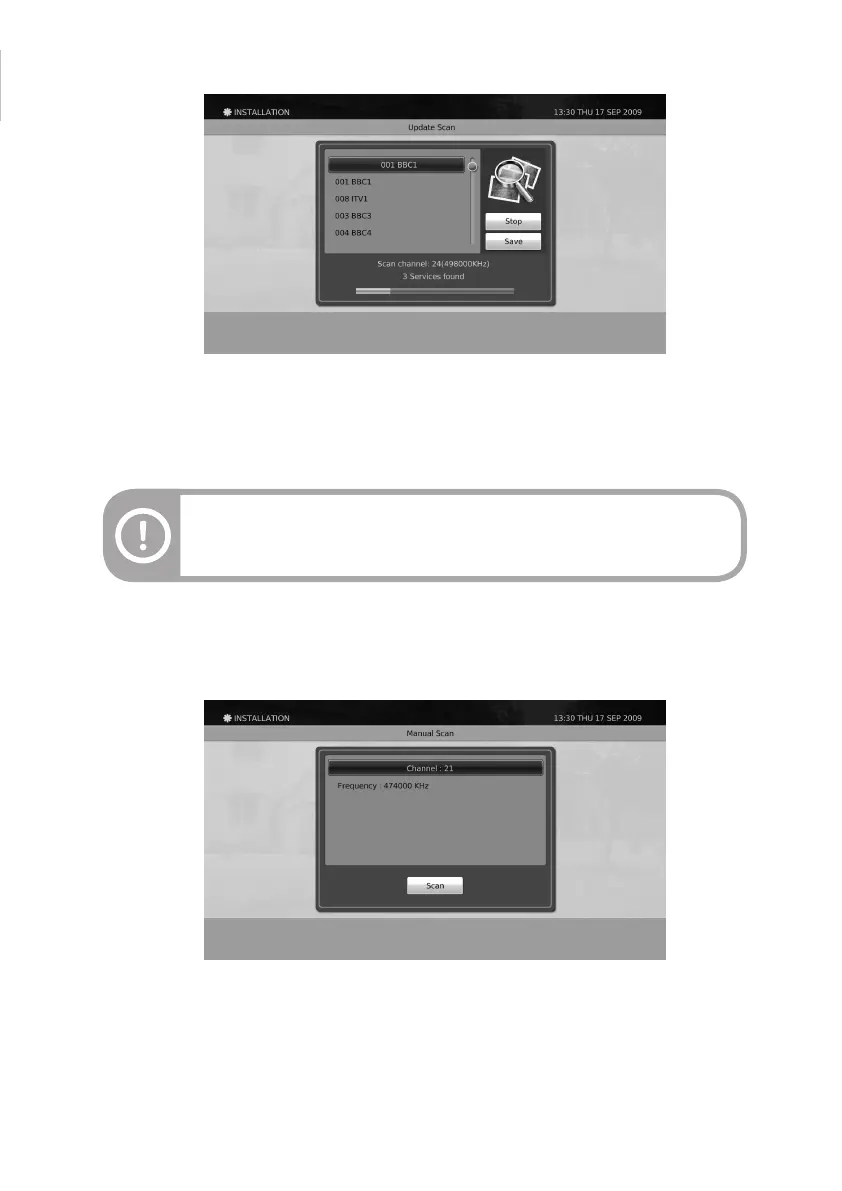
Update scan will not erase the previously searched services, but only update the
previous service list.
Manual Scan
1. Move the cursor to Channel to manually scan services by RF channel numbers and press the OK button.
You can also manually scan services by selecting a particular frequency and press the OK button.
2. To start scanning, move the cursor to the Scan button and press the OK button to start scanning.
3. The scanned services can be saved by moving the cursor to the Save button and then press the OK button.
Update Scan
1. When the Start button is highlighted, press the OK button to start update scanning.
2. After the scan operation is nished, it will automatically highlight the Save button. Press the OK button to
update the searched services.
45


 To Next Page