EasyManua.ls Logo

Digitax M1 mdt - Windows PC Connection (Active Sync)

Digitax M1 mdt
84 pages
Print Icon
To Next Page IconTo Next Page
To Previous Page IconTo Previous Page
Loading...
The information contained here are property of DIGITAX Automotive Electronics Italy, and extremely con dential. Any disclosure, copying, distribution to third
party
is strictly prohibited.
54
Ac ve Sync
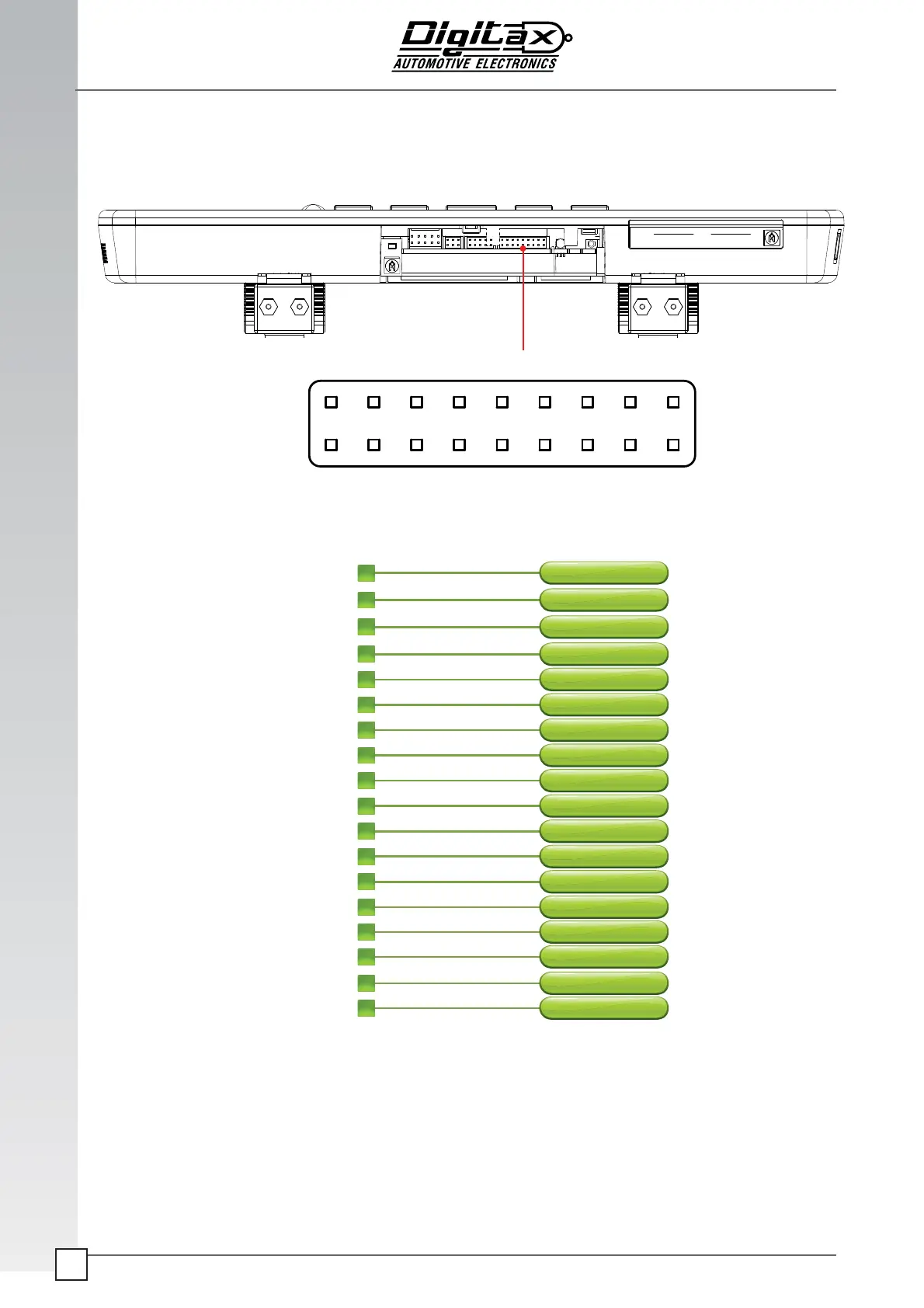
Go to page 67 for details to ac vate or deac vate it.
It is necessary to use a standard type “A” male to male usb cable to connect the PC to the ac vesync USB2 female
connector of the M1 MDT.
WINDOWS
RS232 / USB
1
2
3
4
5
6
7
8
9
10
11
12
13
14
5
16
17
18
1
2
3
4
5
6
7
8
9
10
11
12
13
14
15
16
17
18
USB2 - 5V NL USB CLIENT
USB1 - 5V
USB2 - DN
USB1 - DN
USB2 - DP
USB1 - DP
GNU
GNU
GNU
GNU
C
OM5 - TXD
COM6 - TXD
COM5 - RXD
COM6 - RXD
ENGINE INPUT
INPUT 1 DIGITAL
PANIC INPUT
INPUT 2 DIGITAL

Related product manuals