12
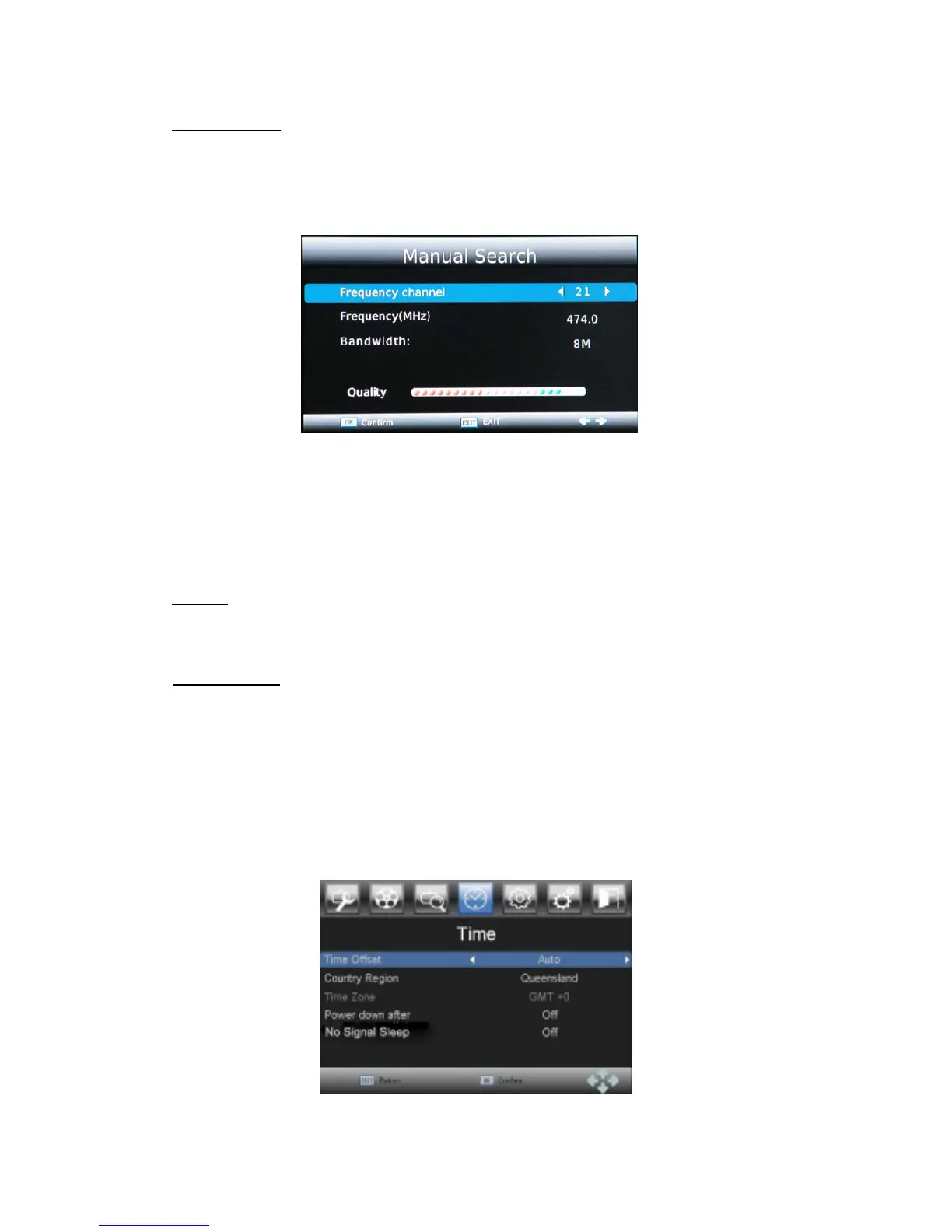
Manual Search
Install new channels manually. This option adds new channels without changing the current
channels list. Press
LEFT and RIGHT
to select the channel number or enter the channel
number using [0-9] buttons. Press
OK
to start searching channels
A found channel will be saved and added to the channels list. If channels can’t be found,
then exit the menu.
Notice
:
Signal quality and level indicators will show presence of the signal on selected
channel frequency.
Country
Select your country of residence. It is important to set the correct country as some tuning
parameters depend on the country.
Antenna Power
Select Antenna Power On or Off
3.5 Time
Press MENU and select time using LEFT and RIGHT buttons. Press OK or DOWN
button
to edit time. Press EXIT to exit the menu.
Press UP and DOWN to select an option and press LEFT and RIGHT to adjust the setting.
Press EXIT to exit the menu.



 To Next Page