30
10. Copy&Delete
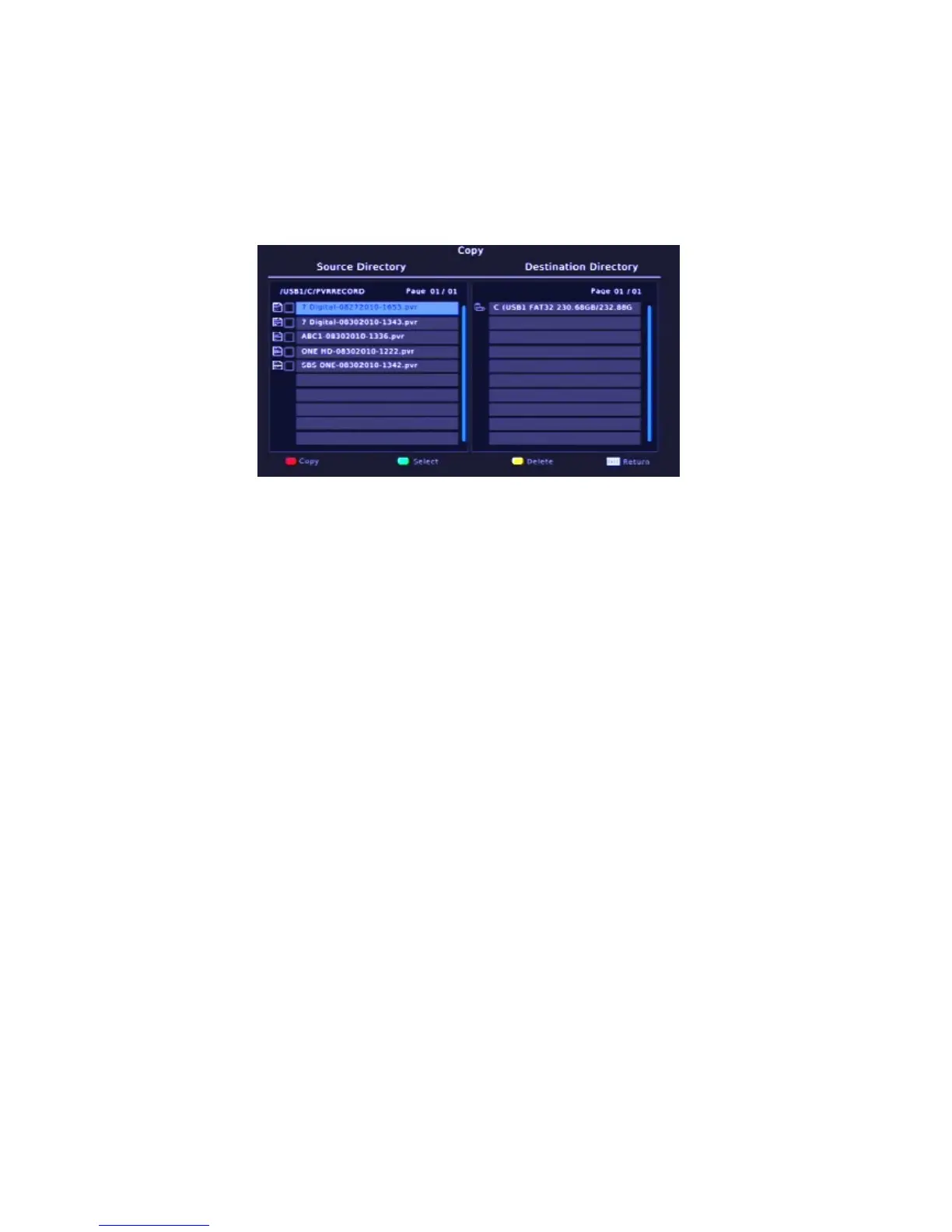
In the HOME menu, press the copy/del button to enter copy&delete mode.
The following operates according to the help icon,
Press UP, DOWN, LEFT and RIGHT to
select an option. Press EXIT to exit the menu.
10.1 Copy
1), in the source directory, press the OK button to select the device, then press the
GREEN button to select the file/folder
2), in the destination direction press the GREEN button to select the device/folder
3), press RED button to copy.
10.2 Delete
In the source directory, press the OK button to select the device. Then press the
GREEN button to select the file/folder. Press YELLOW button to delete.



 To Next Page