23
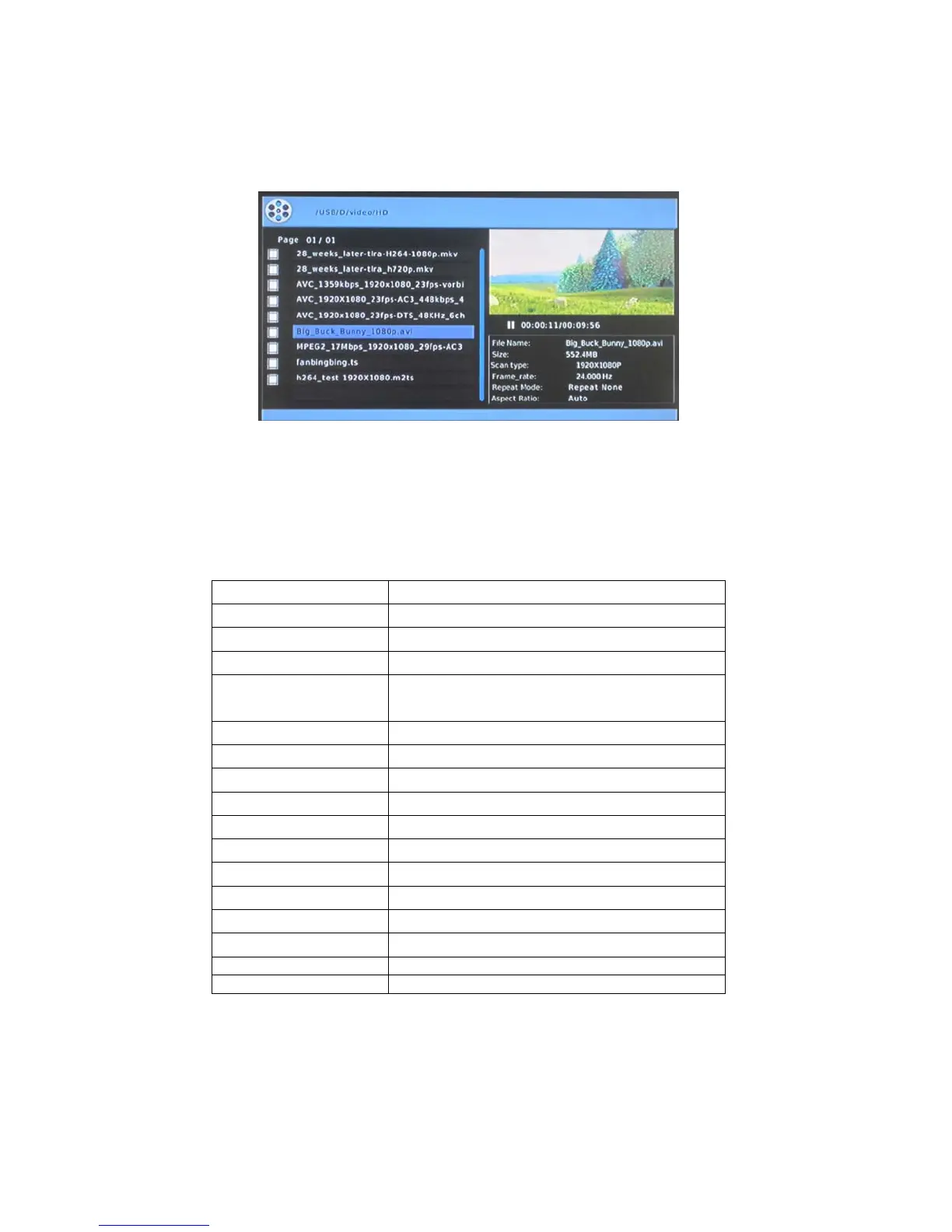
6. Movies Menu
Enter the folder press UP / DOWN button, to select the file you want to view and press
OK button to play.
1) Introduce
►
||
Play/pause
■
Stop
16:9/ 4:3 16:9/ 4:3
Info Show information of the video
A-B
Set the beginning and end points of a
section to repeat.
Subtitle Switch between different Subtitles
Audio Switch between different audios
Repeat Press to set repeat option.
◄◄
/
►►
Fast Rewind/ Fast forward
|
◄◄
/
►►
|
Previous / Next
VOL+/VOL--
Increase/ decrease the volume.
GOTO Go to the time you choose and play
F.SCREEN Full Screen
ZOOM Zoom in
Left/ Right Select all / one
PG. up/ PG. down Page up/ Page down
2).Info:
Display file name, type, resolution, frame rate, total time, current time, audio track,
subtitle and program information.



 To Next Page