17
4.2
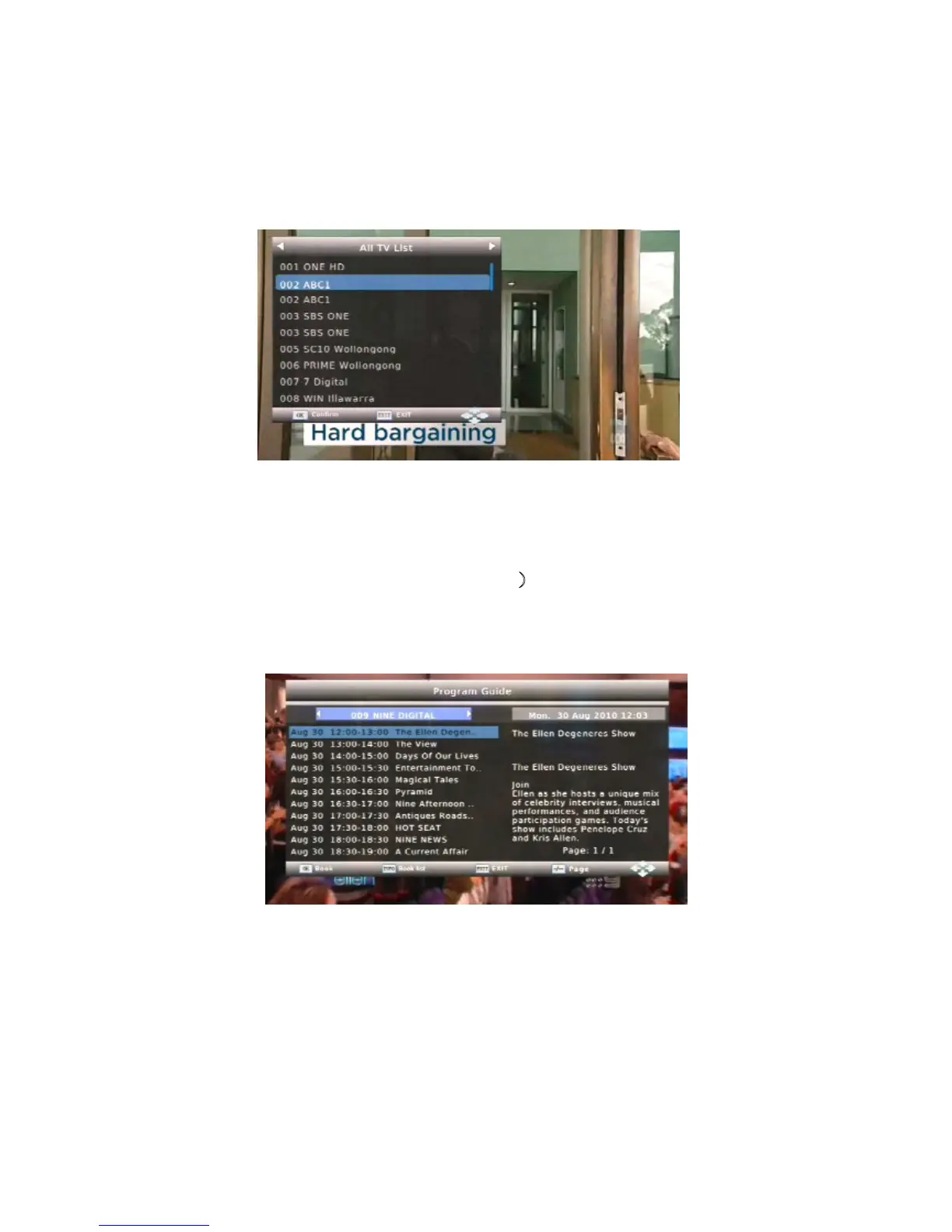
Program
List
Menu
Press
the
OK
button
when
watching
DVB-T
TV
programs
and
the
program
list
menu
where
you
can
see
the
program
number
and
name
will
be
displayed
.
Press
the
OK
button
to
confirm.
Press
the
PG.UP
/
PG.DOWN
button
to
turn
up
/down
pages. Press
the
UP
/
DOWN
button
to
select
channels.
4.3 Electronic Program Guide(EPG)
The EPG is an on-screen TV guide that shows the program schedule for up to seven days in
advance for every tuned channel. Press
EPG
button to access the menu.
To book reminder for desired event press
OK
button.
To display a list of booked events press
INFO
button.
You will find more details about the booking of reminders in chapter 6 “The
Timer
Record”



 To Next Page