7
3.
DTV Menu Guide
3.1 Installation Guide
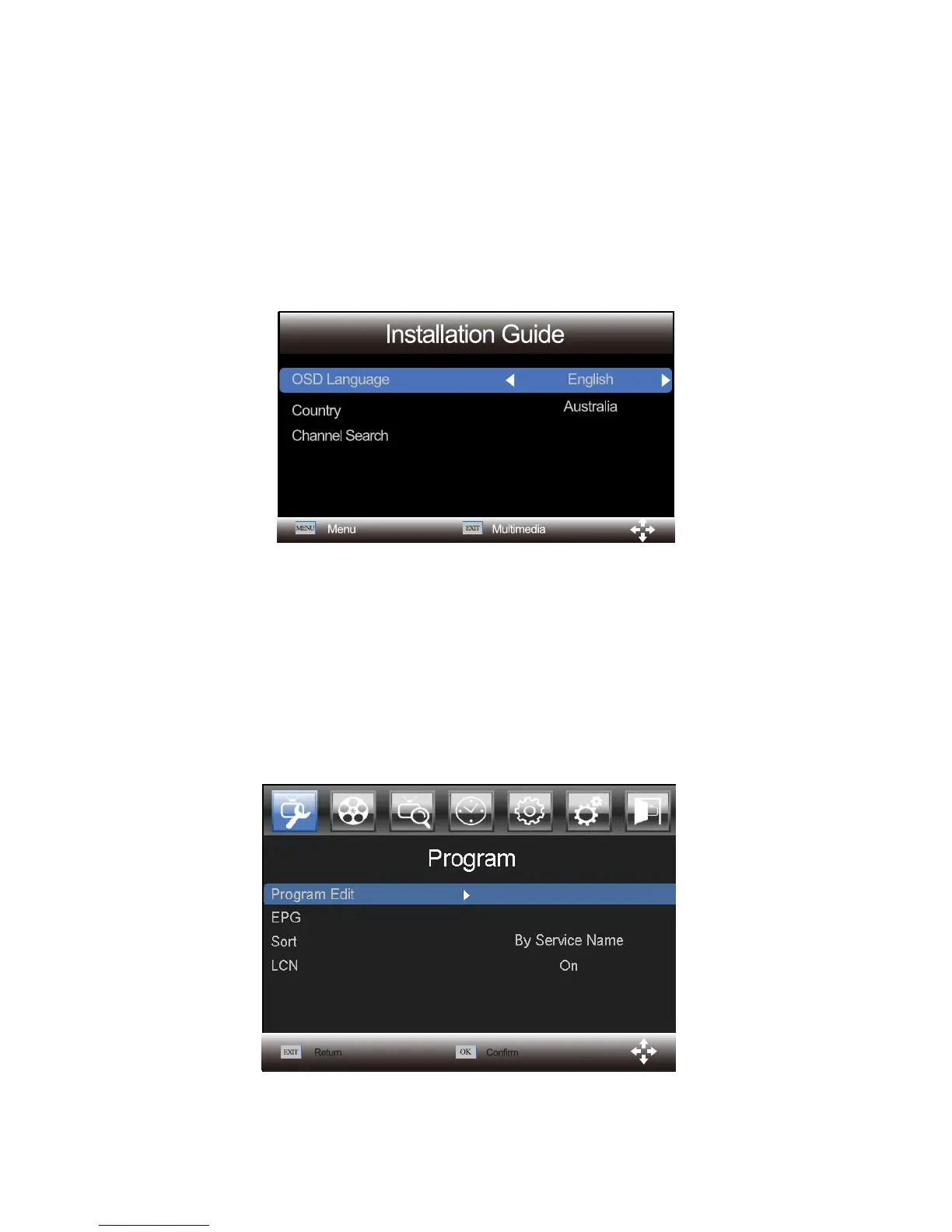
The “Installation Guide " menu would appear when it is a new machine or there are no
any programs. Use LEFT and RIGHT buttons to select the language of your preference
Country, and your country of residence. Then select "Channel Search" and press OK
button to confirm auto search.
Notice: you can press MENU button to enter the DTV menu to use manual
search.
3.2 Program
Press MENU and select Program using LEFT and RIGHT buttons. Press OK or DOWN
button to edit program settings. Press EXIT to exit the menu.



 To Next Page