4
2.3 Quick Setup
(Step 1) – Select Your Television & Connection Type
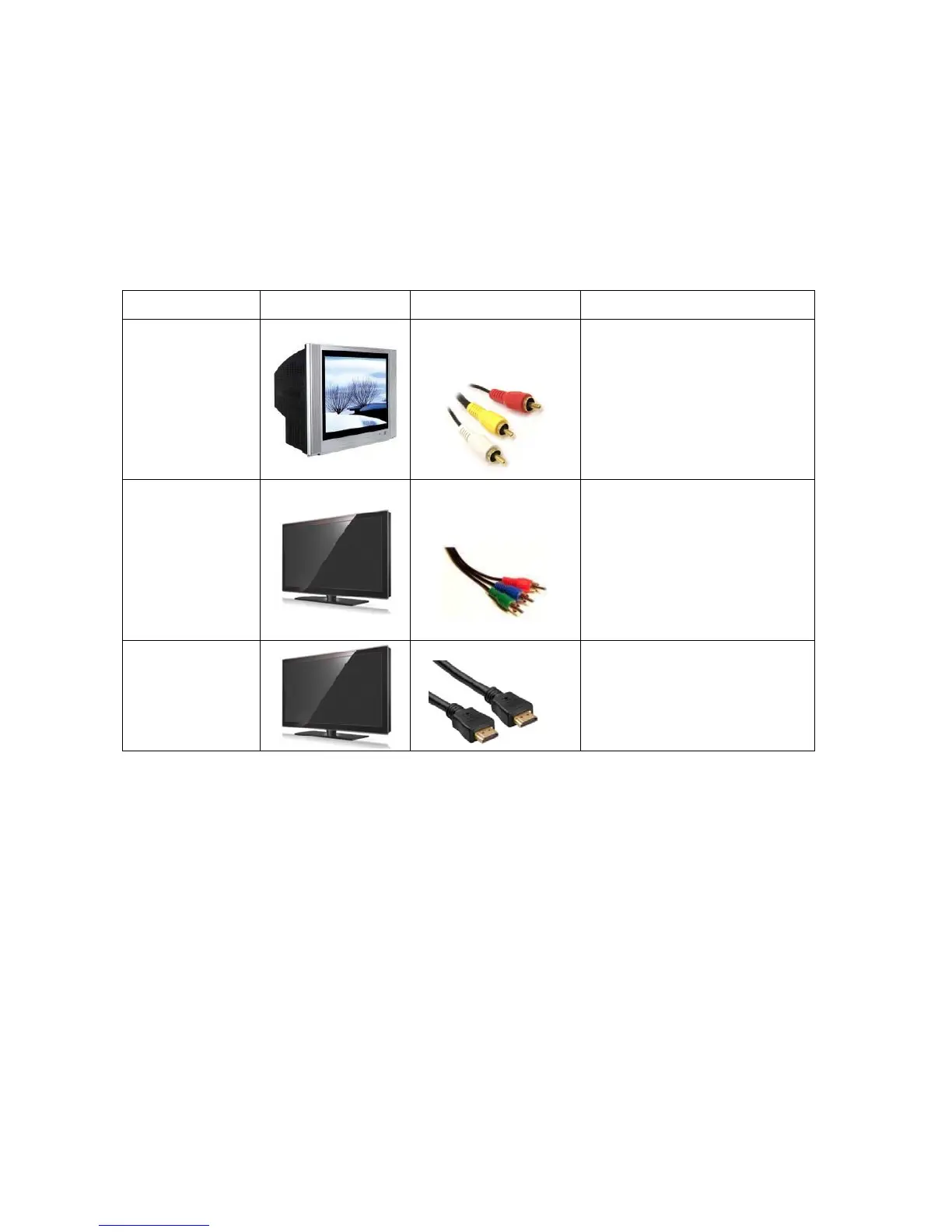
Display Type Image Connection Type Required For
Standard
Definition TV
Composite Video &
Audio Connection
All CRT TV’s,
Some Non HD Ready Rear
Projection TV’s,
Some Non HD Ready LCD and
Plasma TV’s
Standard
Definition
Plasma or LCD
TV
Component Video
Connection
Most LCD and Plasma TV’s,
Rear Projection TV’s & Digital
Projectors.
Note: Red & white audio leads
are also needed when using the
component video connection.
High Definition
Plasma, LCD &
LED TV
HDMI Connection
Recommended for all HD TV’s
with HDMI input available.
Analog A/V Cable Identification.
Composite Video & Audio: Yellow Video with Red & White Audio Leads.
Component Video: Red, Green & Blue Leads (used with red & white audio leads).



 To Next Page