14
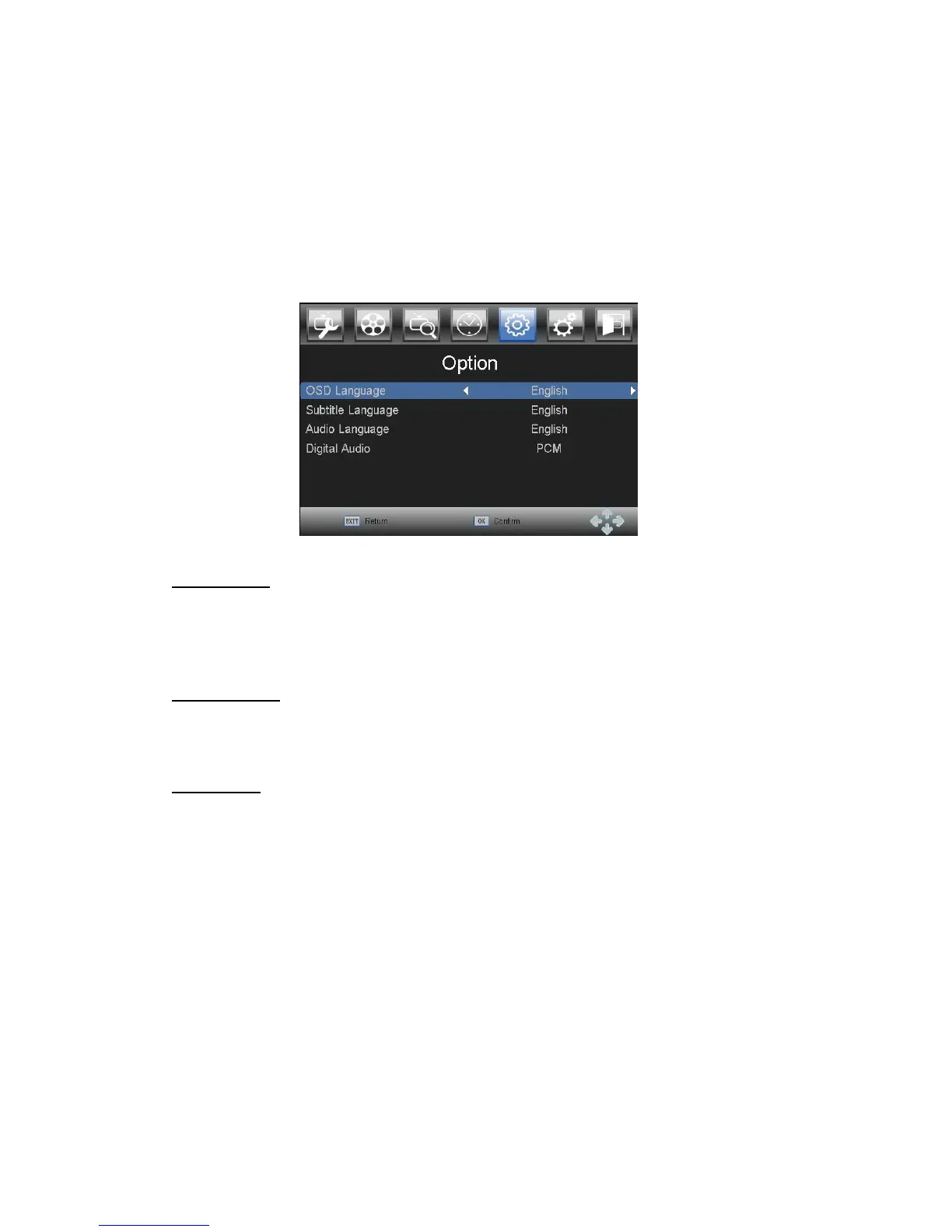
3.6 Option
Press MENU and select option using LEFT and RIGHT buttons. Press OK or DOWN button
to edit time. Press EXIT to exit the menu.
In this menu you can to adjust the OSD Language, Subtitle Language, Audio Language and
Digital Audio mode.
Press UP and DOWN to select an option and press LEFT and RIGHT to
adjust the setting. Press EXIT to exit the menu.
OSD language
Select the preferred language of On Screen Display.
Subtitle language
Select the preferred subtitle language.
Audio language
Select the preferred audio language for watching TV channels. If the language is not available,
the default program language will be used
Digital Audio
Select digital audio output mode
PCM – audio from any format will be converted to PCM format
RAW – audio from player will be send in original format
OFF – digital audio output disabled



 To Next Page