26
7.2 BGM (background music)
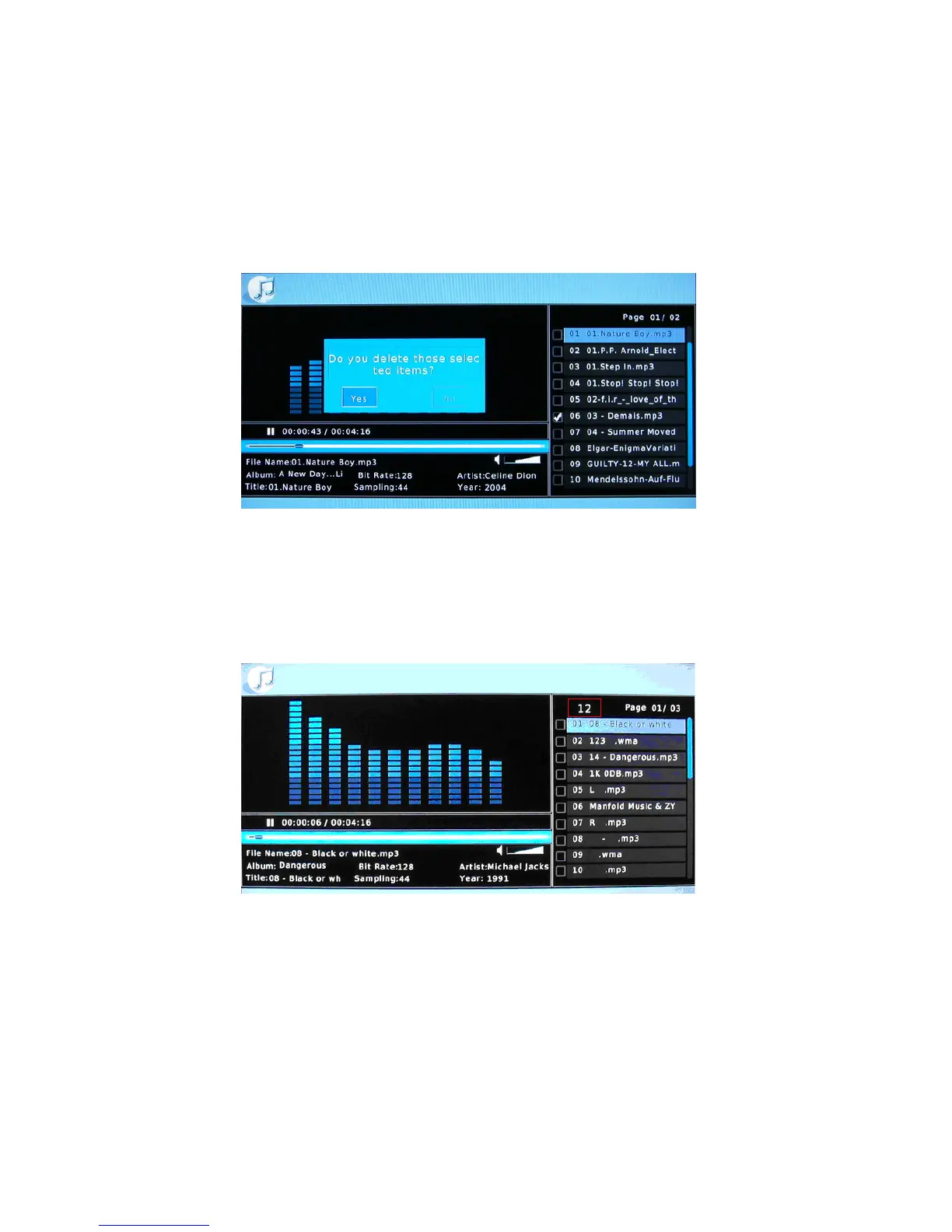
In music menu, when you select the file, press BGM button and it becomes the
background music. You can edit the playlist. Press RIGHT to select one, press LEFT to
select all, press OK to delete.
Directly press the digital number button to go to the song with the number, press OK
button to play.



 To Next Page