27
8. Photo Menu
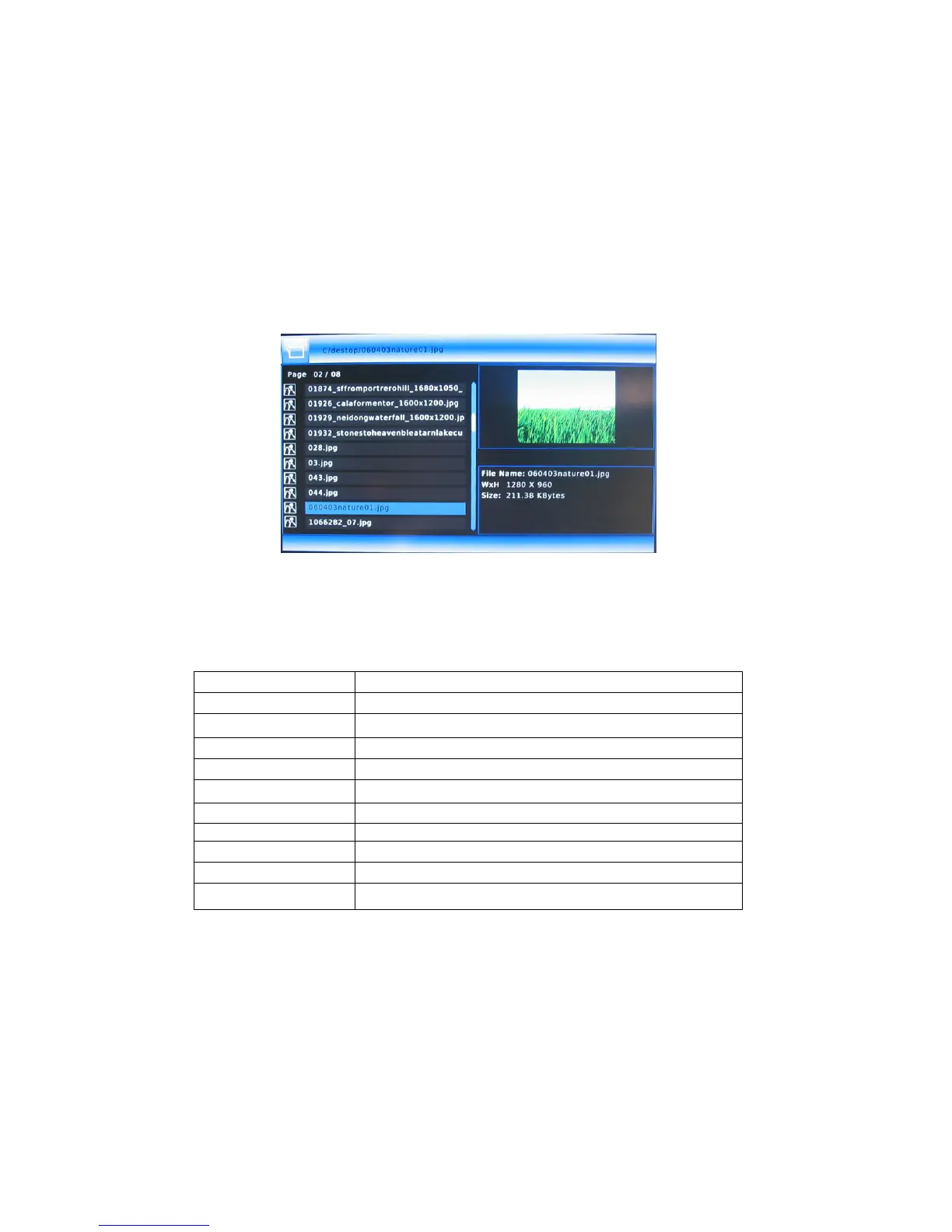
8.1 Photo Show
Enter the folder press UP and DOWN button, to select the file you want to view
and press OK button to play.
1). Introduce
►||
Play/pause
■
Stop
16: 9/4: 3 16: 9/4: 3
Info Show information of the photo
Rotation Rotation photo
|
◄◄
/
►►
|
Previous / Next
PG. up/ PG. down Page up/ Page down
Repeat Press to set repeat option.
BGM Open background music
BGM LIST Open background music list
Left/ Right Select all / one



 To Next Page