Functional description
www.dilo-gmbh.com | 0500.bae
Filling the gas compartment with gas
1. In case a storage tank is not integrated in the service cart connect a SF
6
cylinder or external storage
tank to pos. 103 and open the ball valve to the storage tank. Connect the gas compartment.
The connecting hoses must be evacuated or filled with gas.
2. Open the pressure reducer by turning clockwise (maximum pressure).
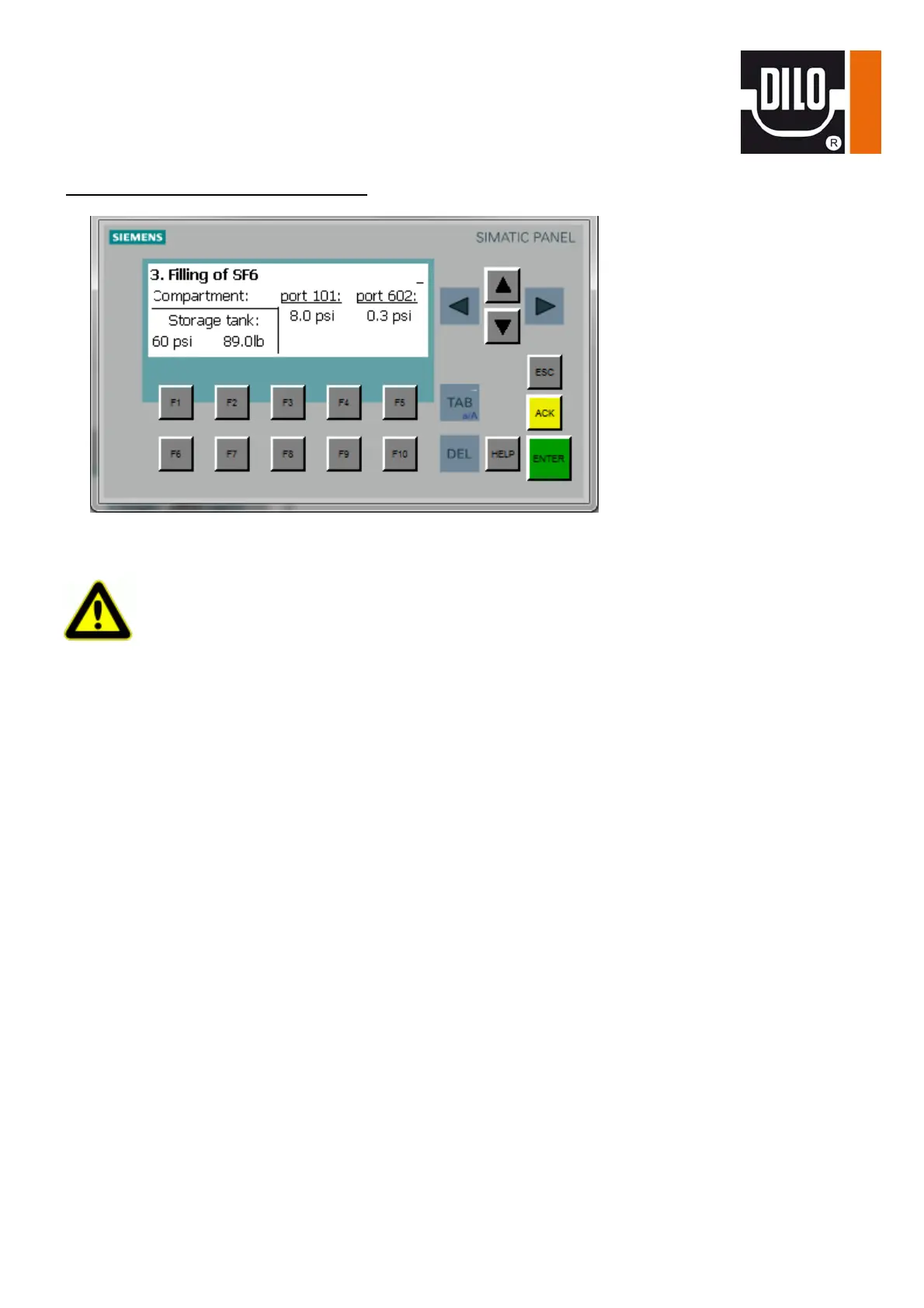
3. Select the “Filling of SF
6
” function by means of the knob switch.
4. Start the filling function by pressing the green “I“ key. The evaporator and the solenoid valves are
activated. The solenoid valve upstream from the evaporator only opens if the evaporator has
reached its operating temperature.
5. When reaching a certain pressure difference the compressor switches on automatically.
6. After having reached the set final pressure the function stops automatically and the ‘function
completed’ message appears.
7. Press the red “0“ key, the “function completed“ message disappears.


 To Next Page