Communication solutions for power utilities
UNIVERSAL TELEPROTECTION TPU-1
INSTALLATION AND COMMISSIONING MANUAL Web version TPU-1R - Rev. 5.9 (May 2018)
APPENDIX D
OPTIONAL LCD DISPLAY
In order to monitor certain parameters from the front plate of the terminal, without having to
access the corresponding option of the Management System, the TPU-1 Universal
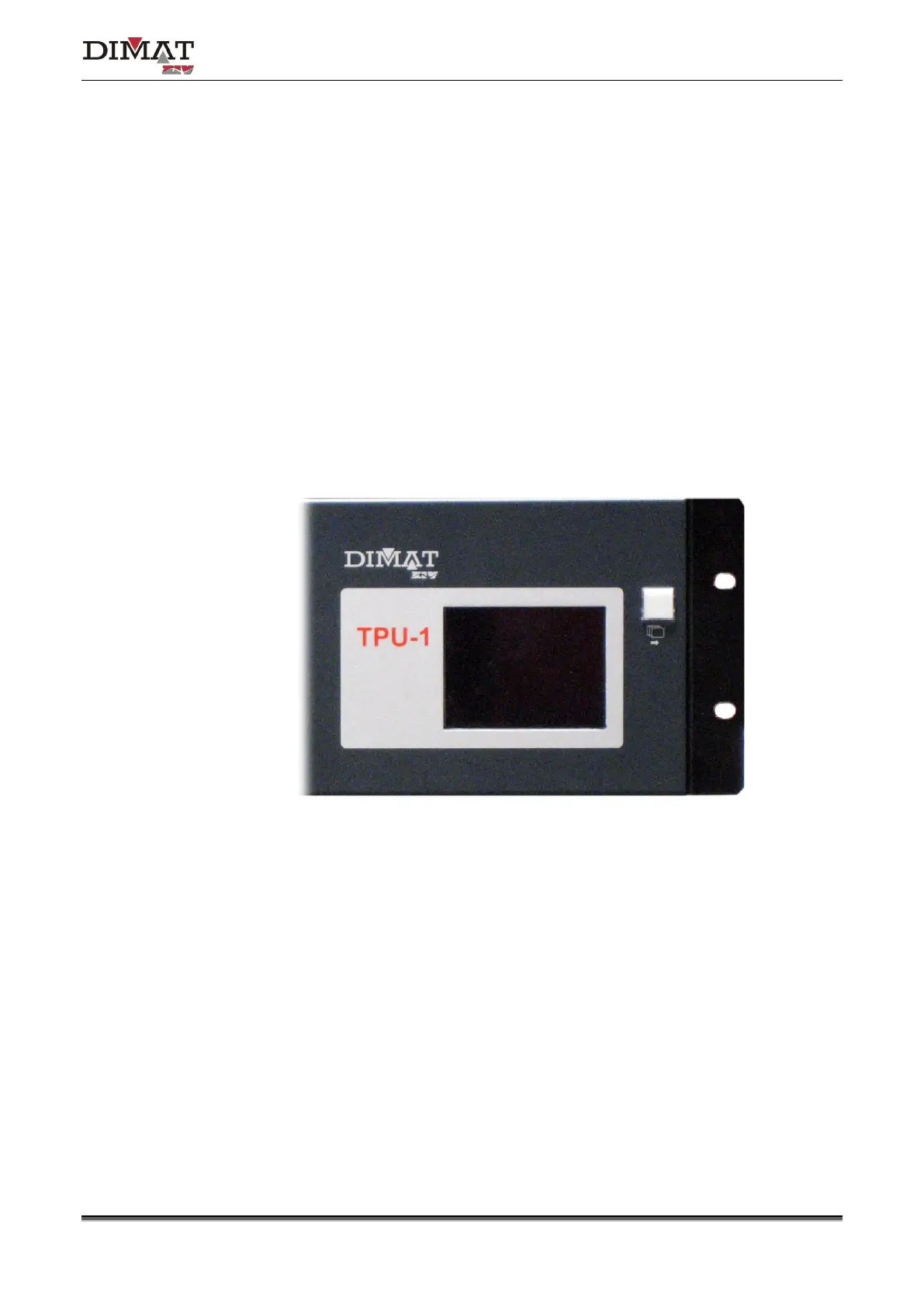
Teleprotection terminal can be supplied with an LCD display, on demand.
As can be seen in Figure 51, the display has an associated push-button.
Figure 51 Optional LCD display
The LCD display is activated when the push-button is pressed, and automatically goes out
when neither is pressed within 10 minutes. This is in order to guarantee a longer life of the
display.
Once the display is activated, the push-button must be pressed again to display the
information screen.
All the screens display the date (day-month-year) and UTC time (hour-minutes-seconds) at
all times, except for the main screen.


 To Next Page