DFW series indicators DFW_03_12.07_EN_U
30
- Press ENTER/PRINT to enter the menu.
- until one finds the “tArE” parameter and select it.
- With the ZERO or TARE keys select the possible options: “LoCK” (locked tare), “unLoCK” (unlocked tare), diSAb
(disabled tare).
- Confirm with ENTER/PRINT.
- Press the C key many times until the display shows the message “SAVE?”.
- Press ENTER/PRINT to confirm the changes made or another key for not saving.
In the 17-key indicator, it is possible to carry out the selection also during the weighing if the tare has not been
disabled, by pressing in sequence the "F"+ "2" keys: the display shows "tA-L" = LOCKED TARE is selected; by
pressing the same keys again the display shows "tA-U" = UNLOCKED TARE is selected.
The indicator stores the last selection made, also after it is turned off.
9.3 LIMITATION OF THE TARE FUNCTIONS
With approved instrument, it is possible to limit the tare functions, by setting “yES” in the step SEtuP >> d.SALE
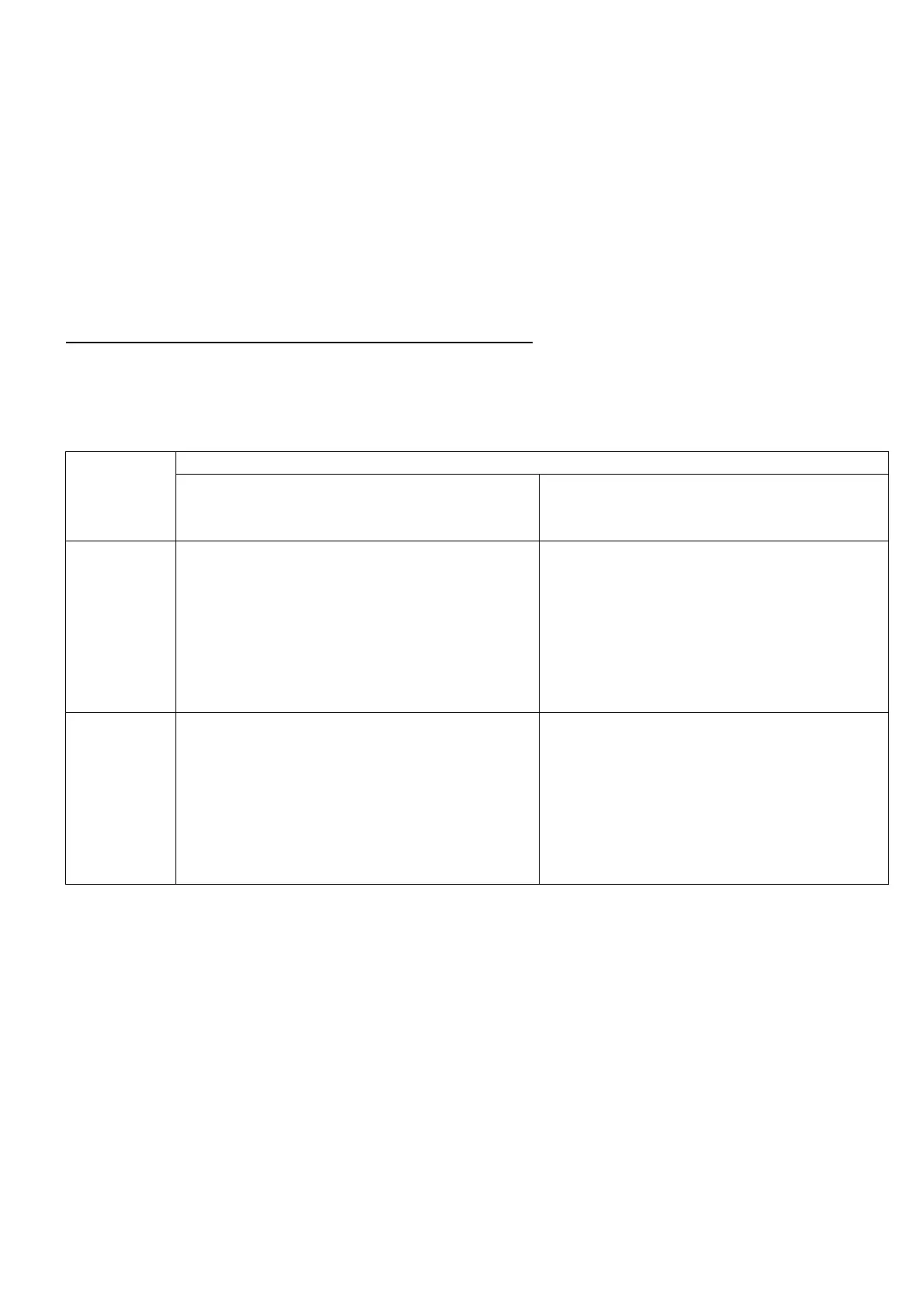
(TECH.MAN.REF.). The tare operations will have the following specifications:
CAPACITY
SEtuP >> d.SALE >> rEM.dSP >> no
(no remote display for the visualization of the
tare)
SEtuP >> d.SALE >> rEM.dSP >> yES
(remote display for the visualization of the
tare)
All the tare functions are disabl
The SEMIAUTOMATIC TARE value can not be
modified with a manual tare or from database.
- The manual tare or from database can be
entered or modified only with an UNLOADED
scale and tare equal to zero.
- It’s possible to cancel the tare value only with
an UNLOADED scale, by pressing the ZERO
key or by entering a manual tare equal to zero.
≥ 100kg
The SEMIAUTOMATIC TARE value can not be
modified with a manual tare or from database.
- The manual tare or from database can be
entered or modified only with an UNLOADED
scale and tare equal to zero.
- It’s possible to cancel the tare value only with an
UNLOADED scale, by pressing the ZERO key
key or by entering a manual tare equal to zero.
The SEMIAUTOMATIC TARE value can not be
modified with a manual tare or from database.
- The manual tare or from database can be
entered or modified only with an UNLOADED
scale and tare equal to zero.
- It’s possible to cancel the tare value only with
an UNLOADED scale, by pressing the ZERO
key or by entering a manual tare equal to zero.
With approved instrument, the d.SALE and rEM.dSP steps are read-only.
9.4 AUTO POWER OFF FUNCTION
It is possible to automatically turn off the indicator (from 1 to 255 minutes), or disable it; the auto power off takes place
when, with unloaded scale, the weight has not been moved or a key has not been pressed for the time set: the display
shows the “- oFF – “ blinking message and an acoustic signal is emitted; after this the indicator turns off.
For the setting, follow the procedures below:
- Turn on the scale, press the TARE key while the firmware version is displayed (the display shows the “tyPE” menu).
- Press ZERO many times (to scroll ahead through the parameters) or TARE (to scroll backwards) until one finds the
“F.ModE” parameter.
- Press ENTER/PRINT to enter the menu.
-
Scroll until one finds the “En.SAVE” parameter and select it.
- Scroll until one finds the “AutoFF” parameter and select it.
- With the ZERO or TARE keys select the possible options: “diSAb” (auto switch-off disabled), “EnAb” (auto switch-off
enabled).
- Confirm with ENTER/PRINT; if “EnAb” has been selected, one will be asked to enter the number of minutes after which







 To Next Page