DFW series indicators DFW_03_12.07_EN_U
8
4. INSTALLATION
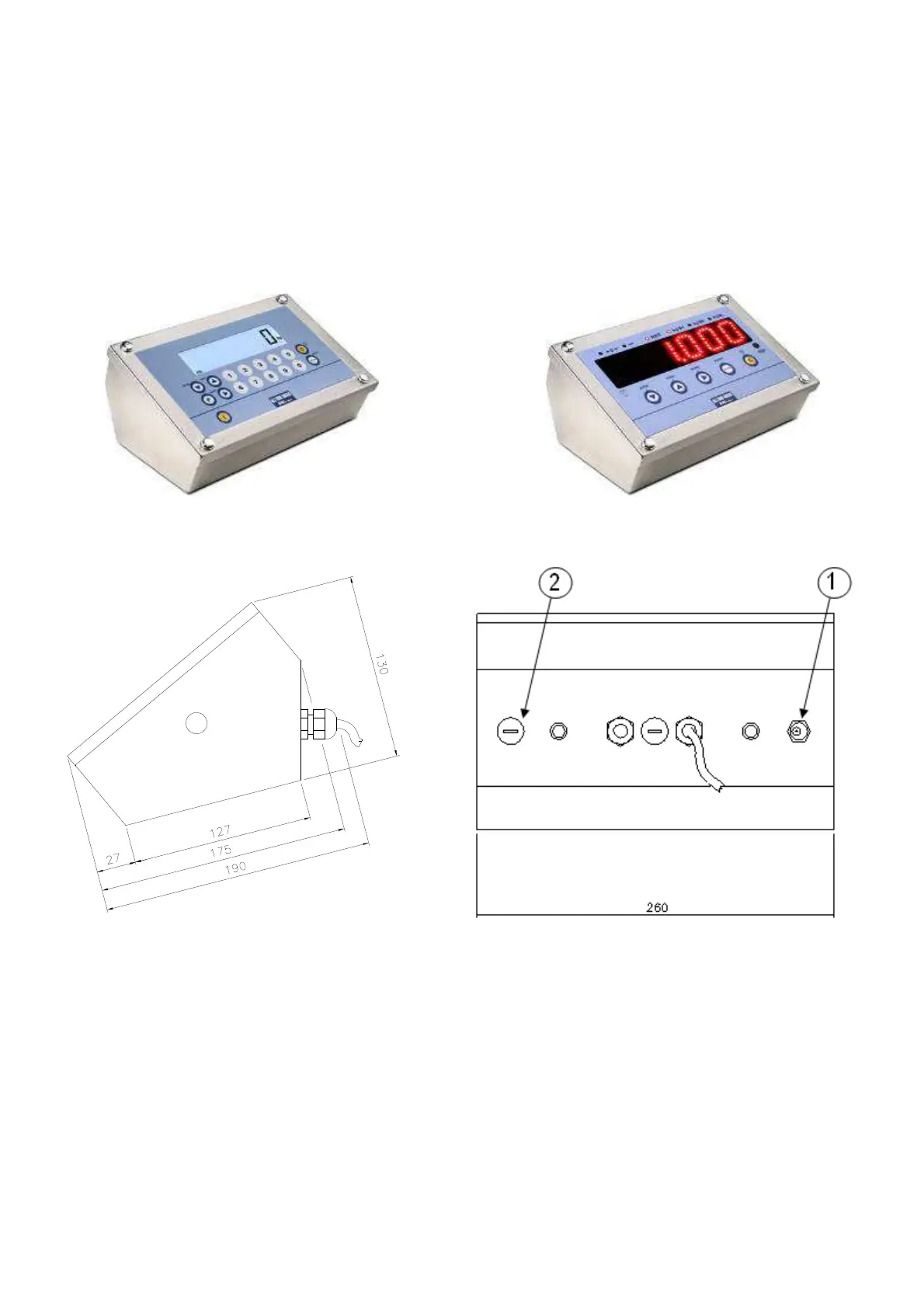
Depending on the model, the digital weight indicator can have a stainless steel case, or in ABS whose external dimensions
are shown in the figures below.
It is quite easy to use on a tabletop, while if a fixed support is desired, mounting on a rack, shelf or column is relatively
simple.
NOTE: When the identification plate is supplied separately (therefore not attached to the front panel) it is advisable
to attach it in the appropriate space on the indicator, so that it can be identified.
4.1 DFW METAL OR STAINLESS STEEL VERSIONS
DFWXT (Display LCD) DFWDXT (Display a LED)
1) Power supply input
2) PC connection input (PC RS232; RJ45)







 To Next Page