9
DVR Functions, continued
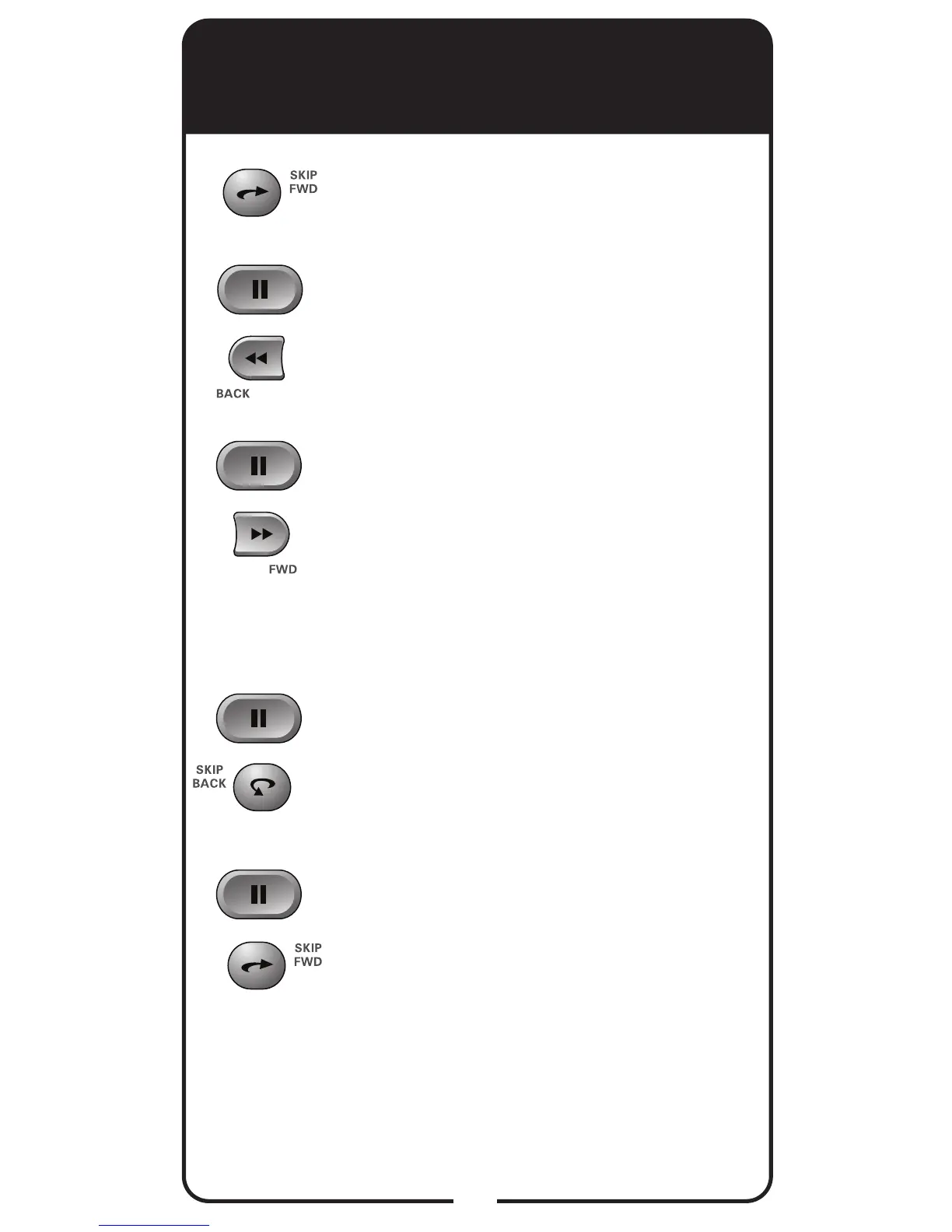
• Press SKIP FWD to skip ahead about
30 seconds in the program.
• Press PAUSE and then press BACK
to reverse the program in slow motion
at 1/4 the speed of normal play. Press
BACK again to reverse at normal
speed.
• Press PAUSE and then press FWD to
forward the program in slow motion at
1/15 the speed of normal play. Press
FWD twice to forward at 1/4 as fast
as normal play. Press FWD three
times to play the program. Of course,
you cannot forward a live program that
has not been broadcast yet.
• Press PAUSE and then press SKIP
BACK to reverse the recording frame-
by-frame.
• Press PAUSE and then press SKIP
FWD to advance the recording frame-
by-frame.
+
+
+
+













 To Next Page