13
Programming Remote to
Control Another Device, con’t.
Scanning the Remote Database
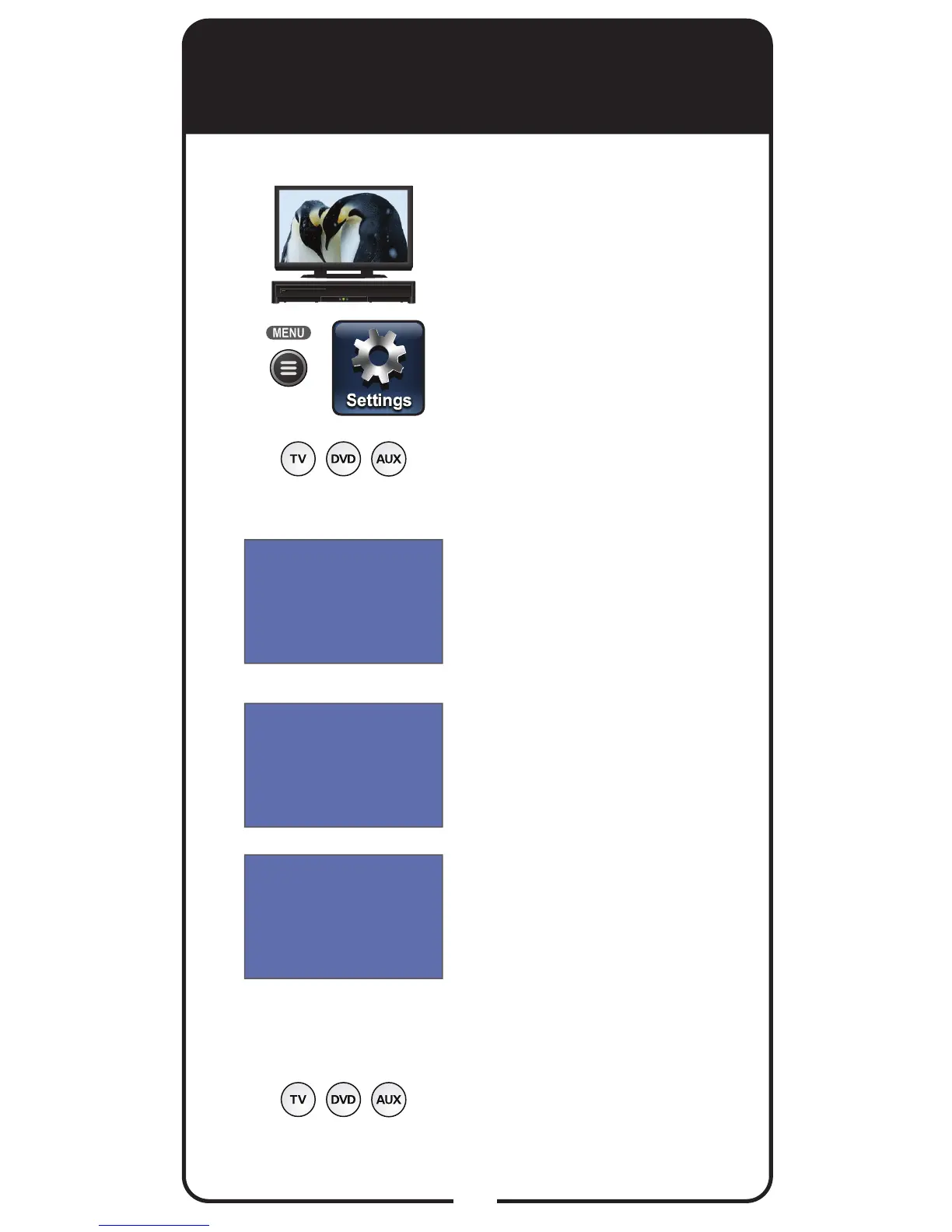
Turn the device and
receiver on.
Press MENU and select
Settings tile. From the
Settings screen, select
Remote Control.
Select either TV Code, DVD
Code, or AUX Code option,
as applicable.
Select the Look Up Code
option. Note: The three-digit
device codes used by other
DISH Network remote controls
cannot be used.
Scroll the Sort By: (or Aux
Device:) list to position the
selected option within the blue
highlight bar.
Highlight device’s name in the
Brand: list and select Next.
Note: If the brand is not listed,
see Entering a Code on
page 11. The available device
codes and the code ready
to be tested displays for the
selected brand.
Press the Mode button for
the device you are setting up.
Release.
1
2
3
4
5
6
7













 To Next Page