12
Entering a Code, continued
7
6
5
8
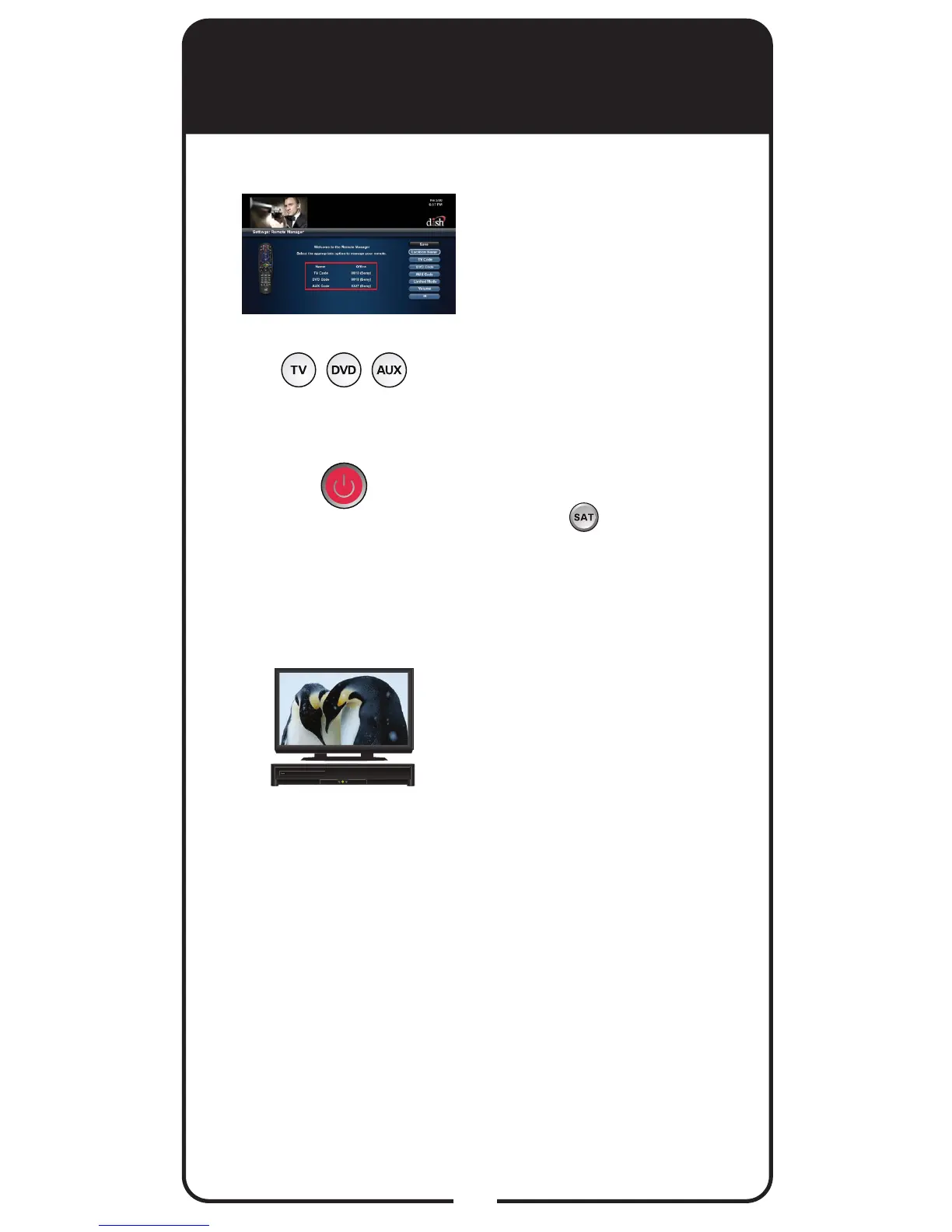
Conrm that the code you
entered appears for the
programmed device (TV,
DVD, or AUX) on the Remote
Control settings screen.
Press the Mode button for the
device you are programming
(TV, DVD, or AUX). Release.
Press POWER.
If device does not turn off,
press SAT to switch
modes and release. Try
entering the code again. If
device turns off, continue to
step 10.
Using remote, turn the device
back on and try some other
remote buttons to see if they
work.
Repeat steps 1 through 10
until you have the best code
for controlling your device.
Programming Remote to
Control Another Device, con’t.













 To Next Page