11
Programming Remote to
Control Another Device
Entering a Code
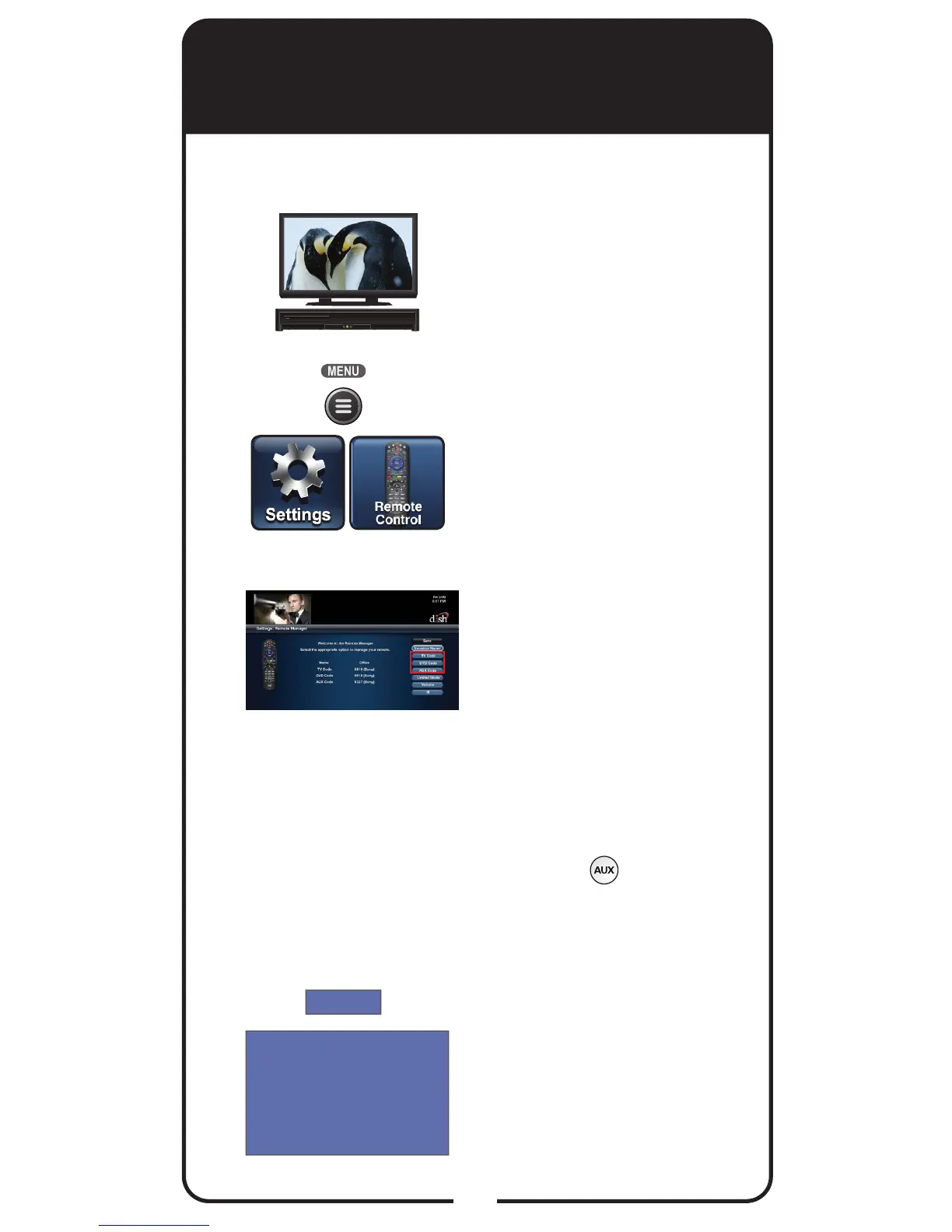
Turn the device and
receiver on.
Press MENU and select
the Settings tile. From the
Settings screen, select
Remote Control.
Select the TV Code, DVD
Code, or AUX Code
option on the Remote
Control settings screen. If
programming in TV Code or
DVD Code, continue to
Step 4. If programming in
AUX Code, continue with
this step.
For programming in
AUX Mode only:
Scroll the Aux Device: list
to select and highlight your
device type. Select Next.
Select Enter Code.
Using the on-screen
keypad, enter the four-digit
code for your device.
Select Continue.
3
2
1
4
5













 To Next Page