17
Locating a Lost Remote
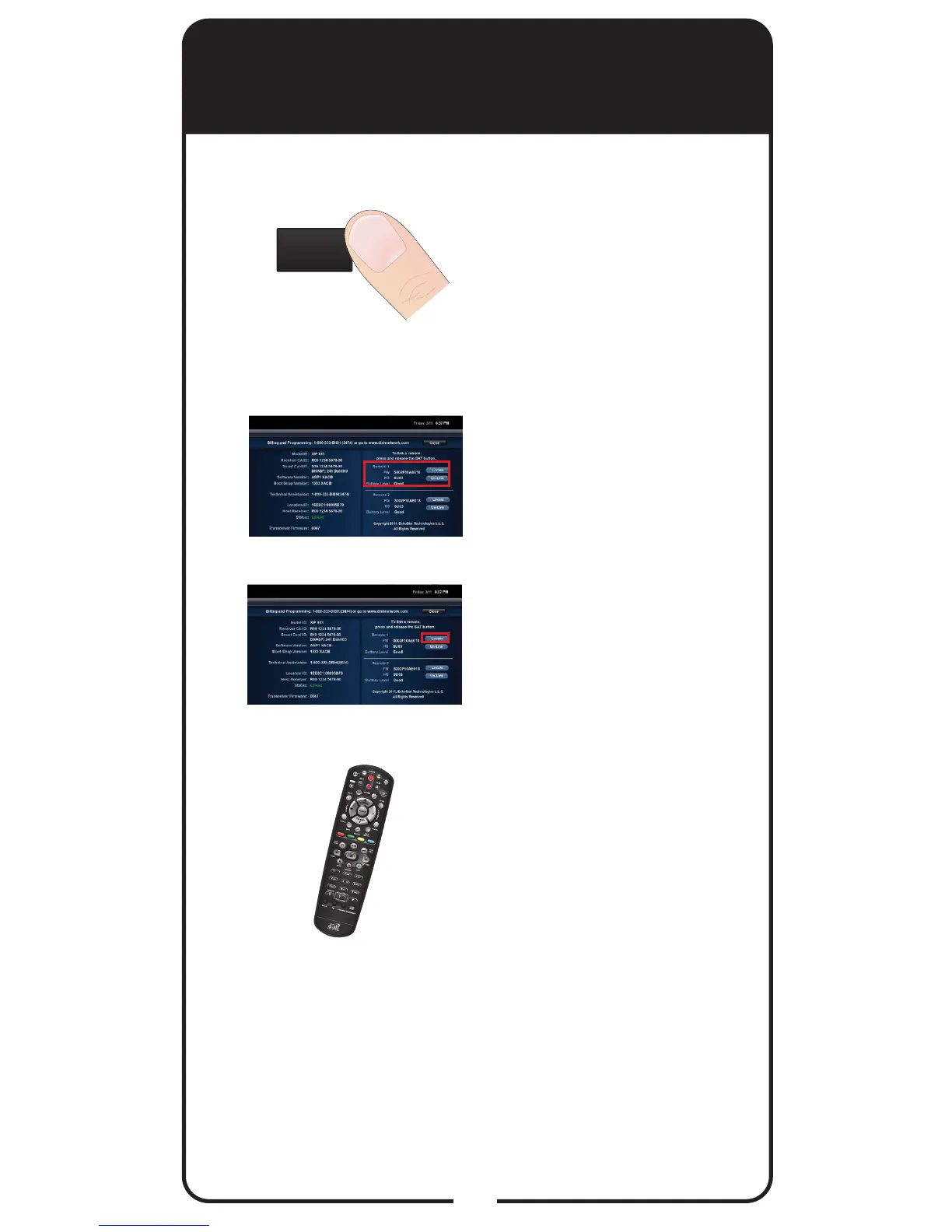
Activate your receiver’s
front panel controls and
touch LOCATE REMOTE.
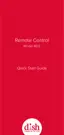
Find the remote that you
are looking for in the list of
remotes on the right-hand
side of the screen.
Select the Locate option
next to the remote you want
to nd.
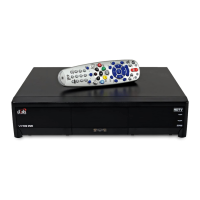
If the missing remote control
is linked to this receiver
and within RF range, there
should be a series of tones
you can hear to help you
nd the location of the
remote. Press any button
to turn off the Locate tones
after nding the remote.
If the remote control you
want to nd is not listed, it
is not linked to the receiver
or is out of RF range;
therefore, Locate isn’t an
option.
1
2
3
4
The next time you misplace the remote control or
wonder where one is, try the Locate feature.
LOCATE
REMOTE













 To Next Page