24
Questions
While in the Text Field
When the cursor is in the text field:
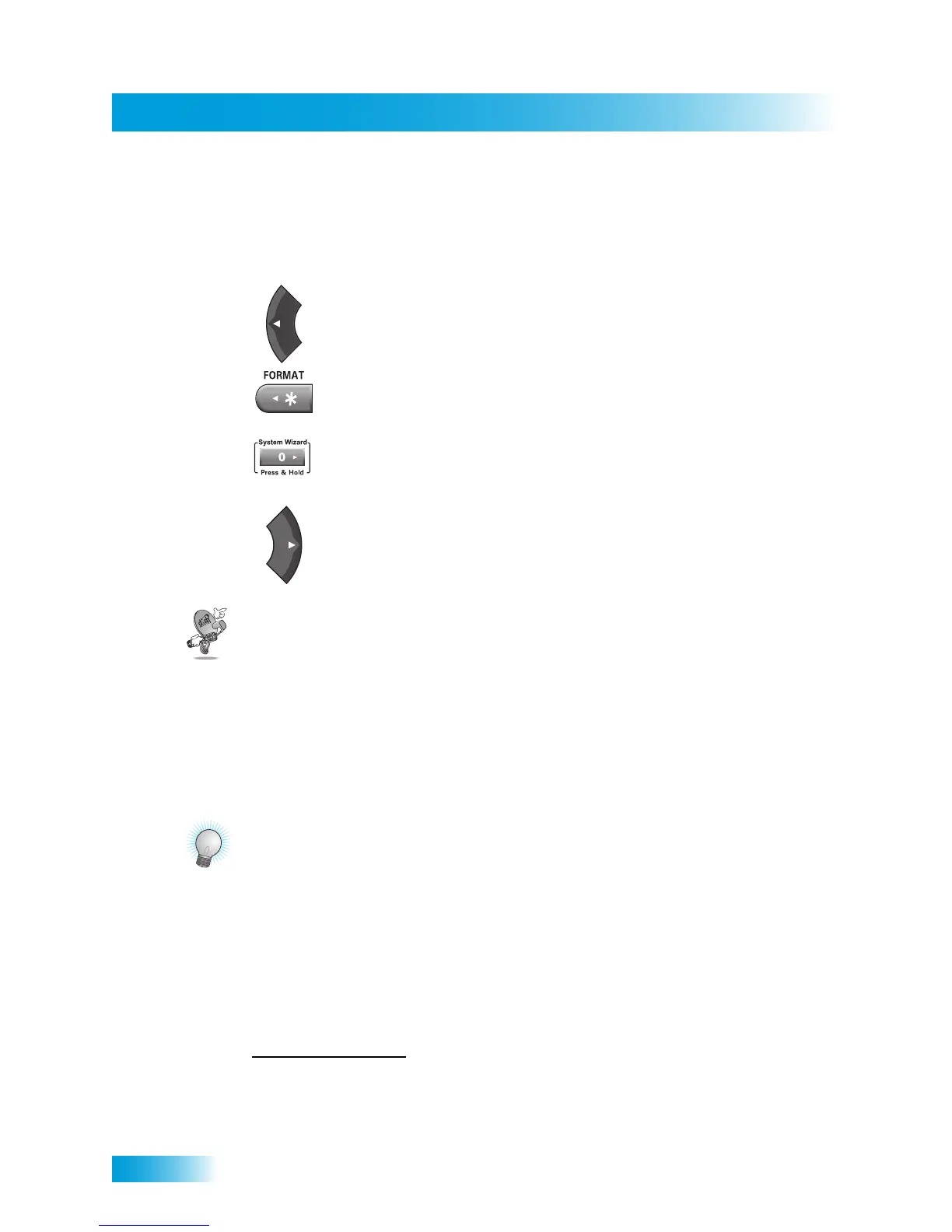
• Press the LEFT ARROW to delete characters.
• Press FORMAT(*) to backspace without deleting characters.
• Press 0 to enter a blank space, such as between words.
• Use the RIGHT ARROW to forward space without deleting characters.
QUESTIONS
• Why put the receiver in Single Mode? When the receiver is in Single Mode, you can
use the PIP functions.
• How can I watch and use the DVR functions on the same program
on all of the TVs in my house? Put the receiver in Single Mode (page 15) and then
enable Shared View (page 92).
TIPS
• You can use the Front Panel Locks to prevent the mode from being changed
accidentally. See page 51 for instructions on how to use this feature.
• To turn off the TV2 outputs, you must press the POWER button on Remote Control 2.
• When the receiver is in Dual Mode, use Remote Control 1 to control TV1 menus on
the nearby TV; use Remote Control 2 to control TV2 menus on the remote TV(s).
• If you would like to put the receiver in a remote location (such as inside a closet or
cabinet), be sure to get the replacement remote control that uses UHF Pro signals
(instead or in addition to IR) to control TV1. Call your DISH Network retailer or go to
www.dishnetwork.com
, select Technology, and then click on Remotes & Accessories.
• To use Remote Control 2, be sure to attach the Remote Control Antenna to the
connection on the back of your receiver. See page 17 for more details.
• On Remote Control 2, press the FORMAT(*) button to change the aspect ratio (image
shape displayed) for any HD programming being shown on the remote TV(s).



 To Next Page