54
DishHOME Interactive TV
DISHHOME INTERACTIVE TV
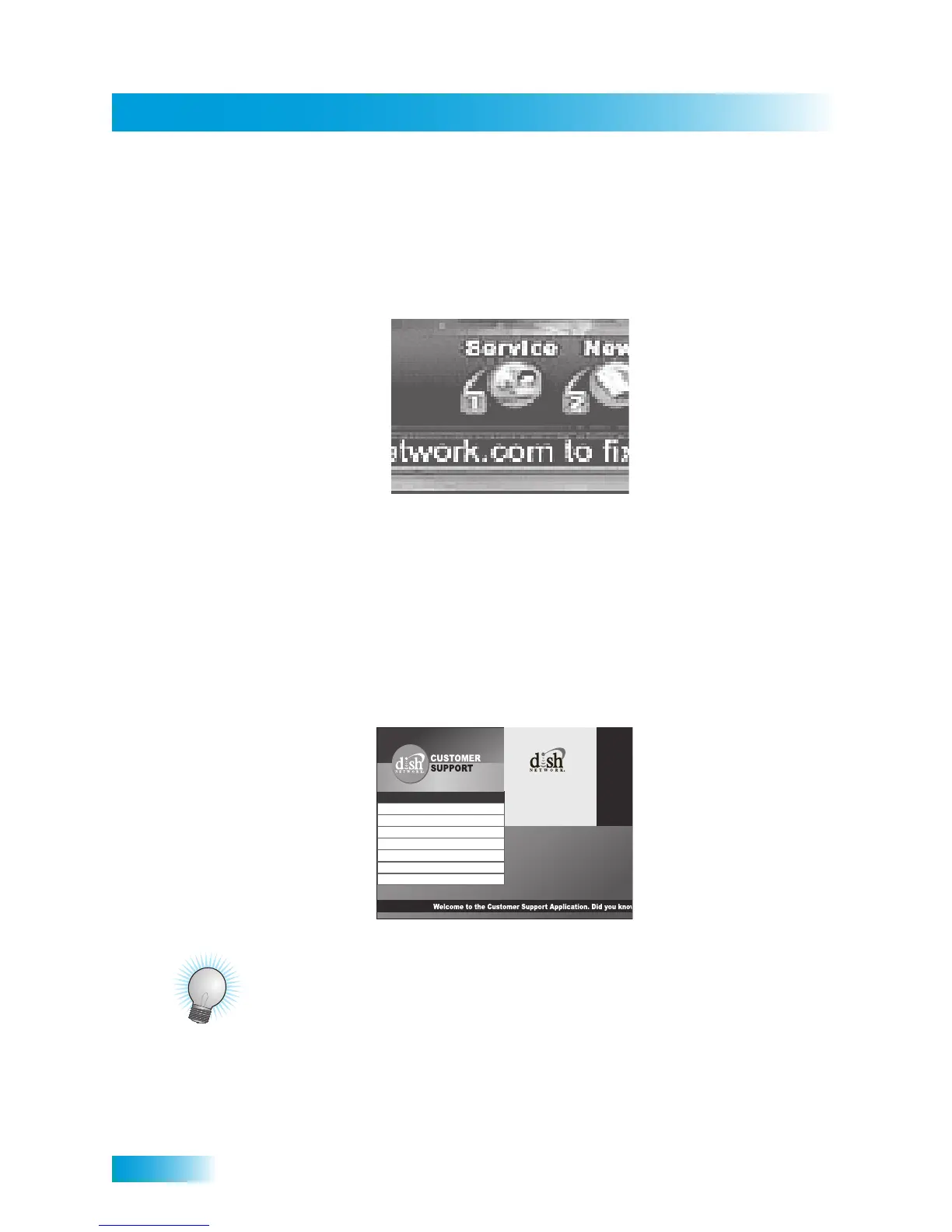
Press DISH on the remote control or go to channel 100 to view the DishHOME features
available with your service. You can order channels, check the news and weather, and
even play games. Make sure you connect an active phone line to your receiver. You can
enjoy this feature on one TV at a time.
CUSTOMER SUPPORT
An important feature of your satellite TV receiver is Customer Support. This menu
provides convenient access to your DISH Network account to review your statement, pay
your bill, upgrade programming, and more. Make sure you connect an active telephone
line or broadband network to your receiver.
Press the MENU button and then select Customer Support.
TIPS
• Whenever you want to exit an interactive feature and return to watching programming,
press VIEW LIVE TV and you’ll be taken to the last channel you were watching.
• You can also get to Customer Support from DishHOME.
1 Add Programming
2 View Your Statement
Thank you for using Dish
Network’s Customer
Support.
Thank you for using Dish
Network’s Customer
Support.
3 Pay Your Bill
4 FAQ’s
5 Tech Support
6 Cool Features
7 Important Messages
0 Exit
1-800-333-DISH
More convenience to you.
D IS H N e tw o rk i s n ot r es p on sib le for, and cannot guarantee the perform ance of, any products and services p rovided by any
adve rtise rs or oth ers to whose sites we link. A link to an oth e r w e b s ite d oe s n ot co ns titu te an en d or se m e nt o f th at s ite
(nor of any p rod uct, serv ice or othe r ma terial o ff e re d on th a t si te) b y D IS H N etw o rk H S I o r its licensors .



 To Next Page