58
Recording a Live Program
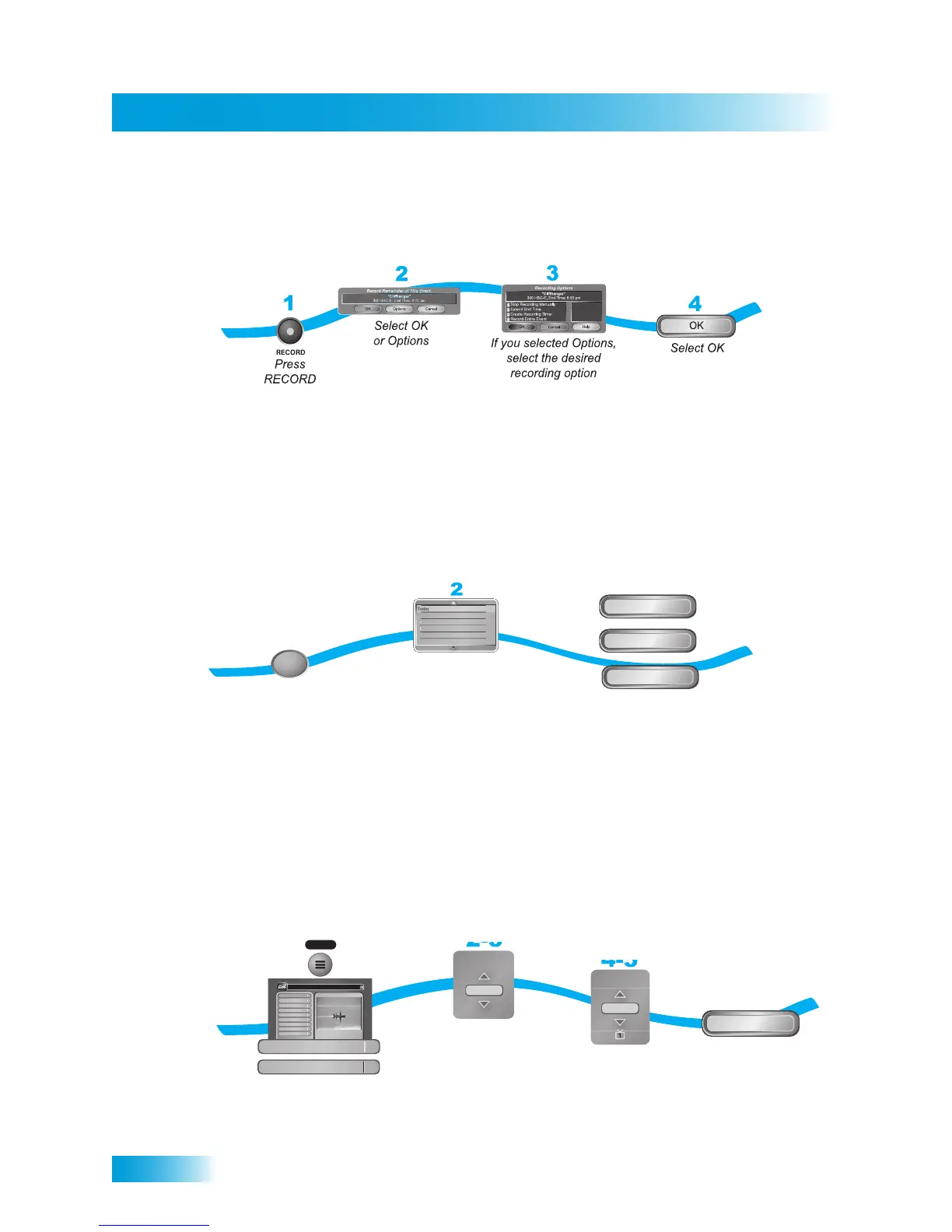
RECORDING A LIVE PROGRAM
Note: Programs recorded in HD require up to six times more storage space than programs
recorded in SD.
PLAYING A RECORDED PROGRAM
USING RECORD PLUS
When Record Plus is enabled, you decide which receiver output (TV1 or TV2) will usually
record your events as a default location. This feature is only available in Dual Mode. The
following instructions describe how to enable or disable Record Plus.
1
2
3
Press DVR twice
Select the program
from the list of recorded
programs
Select Start, Start Over,
or Resume
Start Over
Start
Resume
or
or
DVR
SportsCenter 1:04
Mystic River (All Day) 2:30
SpongeBob SquarePants 0:34
Happy Days 0:34
The Brady Bunch 0:34
3:04
118hr 41min
e
ra
y
u
:
:
hr 4
lect the pro
ortsCente
:
ystic River (All Day) 2:
on
eBob
quarePant
:
pp
a
s
:
2-3
4-5
6
Press MENU,
and select Preferences,
then Record Plus
Select Enable
(or Disable)
Select TV1 or
TV2
Select Done
Done
1
MENU
elect Enabl
Record
Preference
TV1
Program Guide
1
Themes & Search
2
Customer Support
3
Multimedia
4
Locks
5
System Setup
6
Daily Schedule
7
Preferences
8
Cancel
0
1
Main Menu
Thursday, January 20
114 E!114 E!
6:25 pm
Celebrity Homes
5:30 pm - 7:00 pm NR
Preferences
Record Plus



 To Next Page