36
Tips
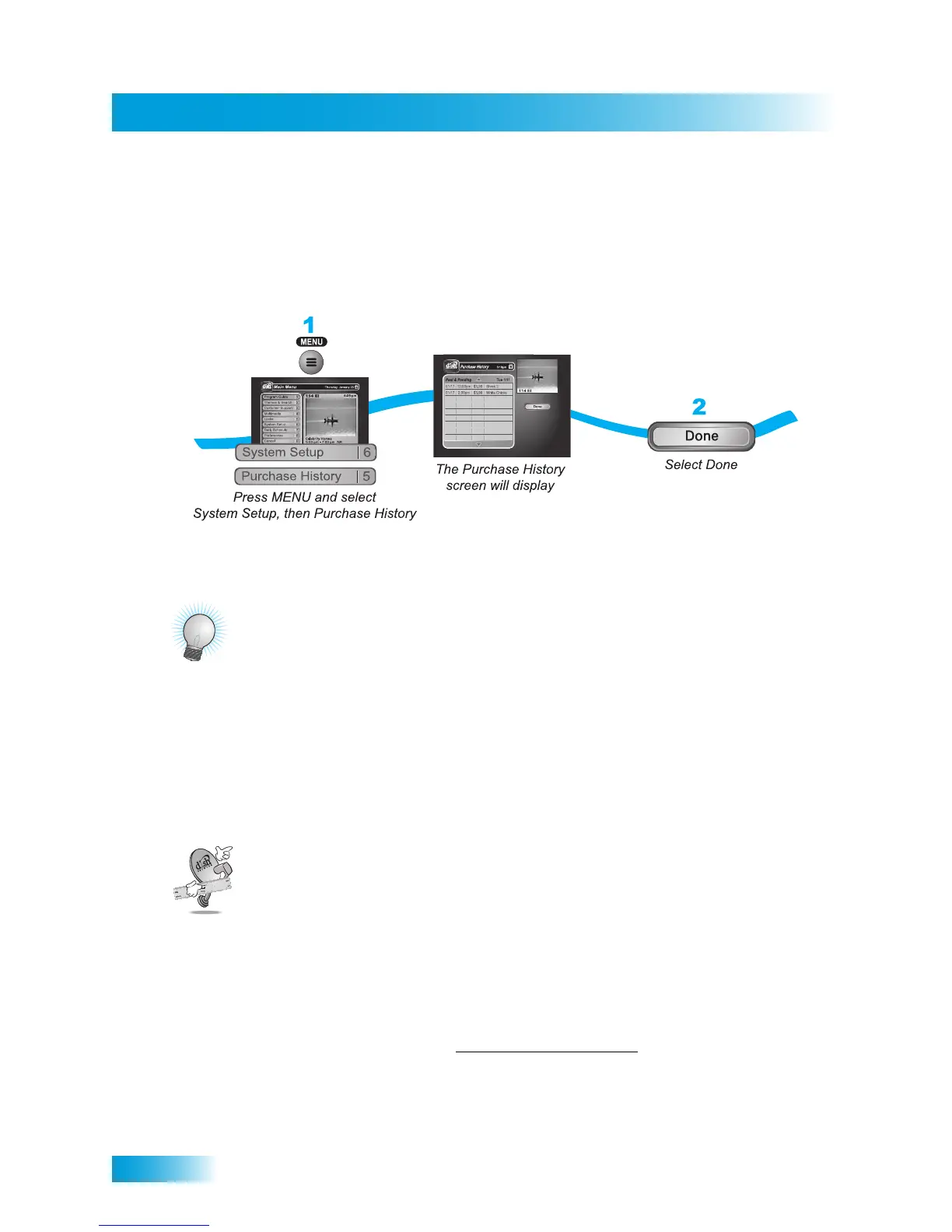
• You can review what you have rented during the last 30-60 days by looking in your
Purchase History.
• The program titles you order will appear on your DISH Network bill.
Reviewing Orders
TIPS
• You can set up timers on the receiver to record Pay-Per-View programs. See page 67
for more details. You cannot record DISH On Demand programs.
• You can prevent others from purchasing Pay-Per-View programs by using locks (see
page 49).
• Keep an active phone line connected to your receiver so you can order Pay-Per-View
programs with your remote control.
QUESTIONS
• How can I order an event for all my receivers?
– Order on each receiver, one at a time with the remote control. Make sure there is
an active phone line or broadband Internet connection on each receiver.
– Order the event by phone at 1-877-DISH-PPV (347-4778). Charges may apply.
– Order the event online at www.dishnetwork.com/ppv
.
– Order the event by phone at 1-800-894-9131. Charges may apply.
• I ordered a Pay-Per-View program but can only see it on one receiver. Some Pay-
Per-View programs are restricted to one receiver per account.



 To Next Page