79
Controlling Other Components
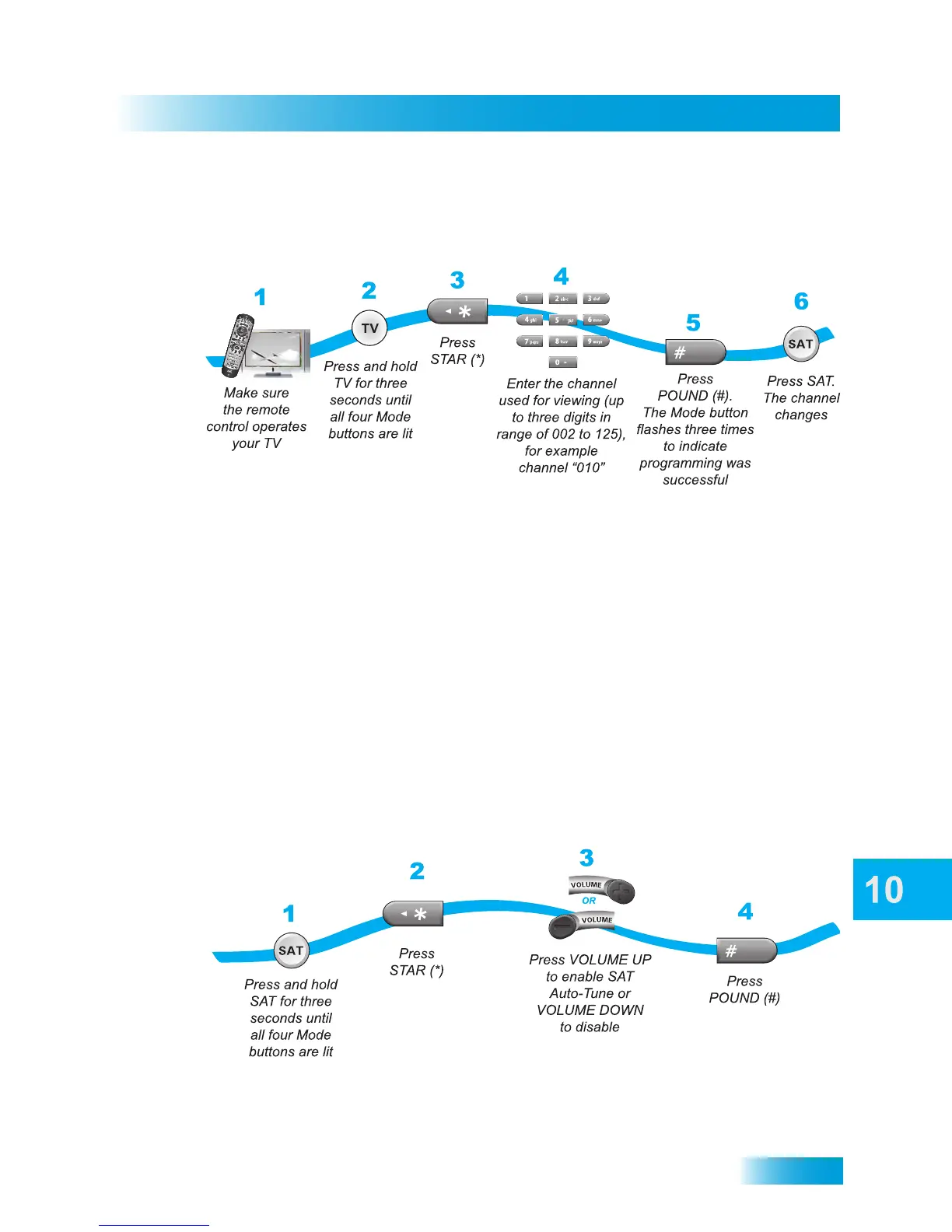
Setting a SAT Auto-Tune Channel
1 Make sure the remote control has been programmed to operate your TV.
2 Press and hold the TV button for three seconds until all four device mode buttons are lit.
3 Press the STAR (*) button on the remote control.
4 Using the NUMBER PAD on the remote control, enter the channel number used for
viewing (up to three digits in the range from 002 to 125), for example channel “010.”
5 Press the POUND (#) button on the remote control. The TV mode button flashes three
times to indicate programming was successful.
6 Press the SAT mode button to test the new Auto-Tune feature. The TV channel changes.
Enabling and Disabling SAT Auto-Tune
Note: SAT Auto-Tune is enabled by default; however, the channel must be set (see
Setting SAT Auto-Tune Channel).
1 Press and hold the SAT mode button for three seconds until all four mode buttons are lit.
2 Press the STAR (*) button on the remote control.



 To Next Page