90
Tips
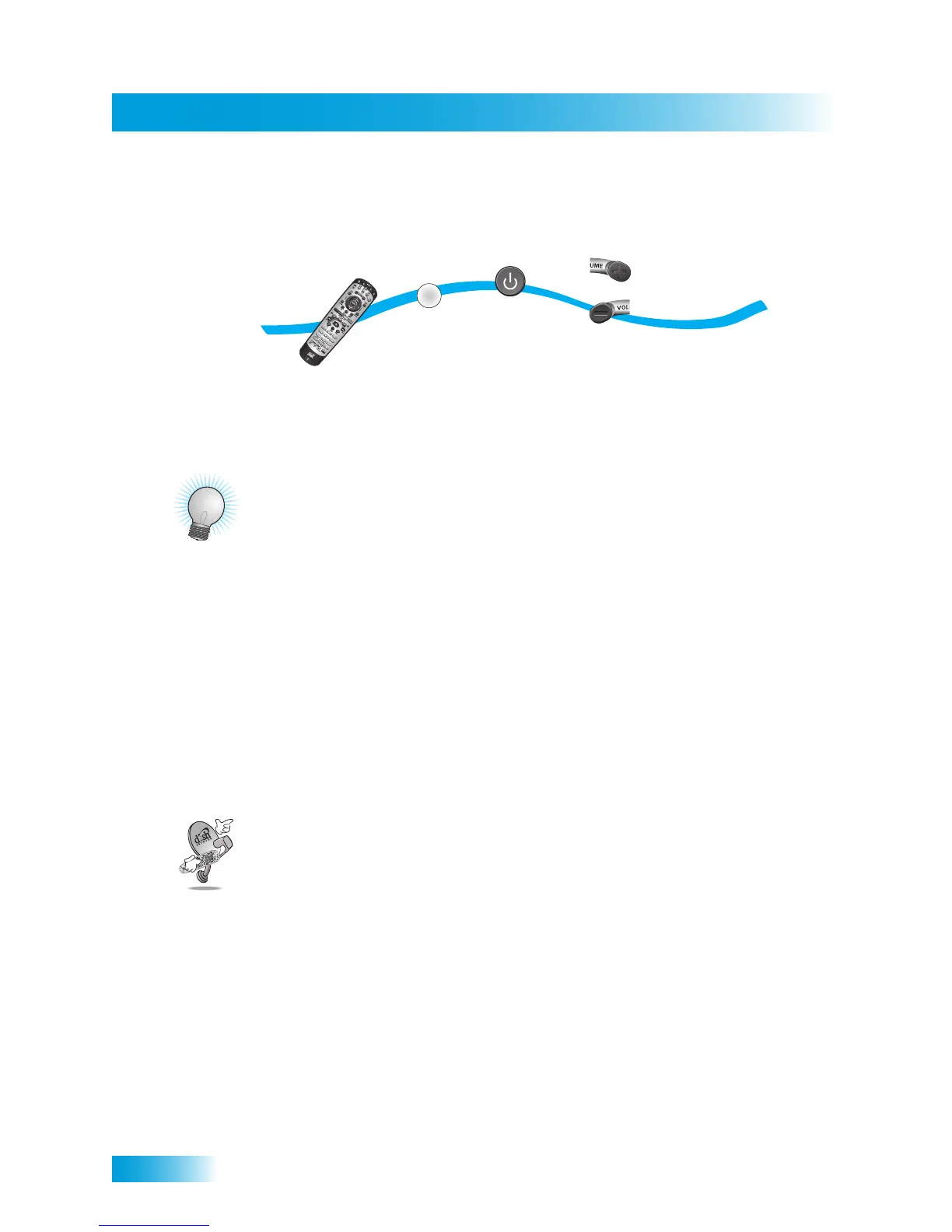
satellite receiver is reliably in one state or the other. To use discrete power commands,
complete the following:
TIPS
• If using a specific channel for TV2 (for example, channel 60), TV2’s remote control
must be programmed with a TV2 channel before you can use RECOVER.
• Place the channel sticker on the remote TV and write down the channel you use to
watch DISH Network programming. The stickers are inside the front cover of this
guide.
• If you don’t want to accidentally change channels on your TV or VCR, place the
remote control in Limited Mode, as described on page 78.
• Make sure you have a remote control antenna connected so you can use Remote
Control 2. See page 17 for instructions.
QUESTIONS
• My remote doesn’t control my receiver or other components. What should I do?
– Ensure the remote control is in the correct mode (page 78).
– Check the batteries (page 17).
– Check the remote control address (pages 75 and 83).
– Check the remote control antenna (page 17).
– Adjust the remote control antenna (page 76).
• Why does my receiver change channels or display menus at random? Your
neighbor may have their remote control set on the same address. Change the
address on your remote control and receiver as described on page 74. If that doesn’t
help, you may have to install a UHF attenuator as described on page 77.
1
2
3
5
4
or
Program the
remote control
Press
POWER
Press
SAT Mode
until all mode
buttons light up
Press VOLUME UP
for discrete power on
or press VOLUME DOWN
for discrete power off
SAT
Press any
button
to end this
procedure



 To Next Page