15
Wally User Guide
3
Wally Receiver and Remote Control
Using the Remote Control
The remote control included with your Wally gives you access to all of the receiver’s features. Your remote controls
the Wally receiver via radio frequency (RF) signals, and as many as two other devices in the same room via infrared
(IR) signals. These devices can be a TV, a DVD/Blu-ray
™
player or VCR, and an audio device (receiver, amplier,
or accessory).
Note: IR signals travel only short distances (40 feet or less), and cannot go through walls or other solid objects.
If you’re using the Wally remote to control an auxiliary device via IR, you must point the remote directly at the
device, with no objects blocking the line of sight.
Remote Control Modes
Basic Modes
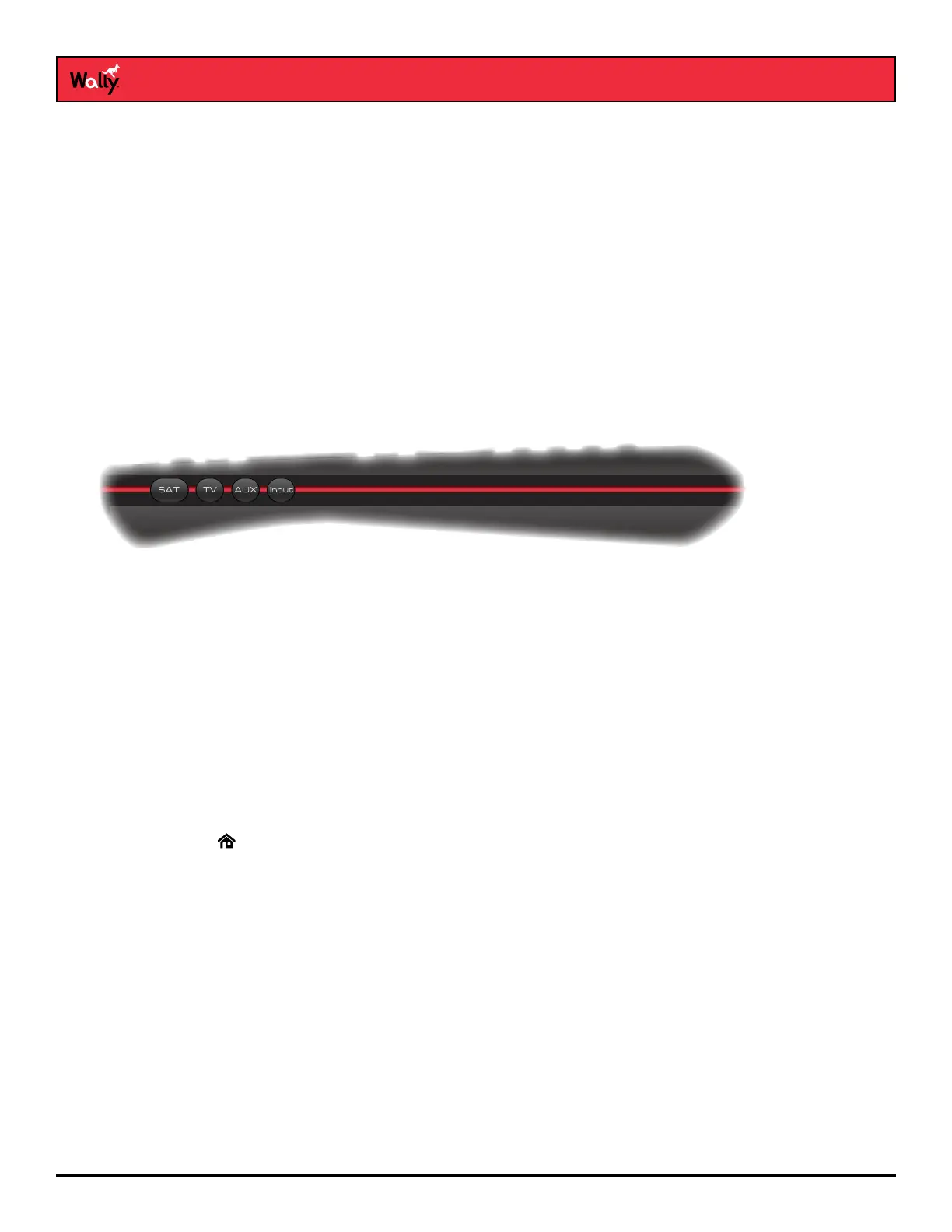
The mode buttons for your remote control are located on its left side. These buttons allow you to switch between
different devices to control.
• SAT – Press this button to control your Wally receiver.
• TV – Press this button to control your TV.
• AUX – Press this button to control a DVD/Blu-ray player, VCR, or an audio device.
• INPUT – Press this button to change inputs on your TV.
Limited Mode
While watching DISH programming, you can put your remote in Limited Mode to avoid accidentally changing inputs
on your TV and seeing a black, blue, or snowy screen. When the remote is in Limited Mode, you will be able to
control only the POWER, MUTE, and VOLUME functions for your TV.
Note: Limited Mode is not used with audio devices.
Turning On Limited Mode
1 Double-press on the remote to display the Menu screen.
2 Select Settings, then Remote Control.
3 On the Remote Control Settings screen that displays, scroll down to the Advanced section and select
Limited Mode to enable it. Your change is automatically saved.










 To Next Page