8
Wally User Guide
Introduction
1
About Satellite TV Reception
Satellite television uses satellites in a stationary orbit over the Earth to deliver television and audio programming.
This type of orbit enables the satellites to stay aligned over one place on the surface of the Earth. Once the satellite
dish is aimed at the satellite, the dish does not have to move to follow it.
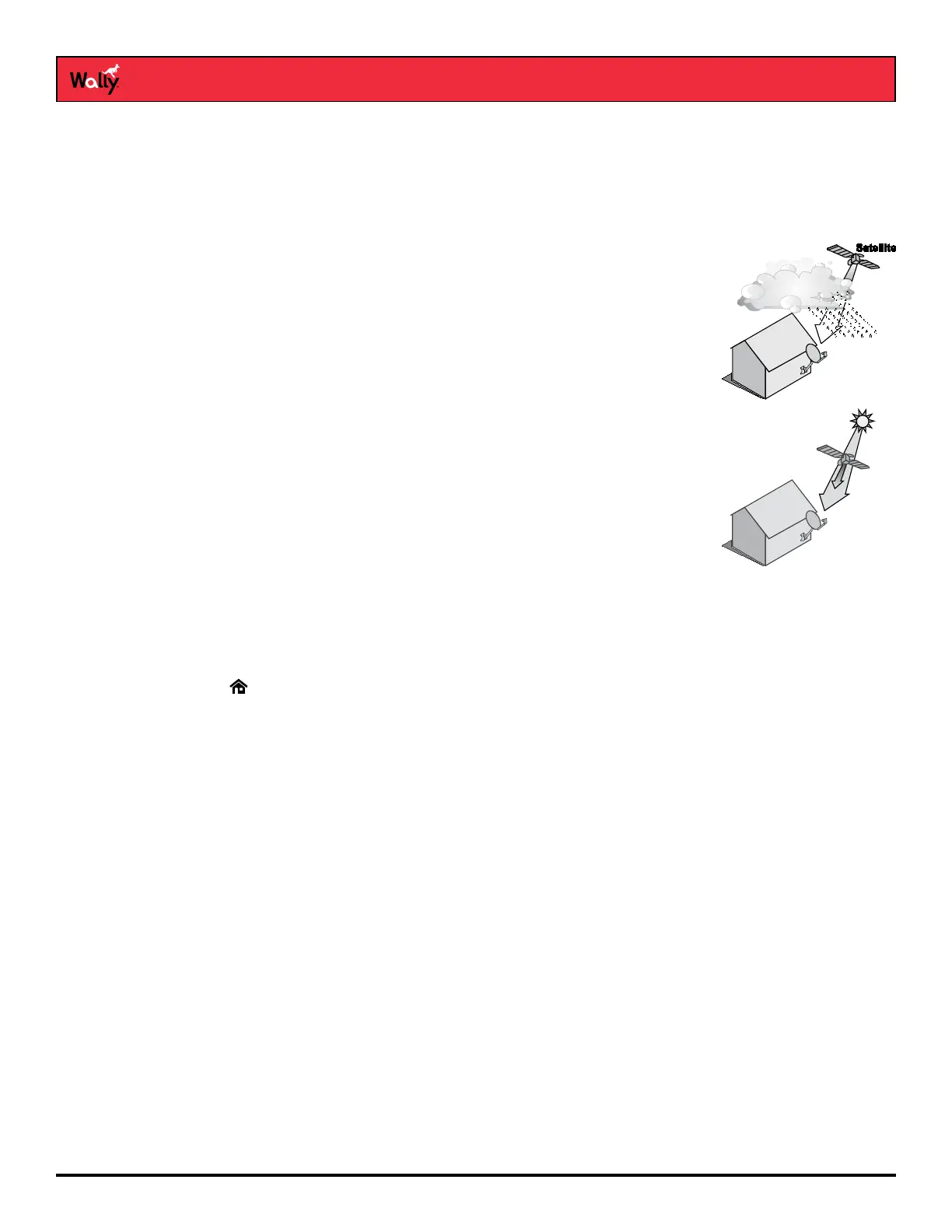
Rain and Snow Fade
Heavy rain, snow, or dense cloud cover can reduce your satellite signal and possibly
interrupt your service. Your service will return after the weather condition has passed.
During installation, aiming the satellite dish to get the strongest signal will help prevent
rain and snow from interrupting the signal.
Semiannual Solar Interference
Twice a year, the sun moves to a position behind DISH satellites as they orbit the
Earth. This event occurs during a few days at the beginning of spring and fall, and
lasts only a few minutes.
During these brief periods, you won’t be able to watch programs on DISH. When
the sun has moved from behind the satellites, the programs will reappear. This is an
unavoidable natural event for all television involving the use of satellites and has an
adverse effect on many program providers.
About Your DISH Account
If you want to know about charges to your DISH account or if you’d like to make changes to your programming
packages, be sure to have your account information handy and choose one of the following options:
• Visit mydish.com/myaccount and log in to your account.
• Double-press on the remote and select My Account, then Manage My Account.
• Call DISH at 1-800-333-DISH (3474).
Note: Additional authorization may be required before high-denition programming and/or over-the-air digital
broadcasts can be viewed; additional fees may apply.
Tips
• Use DISH Anywhere to manage your Wally when you’re away from home.
• Keep your Wally connected to broadband Internet to maintain easy access to apps and pay-per-view.
• Turn off your Wally when you’re not using it so that it can receive the latest software updates, which usually
occur overnight.
Questions
• I’m looking at program information in a guide that I bought at the grocery store, but nothing matches
what’s on my Wally. Is something wrong?
No; DISH programming may vary from what you’ll nd in a local publication. For best results, use the program
guide on your Wally or order DISH’s Hopper magazine at dishhoppermag.com.










 To Next Page