35
Wally User Guide
Recording and Watching DVR Programs
6
Recording a Program
The Wally can record one program at a time. This means that if you’re currently recording a program and want to
watch live TV, you have to watch the program that’s currently being recorded—you cannot record on one channel
while watching another. Alternatively, you can watch a DVR or Netix program while a program is being recorded.
See Resolving Recording Conicts for more information.
Note that when you record a program, an event timer is automatically created for that program. See Event Timers
for more information.
Recording Live TV
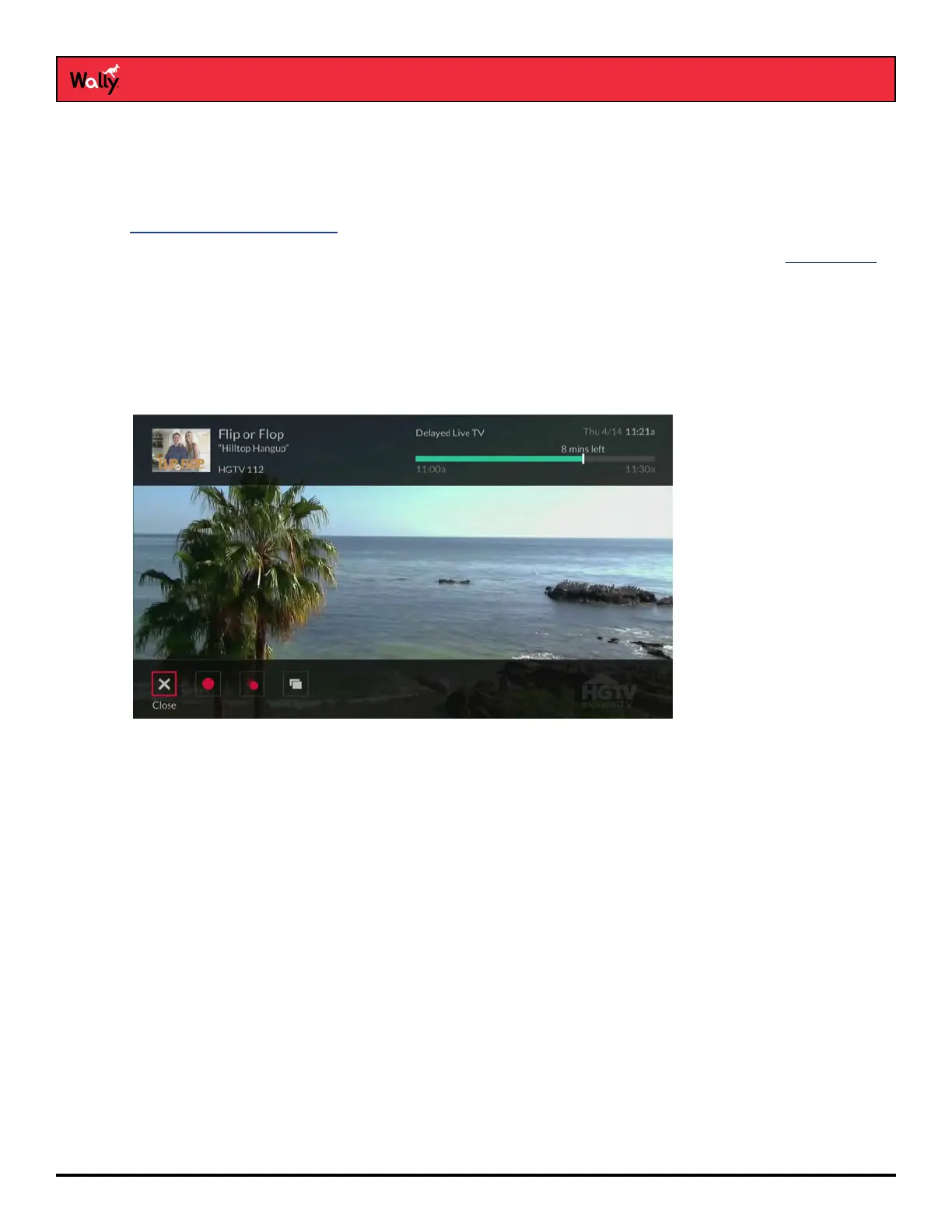
To record a live program from the point where you’re watching:
• Press SELECT on the remote to display an options bar at the bottom of the screen, then select a recording
option. You can press SELECT again to change recording options.
or
• Press INFO on the remote to display the program info screen, then select a recording option. You can press
SELECT again to change recording options.
To record a live program from the point where you started watching:
• Rewind the program as far as you can go, press SELECT, and select a recording option. You can press
SELECT again to change recording options.
• Rewind the program as far as you can go, press INFO, and select a recording option. You can press SELECT
again to change recording options.










 To Next Page