36
Wally User Guide
Recording and Watching DVR Programs
6
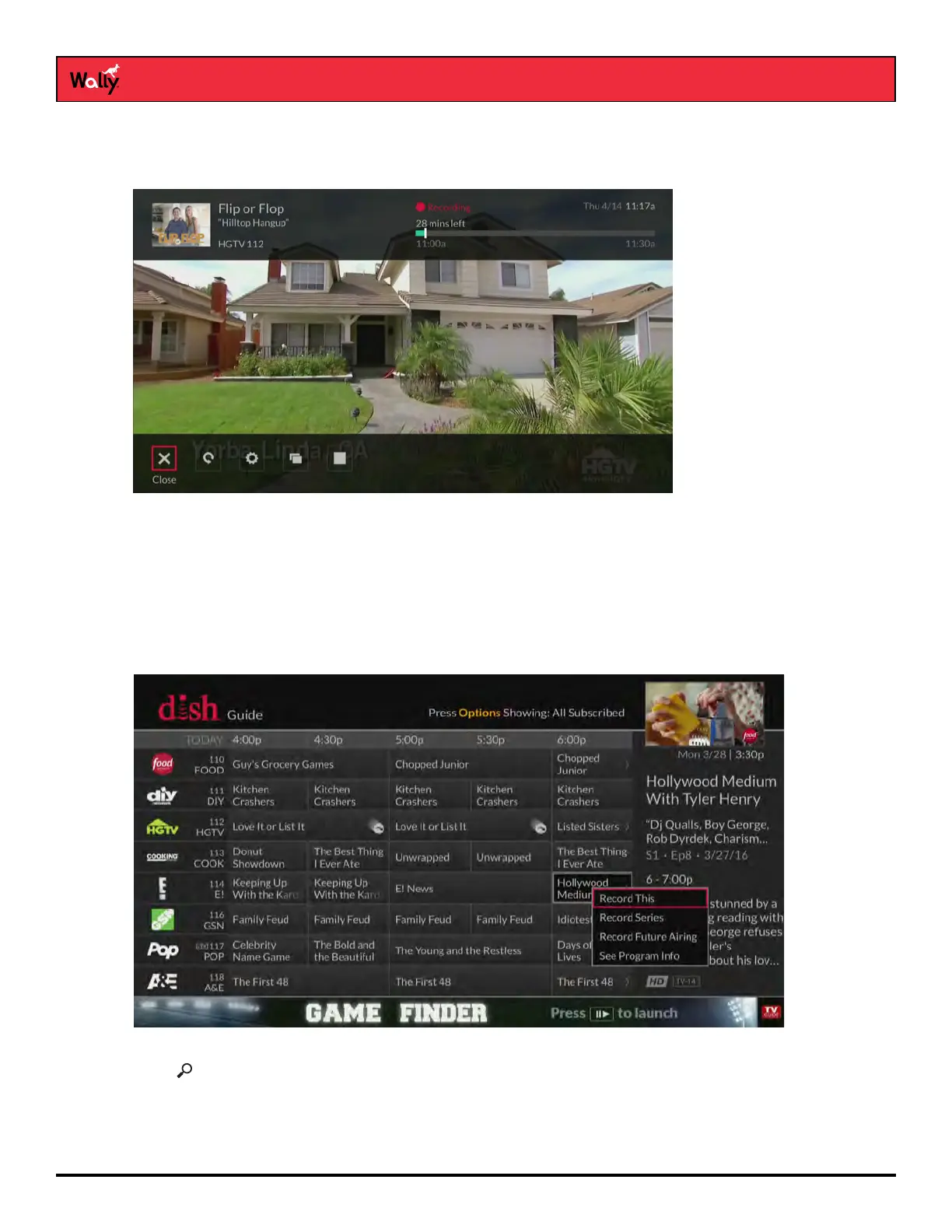
To stop recording a program:
• Press SELECT on the remote to display an options bar at the bottom of the screen, select the Stop Recording
icon, then select Yes on the popup that displays.
or
• Press INFO and select Stop Recording. On the popup that displays, select the Stop icon to stop recording.
Recording a Future Program
When you record a program, you create an event timer.
• Press GUIDE on the remote, select a program that hasn’t aired yet, and choose a desired recording option.
You can press SELECT again to change recording options.
or
• Press , search for a program, and select a search result. On the information screen that displays for that
program, choose a desired recording option. You can press SELECT again to change recording options.










 To Next Page