7
Wally User Guide
Introduction
1
On-Screen Help
Quick Tips
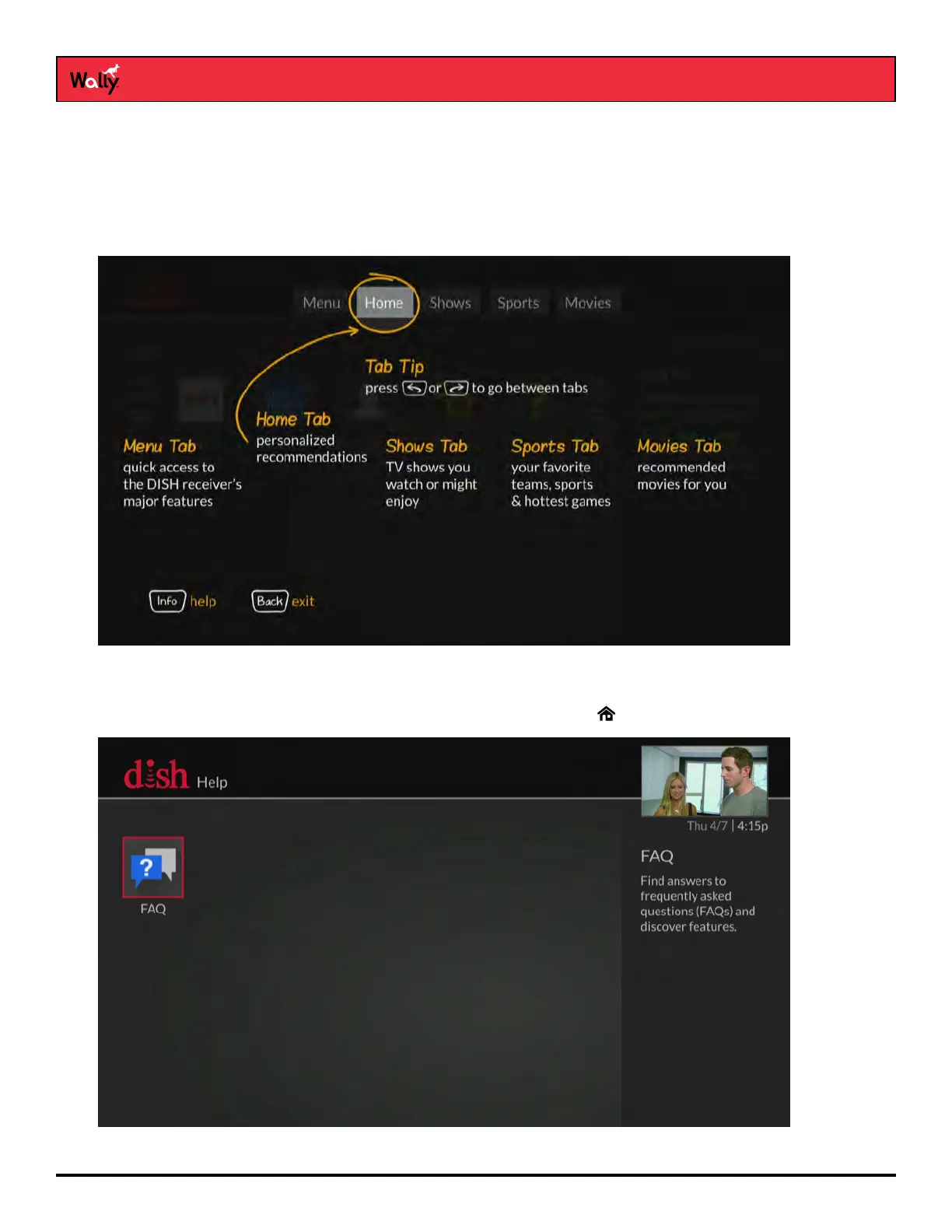
When you press and hold INFO/HELP on the remote while viewing commonly used screens, quick tips display, such
as the screen shown below.
Help App
You can access helpful information about your Wally by double-pressing on the remote and selecting Help.
From there, you can see frequently asked questions and learn about your Wally’s features.










 To Next Page