25
Wally User Guide
Watching TV
4
Channel Lists and Favorites Lists
Channel Lists
By default, a channel list controls what you see in the Guide and Mini Guide until a favorites list is applied. You
can view and change the channel list by pressing GUIDE on the remote, then OPTIONS. Below are the available
channel lists:
• All Channels – Displays all channels, including channels that are not in your DISH package.
• All Subscribed – Displays only the channels that are in your DISH package.
• All Unsubscribed – Displays only the channels that are not in your DISH package. To subscribe to one of
these channels, call 1-800-333-DISH (3474).
Favorites Lists
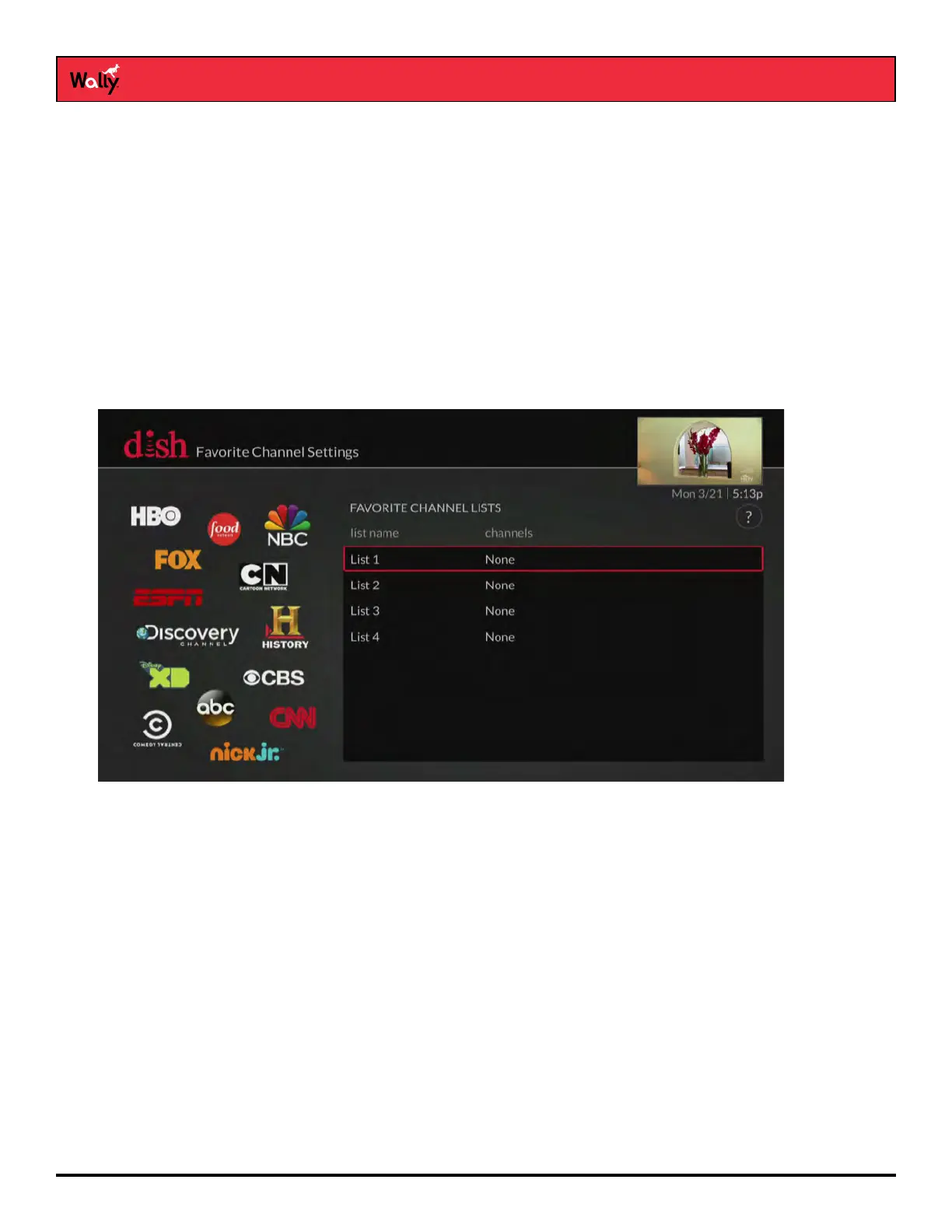
Favorites lists are custom lists of your favorite channels that can display in the Guide and Mini Guide so that you
can see only the channels you’re interested in. You can edit up to four favorites lists, adding and removing channels
as you wish.
• When using a favorites list, the Guide and Mini Guide display only the channels in that favorites list. Also,
when you use the UP or DOWN ARROW to change channels, the Wally skips channels that aren’t on the list.
Unlisted channels that are included in your current DISH package are still accessible by entering the channel
number directly using the number buttons on the remote.
• You can name each of your favorites lists. By default, the four lists are named List 1, List 2, List 3, and List 4.
These lists are empty until you edit them.










 To Next Page