24
Wally User Guide
Watching TV
4
Seeing What’s Trending
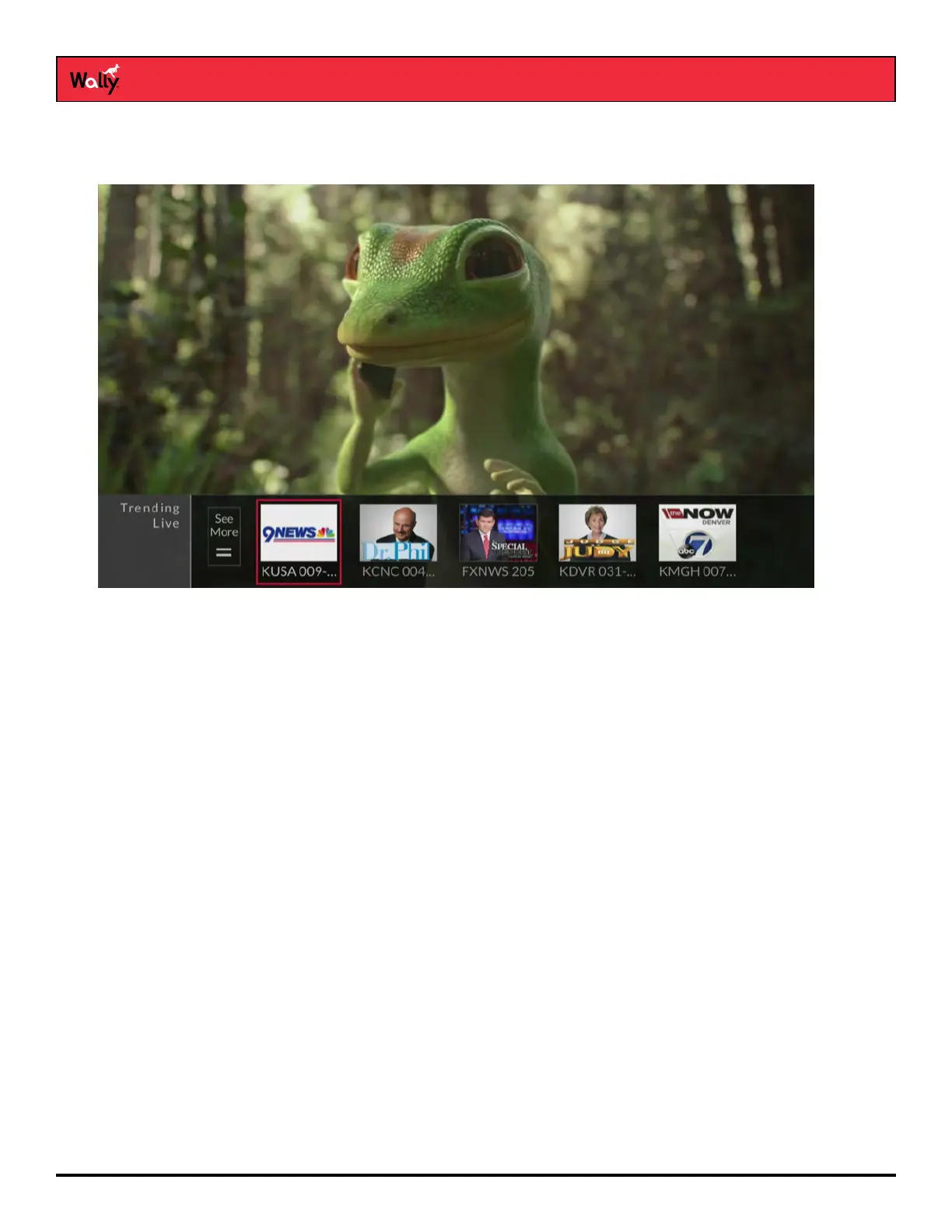
You can use the Trending Live feature to see popular programs that everyone’s watching.
While watching live TV, press the LEFT arrow on the remote, then select a program or See More.
Changing Channels
Note: If an external hard drive is connected to your Wally and you’re not watching a program live, changing the
channel displays a popup notifying you that you’ll be in live mode if you agree to the channel change.
Arrow Buttons
• While watching live TV, press the CH▲ or CH▼ button on the remote.
• You can also change channels the same way using the UP and DOWN arrow buttons on the front of
your Wally.
Number Buttons
• Enter a valid channel number using the number buttons on the remote.










 To Next Page