59
Wally User Guide
10
Troubleshooting
Troubleshooting Tables
Before calling DISH Customer Service, use the troubleshooting tables in this section if you have problems with your
Wally. Many problems arise from basic misunderstandings of how your equipment works, especially when you’re
just becoming familiar with it. To solve a particular problem, follow these steps:
1 Review the section in this user guide that relates to the problem.
2 If you can’t nd a solution, nd the section in the following tables that relates to the problem. All subsections are
listed alphabetically.
• Scan the What’s Happening or Message Number(s) column until you nd the problem.
• Read the information in the Possible Reason(s) column.
• Try each of the suggested solutions in the What To Do column.
3 For more information, call the DISH Customer Service Center at 1-800-333-DISH (3474) or visit
mydish.com/support.
Note: Before calling DISH, write down any error messages that appear on your TV screen, and have your DISH
account number ready.
Message Numbers
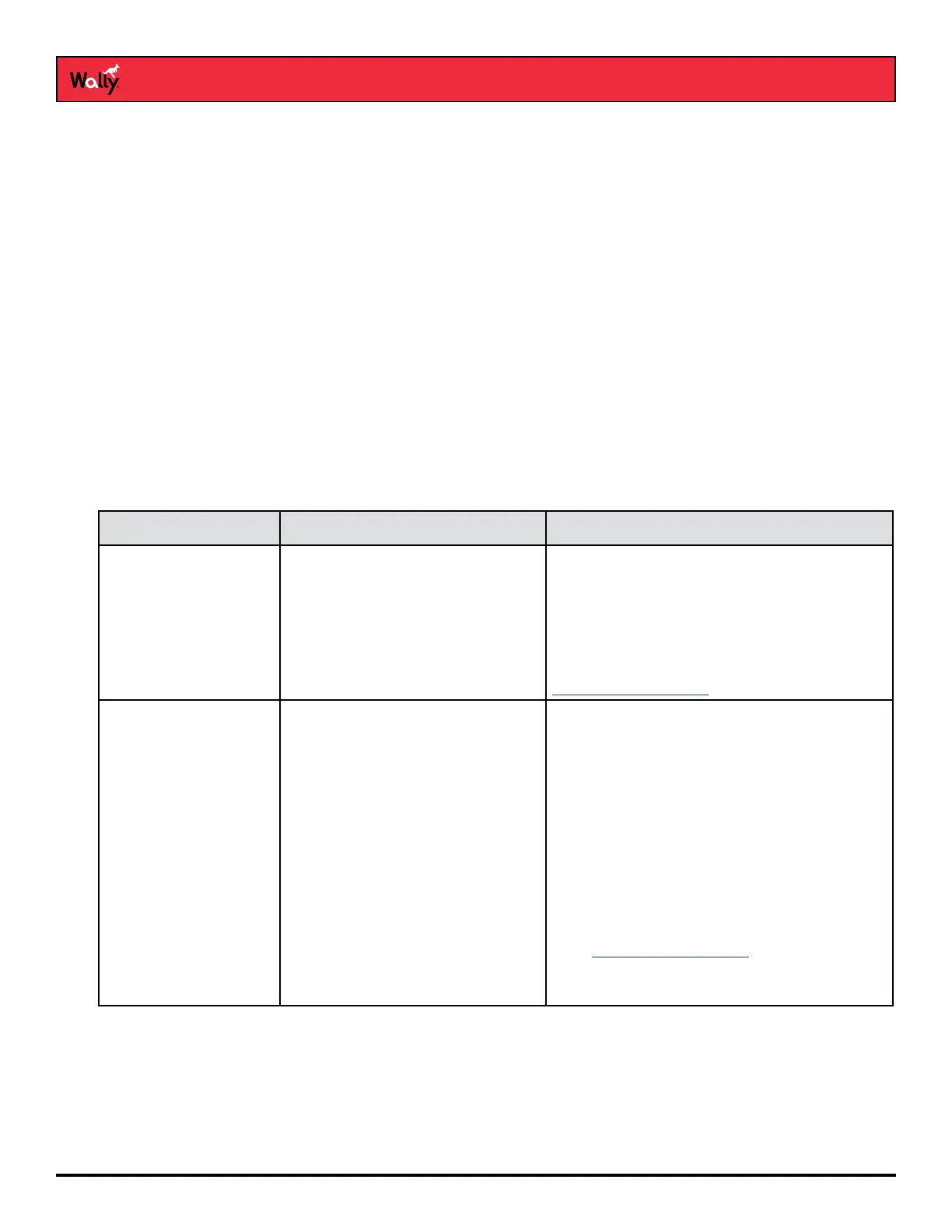
Message Number(s) Possible Reason(s) What To Do
001 There may be a problem with the
multi-dish switch.
Check the coaxial cables and their connections
to and from the multi-dish switch. Make sure
that all required cables are in place, and check
that all the cable connections are tight and
dry—especially outdoor cables. Call the DISH
Customer Service Center at 1-800-333-DISH
(3474) for help and, when directed,
Running Check Switch.
002 Heavy rain, snow, or thick cloud
cover may be interfering with the
transmission of the satellite signal,
or there may be other interference.
• Note the local weather conditions. Carefully
remove any snow or other debris that may
have collected on the satellite dish, making
sure not to move the dish at all.
• Make sure that the satellite dish has a clear
line of sight to the satellite. Check whether
tree branches or leaves have grown into the
line
of sight.
• Make sure that the satellite dish is aimed at
the satellite. Check the strength of the signal
using the Diagnostics screen as described in
the Running Check Switch procedure.
• Contact a DISH technician to re-aim the dish
and obtain the strongest-possible signal.










 To Next Page