16
Wally User Guide
3
Wally Receiver and Remote Control
Alternate Button Functions
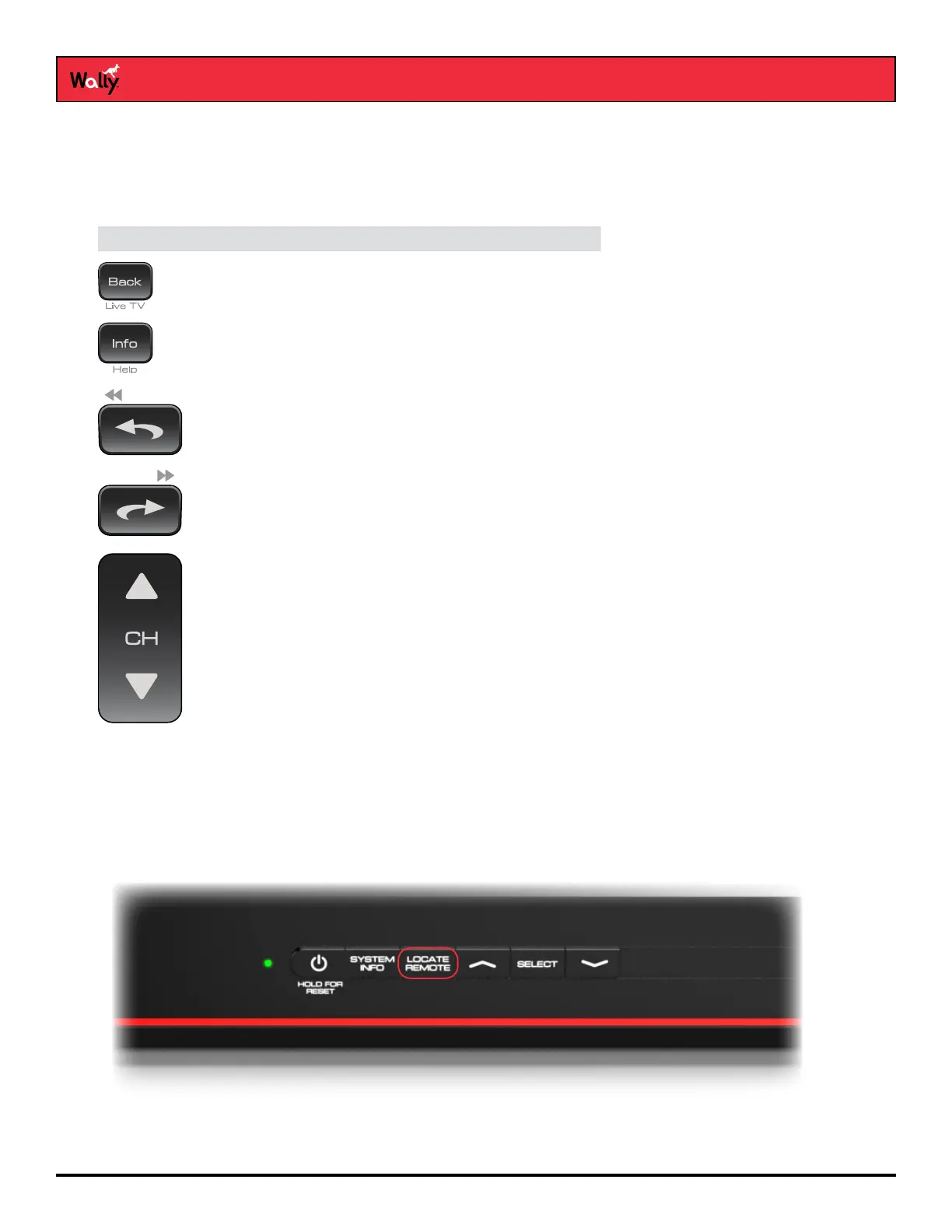
Most of the following button functions on the remote appear in gray text above or below the main button names. To
execute the functions in gray, simply hold down the corresponding button for a few seconds until the action happens
on-screen.
Button Alternate Function
View live TV
Display tips and help info
Rewind playback (only with a connected external
hard drive)
Fast-forward playback (only with a connected external
hard drive)
Page up or page down on a scrollable screen
Remote Locator
If you can’t nd your remote control, simply press the LOCATE REMOTE button on the front of your Wally. In a few
seconds the remote will begin to beep to help you locate it.
Note: If your remote control is out of range from your Wally or the remote’s batteries are dead, you won’t hear these
tones.
When you nd the remote control, press any button on it to stop the beeping. Then you can use the remote control
normally.










 To Next Page