6
Wally User Guide
Introduction
1
Moving On-Screen Logo
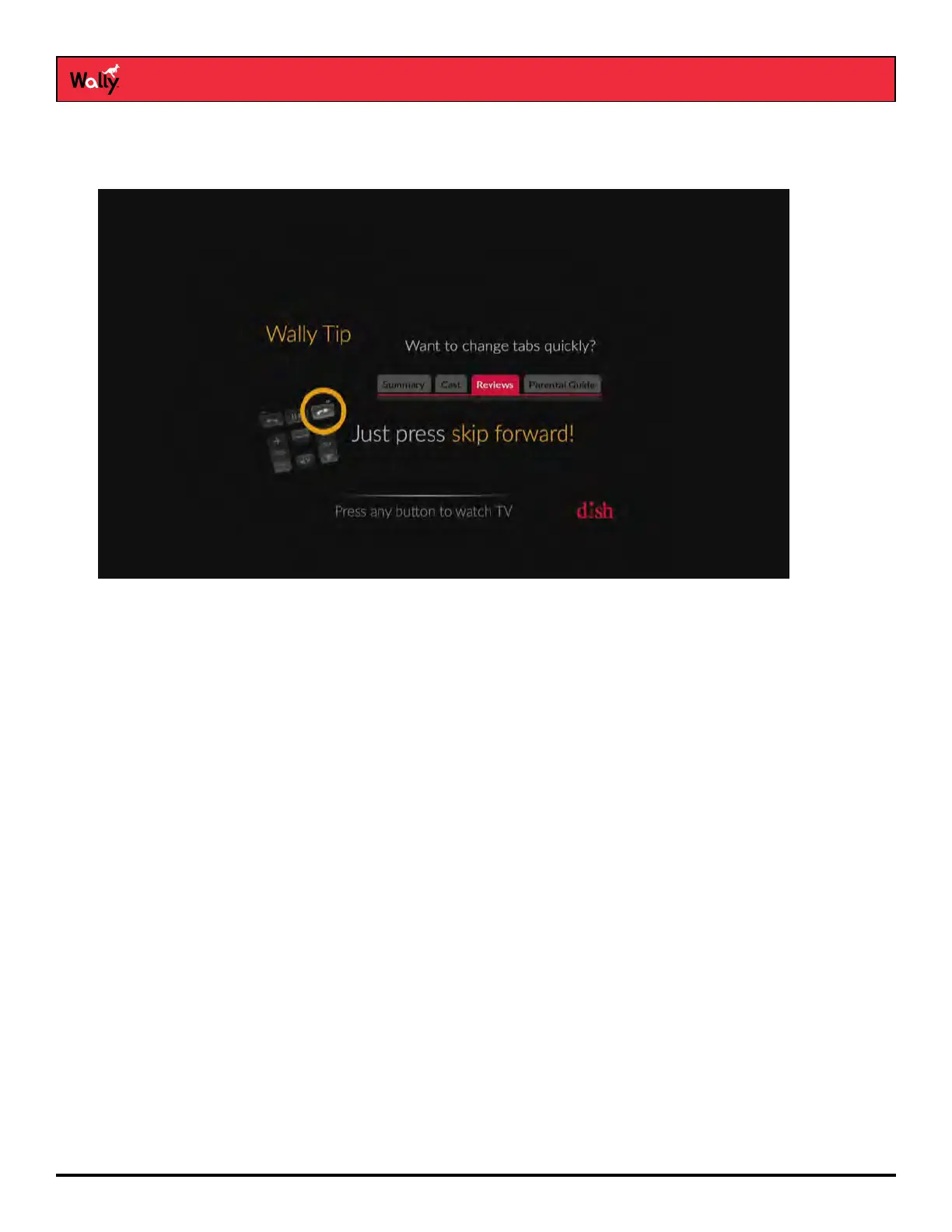
Whenever your Wally is turned off but your TV remains on, helpful tips display on your TV screen, as shown below.
This screen assures you that your Wally is still connected to your TV. Additionally, it provides an opportunity for you
to learn about your Wally and its features.
To resume watching TV, press any button on the remote.










 To Next Page