38
Wally User Guide
Recording and Watching DVR Programs
6
Event Timers
When you record a program, an event timer is automatically created for that program and added to the DVR list of
scheduled recordings. Sometimes you may need to edit an event timer to change the start and end times or the
frequency of recordings.
There are two types of event timers:
• DVR – Records a program automatically. This is the default option for every event timer when you set a
program to record.
• Auto Tune – Changes the channel to the program to remind you that it’s starting, but does not record
the program.
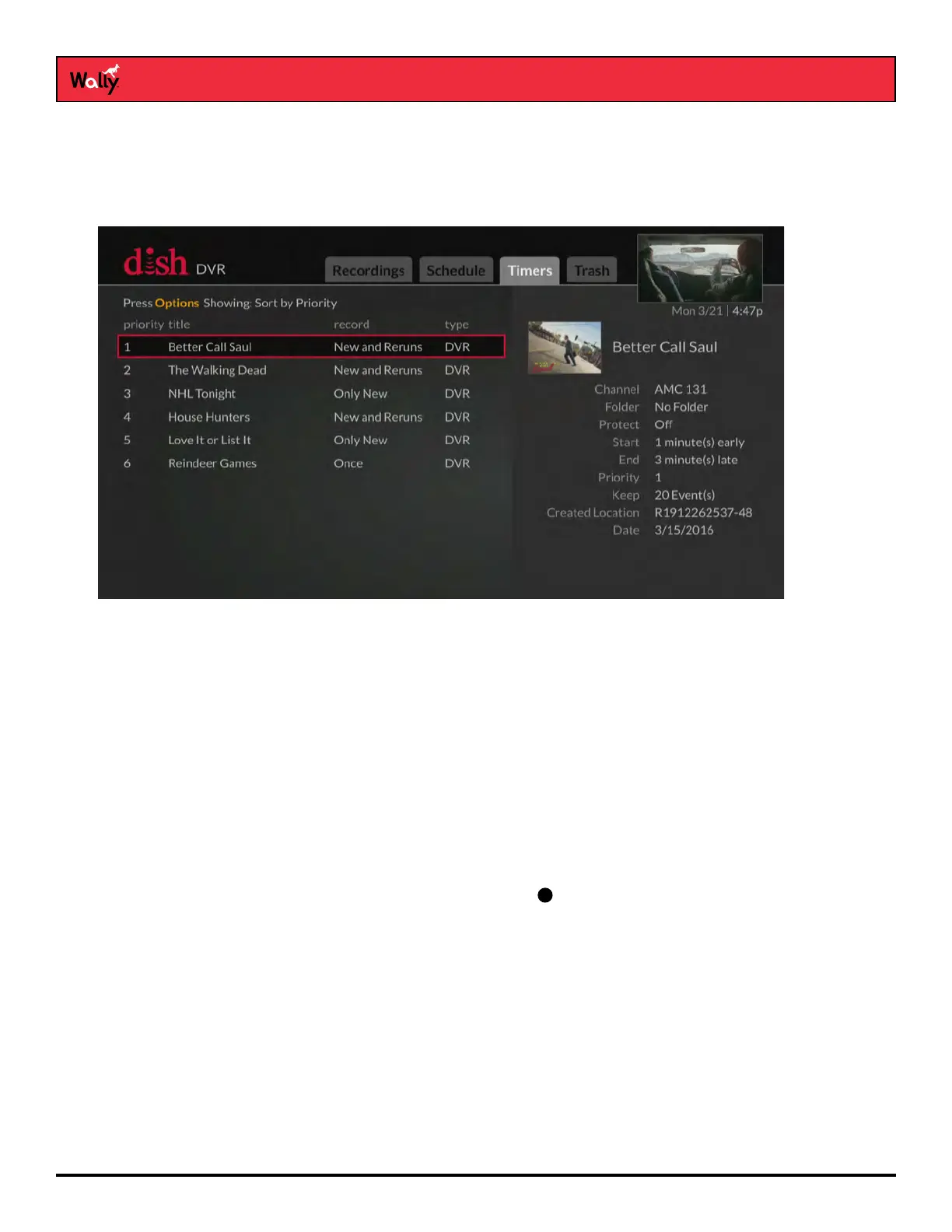
Editing an Event Timer
1 Press the DVR button on the remote.
2 On the DVR screen that displays, select the Timers tab.
3 Select a program whose timer you want to edit. On the popup that displays, select Edit Timer.
4 On the Edit Timer screen that displays, select a setting and choose a desired option. Any changes are
automatically saved.
Note: If you need more information about a setting, click the
icon to the right of it.










 To Next Page