39
Wally User Guide
Recording and Watching DVR Programs
6
DVR Schedule
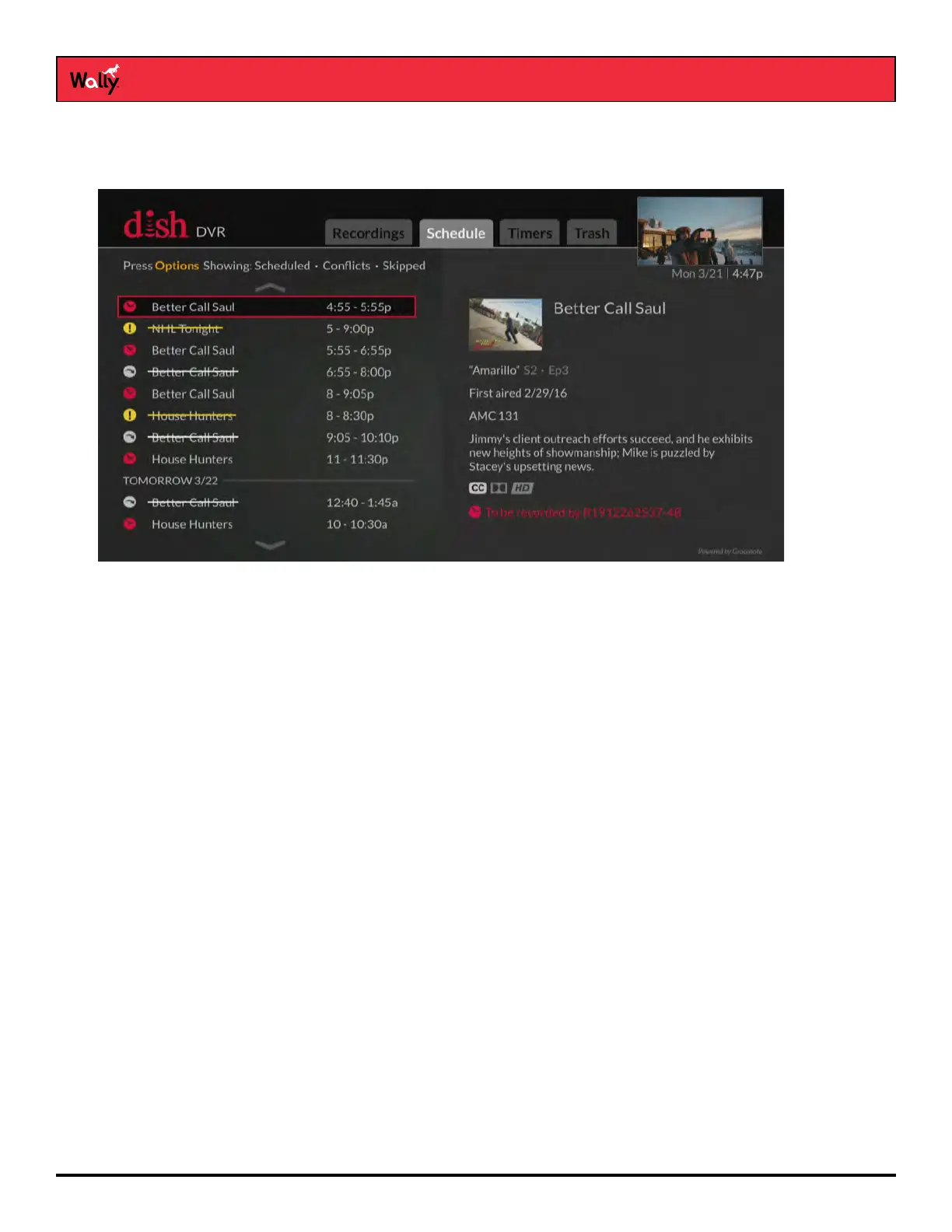
The Schedule tab of the DVR screen is helpful for viewing all programs that are set to record.
Press the DVR button on the remote and select the Schedule tab to view it. Selecting a program gives you the
option to skip recording or edit the timer.
Playing a Recording
1 Press the DVR button on the remote.
2 On the DVR screen that displays, highlight a program, series, or custom folder and choose one of the following
options:
• If you want to watch the program or the newest recording in a folder of programs, press PAUSE/PLAY on the
remote.
• If you want to watch a specic episode or see more options, press SELECT to view the information screen
for the program. Then highlight an episode and press PLAY on the remote or select an episode to see more
options.










 To Next Page