18
Wally User Guide
3
Wally Receiver and Remote Control
Selecting Menu Options
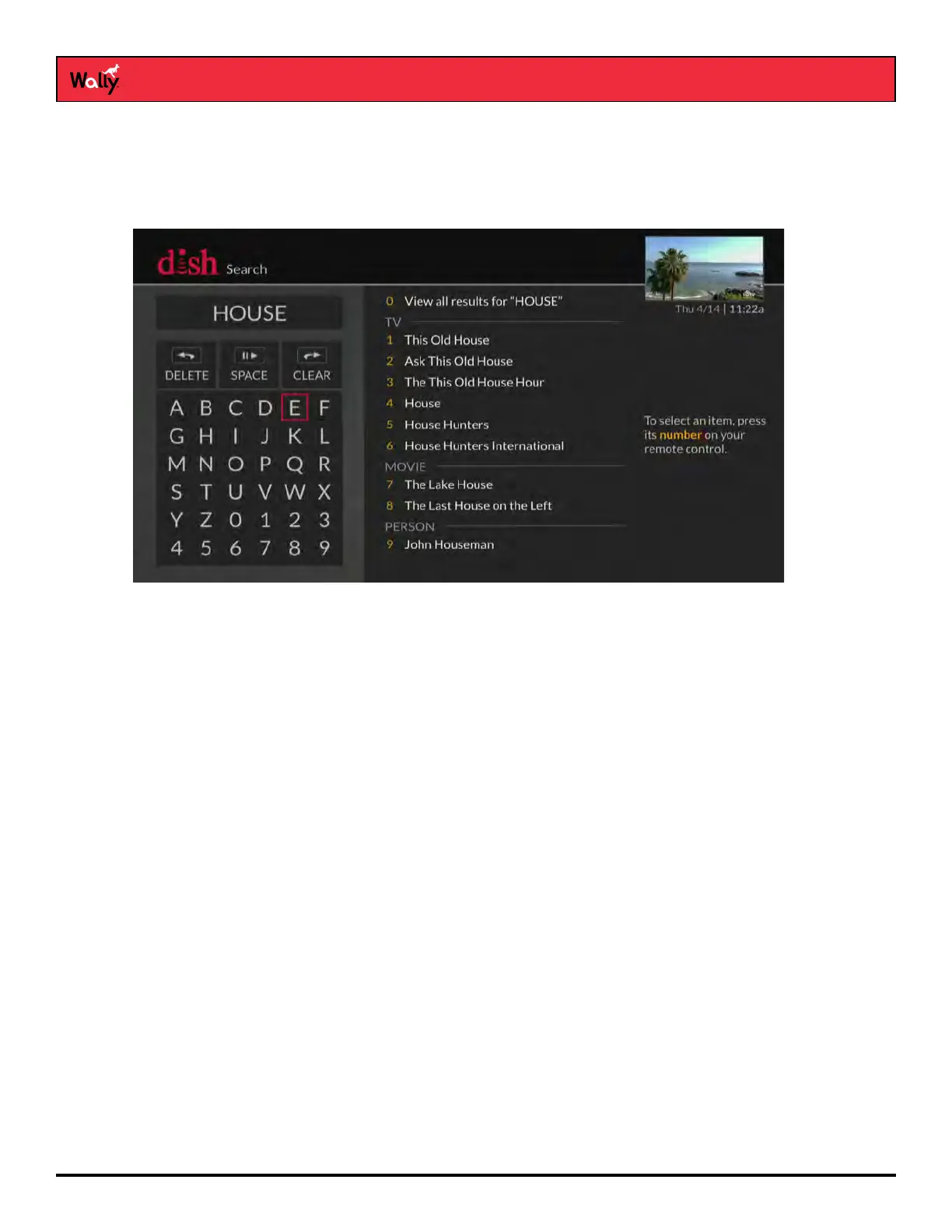
You can select a menu option in either of the following ways:
• If the option has a number next to it, press the same number on the remote. When you use the number
buttons, you don’t need to highlight the option rst.
• Use the arrow buttons on the remote to highlight the menu option, then press SELECT.
Exiting a Screen or Canceling a Procedure
You can exit a screen or cancel a procedure in any of the following ways:
• If you want to return to the previous screen, press BACK on the remote.
• If you want to return to watching a program, press and hold BACK for a few seconds.
• Wait a few minutes until the menu closes automatically, discarding any changes you’ve made.
Tips
• If you don’t do anything on a screen for a few minutes, the screen automatically closes. This inactivity will
discard any changes you made and return you to the program you were watching.
• You can put your remote control in Limited Mode to keep from accidentally changing the channel or input on
your TV.
Questions
• My remote doesn’t control my Wally or other devices. What should I do?
– Make sure that the remote control is in the right mode and you’re pointing the remote directly at your Wally
or device (e.g., TV, DVD player, audio receiver).
– Make sure that the batteries are good.










 To Next Page