27
Wally User Guide
Watching TV
4
TV Viewing Options
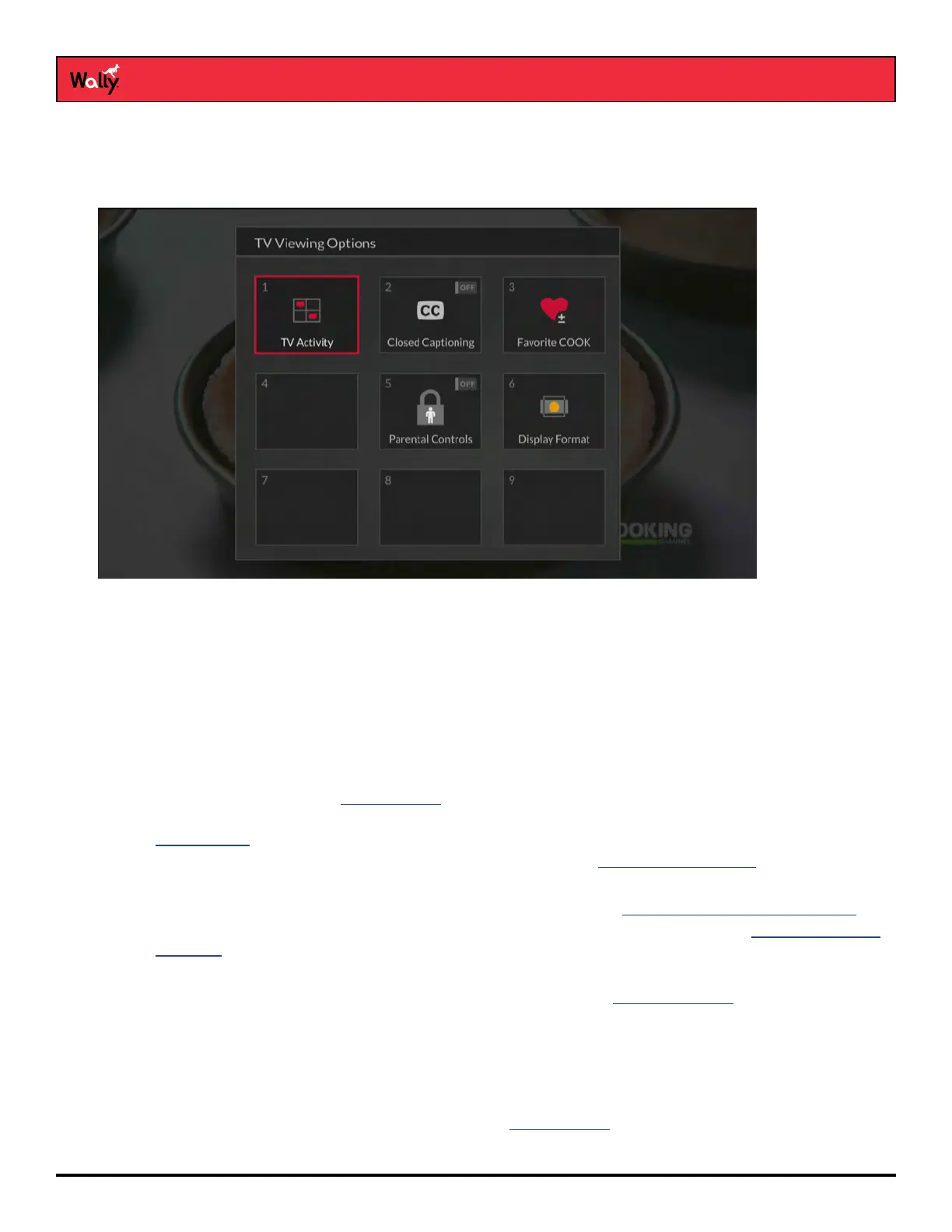
While watching a program, you can access TV viewing options quickly by pressing OPTIONS on the remote to
display the TV Viewing Options popup, shown below.
Tips
• When you’re watching a program or have one selected on the Guide, you can get more information about the
program by pressing INFO on the remote.
• Press and hold BACK on the remote to exit almost any menu screen and return to watching your program.
Questions
• How can I customize my program guide?
– Set up a favorites list. See Favorites Lists for more information.
– While viewing the guide, press OPTIONS on the remote and select a different channel list. See
Channel Lists for more information.
– Change the order in which the channels display by following the Editing a Favorites List procedure.
• Why does my program guide show only two days of programming?
– You don’t have an external hard drive connected to your Wally. See DVR Functionality with Your Wally.
– Your Wally may not be obtaining a signal from the necessary orbital locations. See the Favoriting Live TV
Channels chapter to see if you’re receiving a proper signal.
• Why are channels missing from my program guide?
– Parental controls may be set to lock or hide the channels. See the Parental Controls chapter for more
information.
– Your program guide may be displaying channels that aren’t in your DISH package. Press GUIDE on the
remote to display the program guide. Then press OPTIONS and select All Subscribed or All Channels.
– Your program guide may be displaying channels in a favorites list. Press GUIDE on the remote to display
the Guide and display the default favorites list. Press GUIDE again to highlight the next available list. You
can also choose to edit your own favorites list. See Favorites Lists for more information.










 To Next Page