44
Wally User Guide
Apps
7
Using Apps on Your Wally
The Wally was specically designed to feature a variety of high-bandwidth apps that bring the best of the web to
your TV. Apps appear in the categories of movies, sports, music, weather, social media, games, and more. DISH
continually updates its apps.
Note: Apps relating to specic events like March Madness or the World Cup appear only around the time of those
events.
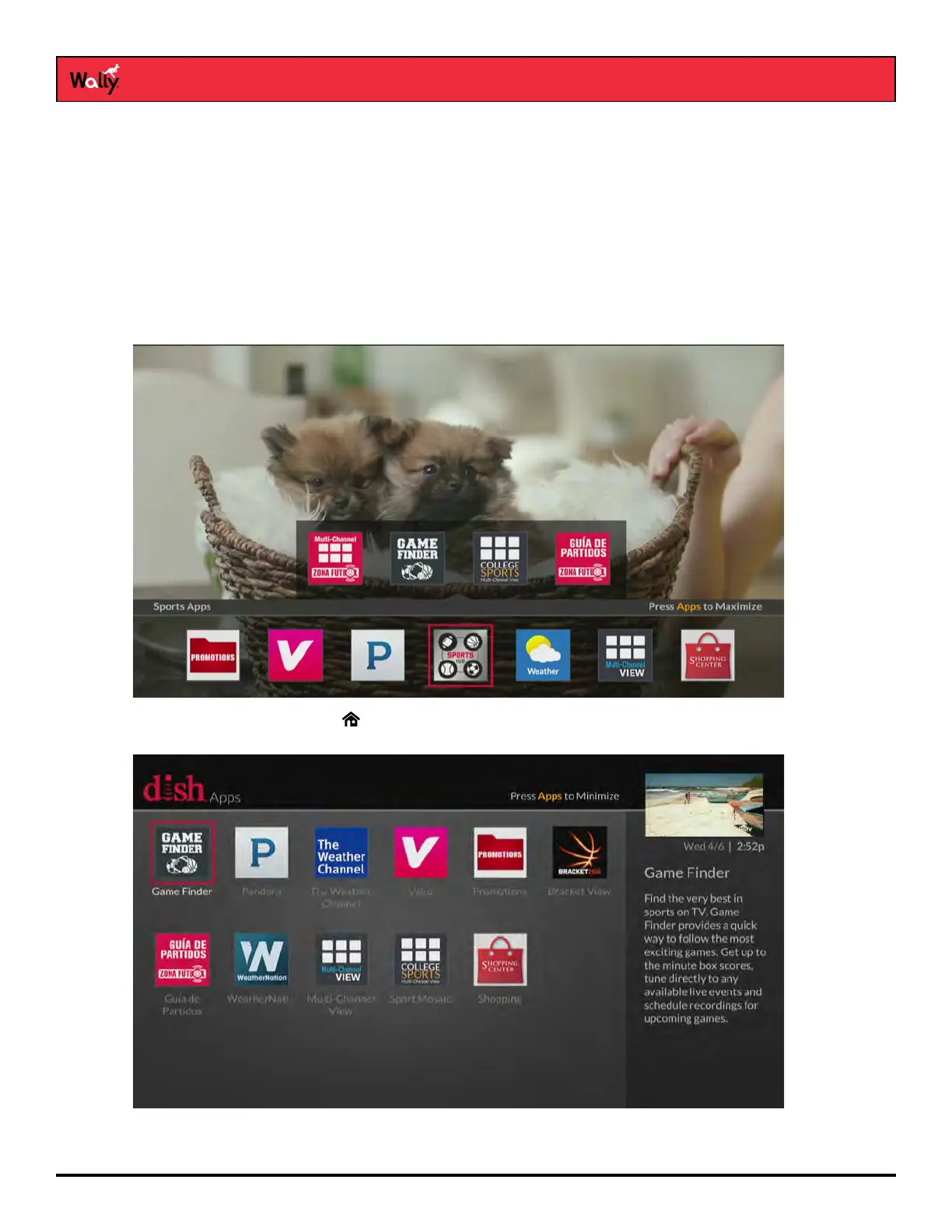
You can access apps in the following ways:
• Apps Bar – Press APPS on the remote to display the Apps bar. Use the left and right arrow buttons to scroll
the list of apps, then select the app that you want to launch.
• Apps Screen – Double-press on the remote to display the Menu screen and select Apps. Then select an
app to launch it. Alternately, you can press APPS on the remote when the Apps bar is on-screen.
Note: You can also access the Netix and The Weather Channel apps by selecting them from the
Menu screen.










 To Next Page