10
[DS-RX1 Printer Driver] Instruction Manual (For Windows 11)
2.2 Print settings functions
If you select the basic settings from the Properties screen, you can change various print settings.
2.2.1 Layout
Orientation
Set the print orientation to “Portrait” or “Landscape”.
For details, refer to “2.6 Orientation”.
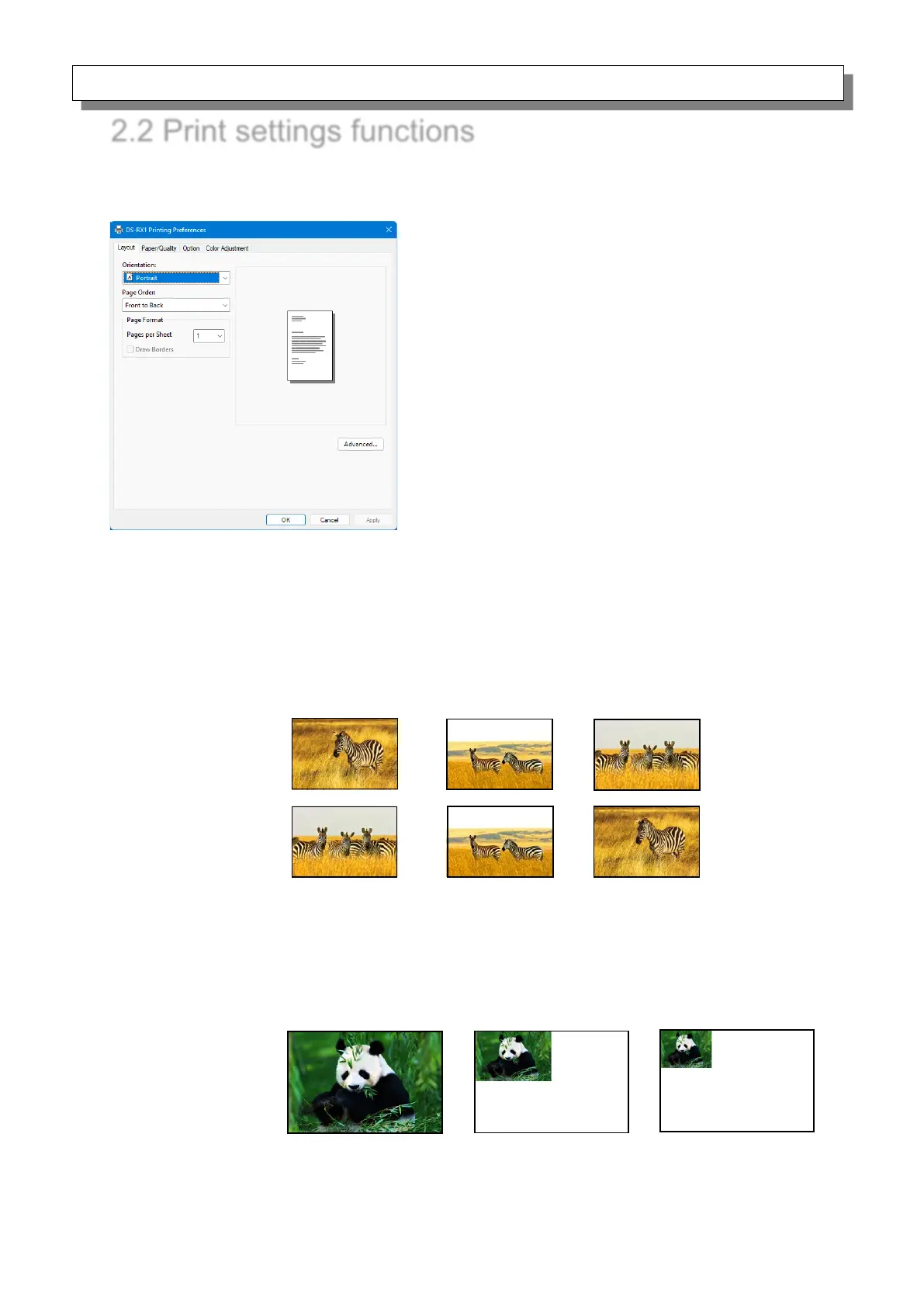
Page Order
In the application, specify the order when multiple copies of an image are printed.
Example) Print order
Pages per Sheet
Prints the designated fractional size. Normally you should specify a value of 1.
(If you want to specify other than 1, please use the Print Quality settings to 300x300dpi
or 600x600dpi)
Example) Division size
9 divisions



 To Next Page