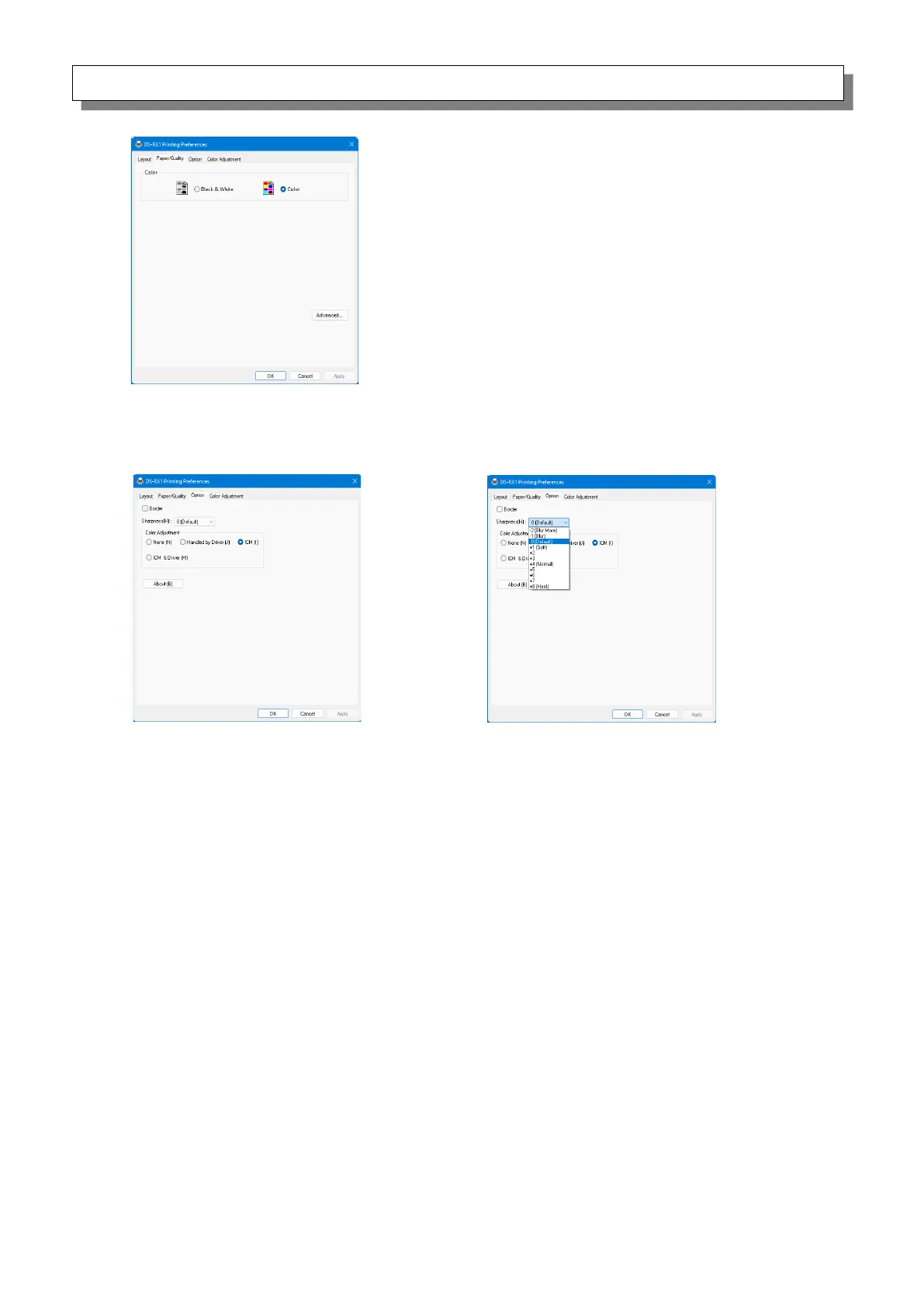
2.2.3 Paper/Quality
Color
Set Color. Do not use black and white.
2.2.4 Option
Border
Specify a border for printing. (Select the check box for a border.) Synchronized with Border
Enable/Disable in the Advanced settings.
Sharpness
Process sharpness using one of the 11 stages (Figure 2.2.4.2). If the setting is 0 (Default),
sharpness is not processed.
Moving to the minus (-) side blurs the image and moving to the plus (+) side sharpens the image.
Color Adjustment
None
Synchronized with the ICM Method in the Advanced settings. If this check box is selected,
ICM is disabled, the Color adjustment tab is also disabled, and the printer driver does not carry
out color adjustment.
Handled by Driver
If this check box is selected, ICM is disabled, and the
2.2.5 Color Adjustment is enabled. The result is applied to the adjustment values of the
following items: Gamma, Brightness, Contrast, and Chroma.
ICM
Synchronized with the ICM Method of the Advanced settings (ICM Handled by Host System).
If this check box is selected, the driver manages colors.
ICM & Driver
If this check box is selected, ICM (color management) and the
2.2.5 Color Adjustment are enabled.
About
Show the driver version.



 To Next Page